
Stable Diffusion Negative Prompt: Enhance AI Images in 2026
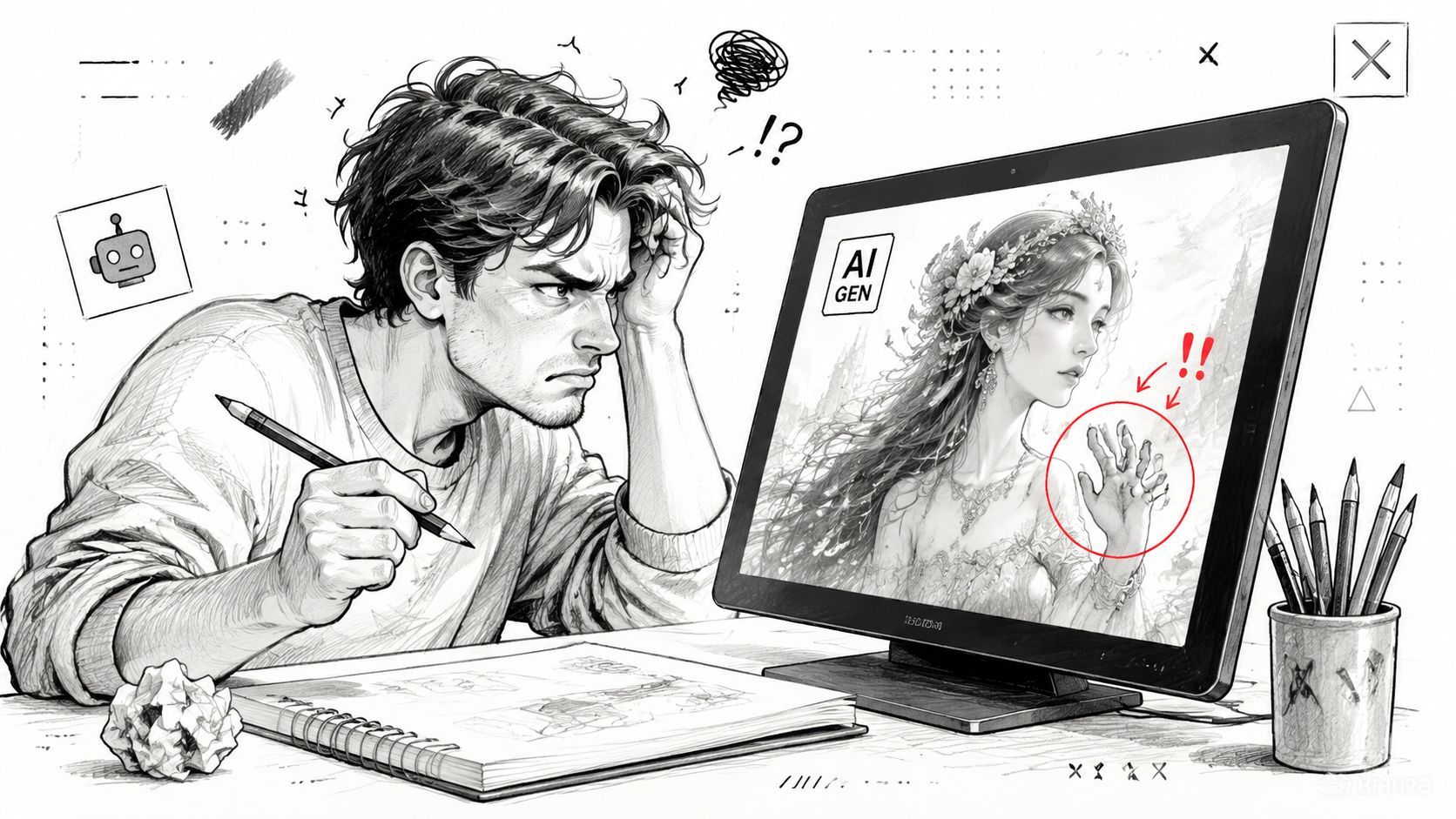
You've got the prompt dialed in. The subject is right. The lighting is right. The style is close. Then the output lands with one ugly flaw that ruins the whole image: a warped hand, ghost text in the background, a plastic-looking face, or some strange extra object the prompt never asked for.
At that moment, individuals often start pasting giant negative prompt lists from forums and hoping for the best. Sometimes that works. In production, it usually creates a new problem. The image gets flatter, stiffer, or less faithful to the original intent.
A Stable Diffusion negative prompt is useful, but only when you treat it like a precision control. Not a trash can for every bad token you've ever seen online. If you're moving from casual image generation into repeatable workflows, you need to understand both the mechanics and the limits. You also need to know when negative prompting is the wrong fix, and when the actual issue is your model choice, sampler settings, seed handling, or prompt structure.
Table of Contents
- Why Your Perfect AI Image Is Still Flawed
- How Negative Prompts Actually Work Under the Hood
- Crafting and Applying Your First Negative Prompt
- Curated Negative Prompt Lists for Common Issues
- Advanced Strategies and When to Avoid Negative Prompts
- Managing Negative Prompts in a Production Environment
Why Your Perfect AI Image Is Still Flawed
The common failure mode isn't a totally bad image. It's a nearly good one.
You generate a cinematic portrait. The face looks strong, the composition works, the color palette feels intentional. Then you zoom in and notice the fingers are fused, one eye is slightly off, or a faint watermark-like artifact appears in the corner. That kind of defect is exactly why negative prompting became such a standard part of Stable Diffusion workflows.
Why positives alone often fail
A positive prompt tells the model what to move toward. It doesn't reliably block all the failure patterns the model has learned from training data. That's why "photorealistic portrait, soft light, sharp focus" can still produce waxy skin, extra fingers, or junk text.
A negative prompt gives you a way to exclude the recurring defects that keep slipping through. The important shift is mental. You're not writing a second prompt full of random dislikes. You're setting boundaries around a generation path that otherwise drifts into known problems.
Practical rule: Use the positive prompt to define the image. Use the negative prompt to block the mistakes that keep recurring.
Why this became a core technique
Negative prompting became a major practical technique with the release of Stable Diffusion 2.0 in 2022, and Maximilian Schroeder's experiments argued that negatives were often the key to reliably improving results in SD 2.0, sometimes working better than adding more positive prompt terms, as described in Minimaxir's write-up on Stable Diffusion negative prompts.
That shift matters because it changed how experienced users approached generation. Negative prompts stopped being cleanup. They became part of the baseline recipe for quality control.
The right mental model
Think of a Stable Diffusion negative prompt as a chisel.
Not a sledgehammer. Not a universal blacklist. A chisel.
- Targeted corrections: Terms like blurry, watermark, or deformed hands are easier for the model to respond to than vague complaints.
- Visible failures only: Start from what's wrong in the image you got, not from a giant list of hypothetical defects.
- Small moves: A short negative prompt is easier to debug than a bloated one.
That approach is what separates hobbyist prompt tinkering from a workflow you can trust.
How Negative Prompts Actually Work Under the Hood
A common failure mode in image teams looks like this. Someone gets bad hands, stray text, or mushy detail, then keeps piling terms into the negative prompt until the image changes for reasons nobody can explain. That may improve one output, but it does not produce a workflow you can debug or scale.
Negative prompts matter because they operate inside the sampling process, not as a cleanup pass after the image is formed.
The practical version of the mechanism
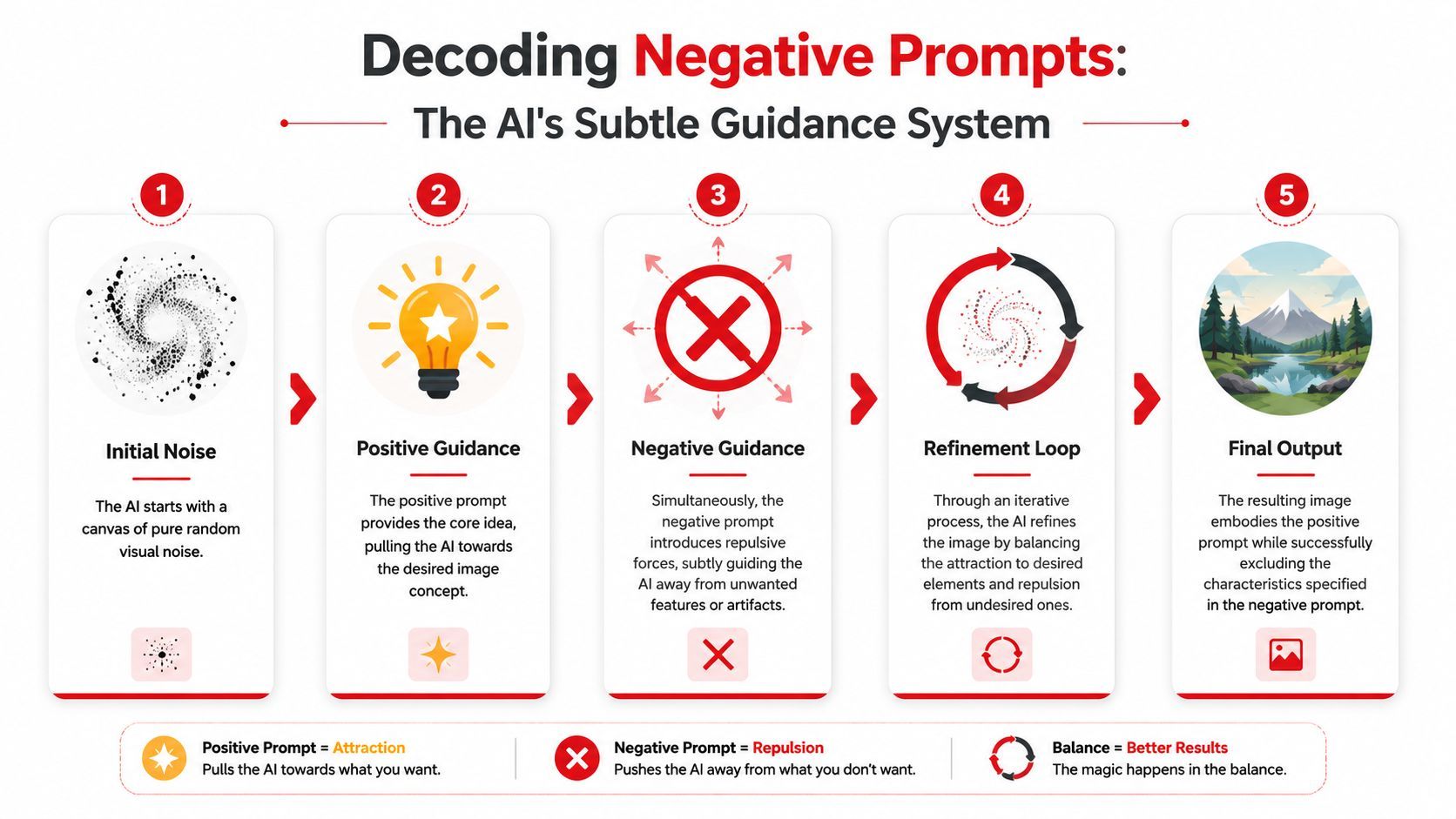
Stable Diffusion begins with noise and refines it step by step. The positive prompt pulls the sample toward features you want. The negative prompt modifies the guidance signal used during classifier-free guidance, pushing the sampler away from features associated with the negative terms instead of filtering them out at the end.
That detail explains why negative prompting feels inconsistent to beginners. The model is not reading a plain-language prohibition. It is balancing competing text-conditioned signals while it denoises.
Three consequences show up fast in practice:
- Concrete negatives tend to be easier to control: Terms like blurry, watermark, or extra fingers map to visible failure modes.
- Broad negatives often underperform: Terms like bad or ugly do not point to a specific visual correction.
- Sampler settings change the result: The same negative prompt can behave differently across samplers, step counts, and guidance values.
This is the part hobby tutorials often skip. If the mechanism is guidance inside generation, then prompt quality is only one variable. Sampler choice, CFG scale, and scheduling can change whether a negative term helps, does nothing, or suppresses details you wanted to keep.
Why timing matters
Timing is one of the more useful concepts for debugging unstable results.
Researchers studying negative prompts in diffusion models found that their effect is not uniform across sampling steps, and that early application can distort parts of the image beyond the target defect, as described in the 2024 study on negative prompts in diffusion models.
For production work, that means a negative prompt is a shaping force, not a precise veto. If the negative influence is too strong or arrives at the wrong part of the schedule, you can trade one defect for another. Hands improve, but the background gets muddy. Watermarks disappear, but typography-inspired textures elsewhere vanish too.
What negative prompts are good at, and where they break down
Negative prompts work best when the failure mode is visually legible and repeatable. Soft focus, unwanted text, duplicated limbs, and low-detail artifacts are good candidates because they correspond to patterns the model has seen often enough to react to.
They are a poor substitute for missing positive intent.
If the composition is wrong, the style is drifting, or the subject identity is unstable, the fix often belongs somewhere else. Improve the positive prompt. Change the model or checkpoint. Adjust CFG, steps, or sampler. Use ControlNet, inpainting, or a better conditioning strategy. In a production pipeline, this distinction saves time because it keeps teams from treating negative prompts as a universal repair layer.
What this means in practice
When a teammate says the negative prompt "isn't working," I check the system before I blame the words:
- Does the negative term name a visible defect
- Does that defect recur across multiple seeds
- Are sampler, step count, or CFG amplifying side effects
- Is the positive prompt too weak, forcing the negative prompt to carry image design
That is the shift from prompt tinkering to prompt management. You stop asking whether a term sounds smart and start asking which part of the generation stack is responsible for the failure.
Crafting and Applying Your First Negative Prompt
A junior teammate generates a strong portrait on the first try. The face looks right, the lighting works, and then the review catches three defects. Faint watermark texture in the corner, soft detail around the eyes, and one hand that falls apart on close inspection.
That is the right moment to write a negative prompt.
The first useful negative prompt is usually small, specific, and tied to one visible failure. Large copy-paste blocks make testing harder because they hide causality. If the image improves, you still do not know which term fixed it. If quality drops, you do not know which term caused the loss.
Start with a baseline and name the defect
Generate once with your positive prompt and either no negative prompt or a very small one. Then review the output like a QA pass, not like a prompt-writing exercise.
Use terms that describe what is visibly wrong:
- soft detail becomes blurry or out of focus
- broken hand structure becomes deformed hands, extra fingers, or malformed fingers
- stray overlay artifacts become watermark, text, or signature
Specific wording matters because the model responds better to recurring visual defect patterns than to human-sounding complaints. "Awful anatomy" is vague. Extra fingers gives you something testable.
Use a controlled iteration loop
For production work, the goal is not to write the smartest prompt. The goal is to isolate a change and measure whether it helped.
Use this loop:
- Generate a baseline: Keep the positive prompt stable.
- Look for repeated defects: Ignore one-off failures from a single seed.
- Add one narrow negative term: Match the wording to the visible issue.
- Run the same setup again: Hold seed and major settings steady if you want a clean comparison.
- Keep, replace, or remove the term: If the gain is weak or side effects appear, cut it.
Field note: Adding five new negative terms at once feels productive. It usually destroys traceability.
Apply it in the UI
In Automatic1111, enter the terms in the Negative prompt field under or beside the main prompt area, depending on the layout.
Example:
- Prompt: photorealistic portrait, soft window light, shallow depth of field
- Negative prompt: watermark, blurry, deformed hands
In ComfyUI, the same idea is usually represented by a separate negative conditioning path in the graph. Workflow layouts differ, but the operating rule stays the same. Keep the negative branch easy to inspect, easy to edit, and easy to compare across runs.
Apply it in code and APIs
If you are building a script or product workflow, treat negative_prompt as an input you version and test, not as a hardcoded global string.
Hobby use and production use diverge. A hobbyist can tolerate ambiguity. A team cannot. If seed, sampler, CFG, and prompt all change together, nobody can say why output quality moved.
Choose wording that maps to the artifact
Some terms tend to travel well across models because they point to defects users can verify quickly:
- Hands: extra fingers, deformed hands, malformed fingers
- Softness: blurry, soft focus, out of focus
- Overlays: watermark, text, signature
- Medium drift: render, cartoon, or painting when realism is the target
Use that last category carefully. If the actual problem is weak positive art direction, negative terms for medium control can overcorrect and flatten the image. This is a common failure in shared team presets.
Build prompts for the workflow, not for theory
A portrait pipeline, a product-shot pipeline, and an anime workflow should not share one giant negative prompt string. They fail in different ways, and they need different controls.
I have seen teams keep one "master negative prompt" for every request because it feels efficient. It is not. Over time, that string starts removing useful texture, style cues, and detail along with the defects it was meant to suppress. The fix is simple. Store negative prompts by use case, test them against representative samples, and keep each list as short as the job allows.
Curated Negative Prompt Lists for Common Issues
Sometimes you don't want theory. You want a quick, reliable starting point.
The trick is to use lists as presets, not as default cargo cult text. Start with the category that matches the actual issue, test it, then remove terms that don't produce a visible improvement.
Negative prompts for common generation problems
How to use the table without hurting your image
The mistake isn't using a list. The mistake is stacking categories without a reason.
If you're fixing a portrait with a faint watermark, don't also paste in anatomy terms, framing terms, and medium-control terms just because they're available. Every negative term adds pressure. Some of that pressure is useful. Some of it strips away detail or style.
A cleaner way to apply the table:
- Start with one category: Pick the defect that's most obviously harming the image.
- Test the narrowest set first: Two or three terms are easier to evaluate than ten.
- Keep categories separate: Maintain small reusable snippets for portraits, text removal, or realism protection instead of one giant block.
Why these lists work better than generic mega-prompts
Each category maps to a visible failure mode. That's the core advantage.
A prompt like bad quality, ugly, bad art sounds forceful, but it doesn't tell the model much. A prompt like watermark, text, signature points toward a concrete class of artifacts. The model has a better chance of responding in a useful way.
Use categories like tools in a drawer. Grab the one that matches the defect. Don't dump the whole drawer onto every image.
A good way to store them
If you're working solo, save these as named snippets in your preferred UI or notes app.
If you're on a team, keep them in a shared prompt library with labels such as:
- Portrait cleanup
- Artifact removal
- Realism protection
- Composition cleanup
That small organizational step prevents one of the most common production failures: nobody remembers why a prompt block exists, so it keeps growing forever.
Advanced Strategies and When to Avoid Negative Prompts
Long negative prompts feel advanced. They often aren't.
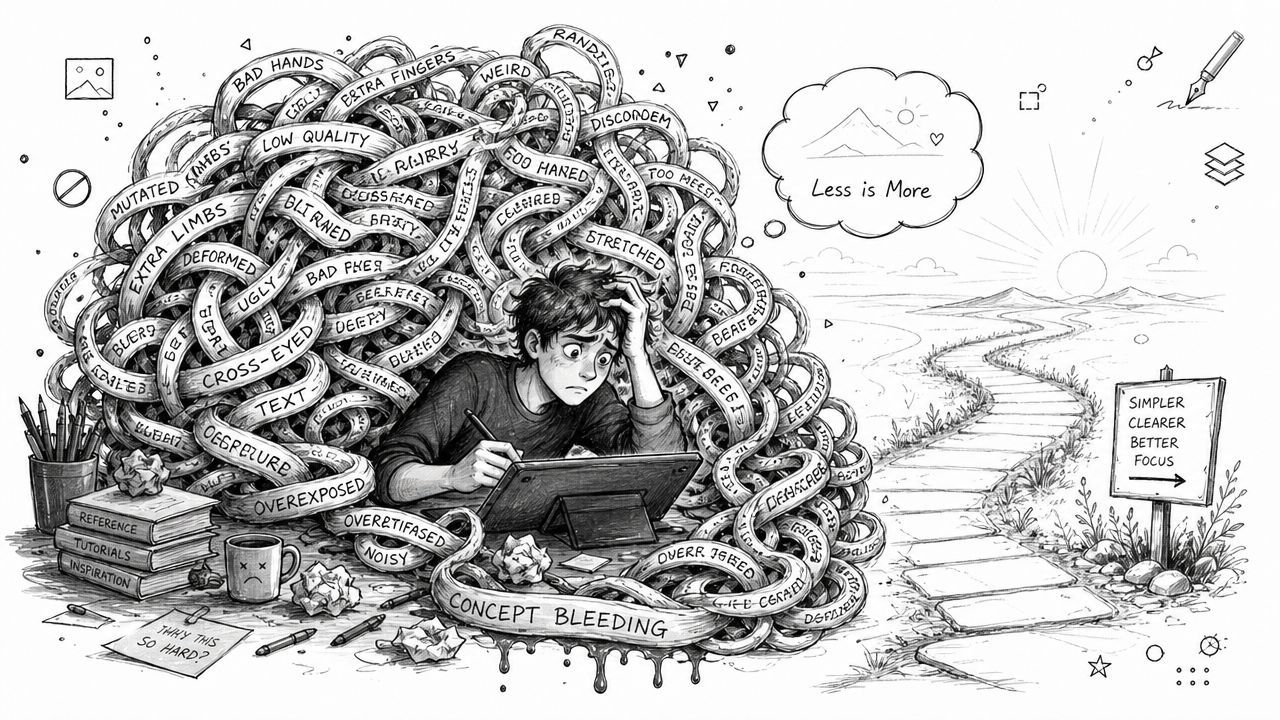
The more common pattern is that a giant block gives you one decent result, then subtly damages consistency. You lose fine detail, the style stiffens up, or the composition starts drifting in ways that are hard to explain.
Why copy-paste mega-lists backfire
Recent material suggests that newer models need fewer, more targeted negatives, and that older copy-paste lists are less useful. The same discussion also warns that blanket negative prompting can be harmful because negatives may carry similar weighting to positives, making broad lists risky rather than universally beneficial, as noted in this discussion of modern Stable Diffusion negative prompt usage.
That's the decision point many teams miss. If the image keeps failing, the answer isn't always "add more negatives." Sometimes the prompt is already overconstrained.
When the negative prompt is the wrong lever
Use a negative prompt when the issue is a recurring, identifiable artifact.
Don't use it as your first fix for everything. If the underlying problem is elsewhere, more negative text just gives you noisier debugging.
Common cases where I'd look elsewhere first:
- The composition is unstable: Rewrite the positive prompt so the subject, framing, and scene are clearer.
- The style is wrong from the start: Use a more suitable model or checkpoint.
- The output is inconsistent across runs: Control the seed before rewriting prompt logic.
- The image feels brittle or overcooked: Revisit sampler choices and guidance settings instead of stacking exclusions.
A practical decision tree
If a junior engineer asks whether to add another negative term, my answer usually follows this order:
That ordering saves time because it narrows the fault domain before you start editing text.
What disciplined prompting looks like
A strong workflow usually has these traits:
- Short baseline negatives: Start with only the common technical blockers relevant to the use case.
- Per-use-case presets: Portraits, product images, and illustrations should not share the same giant exclusion list.
- Regular pruning: Remove terms that no longer show a visible benefit.
- Controlled comparisons: Change one variable at a time.
This walkthrough is useful if you want a visual example of how overcomplicated prompt logic can create its own problems.
The contrarian rule that matters in production
If you're adding more and more negative terms to rescue a workflow, stop and ask whether you're compensating for a bad default somewhere else.
That's the line between prompt crafting and system design. Production systems need repeatable behavior. A giant negative prompt can hide a weak setup for a while, but it usually doesn't fix it.
Managing Negative Prompts in a Production Environment
A single image box in a web UI hides the operational problem. Production doesn't.
Once a team is generating images inside an app, a Stable Diffusion negative prompt becomes part of a system that needs versioning, review, reuse, and debugging. If you don't manage it that way, prompt quality gradually decays. One teammate adds a few exclusions for a portrait flow, another copies them into a product-image flow, and six weeks later nobody knows why outputs look flat.
Treat prompts like configuration, not free text
The first production rule is simple: version every prompt change.
That includes the positive prompt template, the negative prompt snippet, and the generation settings that materially affect behavior. If image quality drops, you need to know whether the cause was a prompt edit, a model change, a parameter change, or some combination.
Build small reusable prompt units
Don't store one monolithic negative prompt for the whole product. Store modular snippets.
A practical setup might include:
- Portrait cleanup preset: terms for common face and hand defects
- Text artifact preset: terms like watermark, text, signature
- Realism protection preset: exclusions for unwanted render-like output
- Stylized illustration preset: exclusions that protect a non-photographic look
That structure makes prompt updates safer. It also helps you test changes in isolation.
Log the context around every generation
If you can't inspect what happened on a bad output, you're flying blind.
For each generation, log at least:
- Prompt version: both positive and negative variants
- Model and settings: enough to reproduce the run
- Seed or reproducibility controls: so you can compare changes
- Observed failure type: a short human-readable label helps later analysis
Production prompt work is less about writing clever text and more about preserving the reason a prompt exists.
Keep observability tied to decisions
Teams often focus on image quality and forget process quality. You need both.
If a negative prompt snippet fixes one defect but starts harming another workflow, that should be easy to trace. The goal isn't to build the smartest negative prompt library on the internet. The goal is to keep image generation stable enough that product teams can ship features without turning every regression into a forensic exercise.
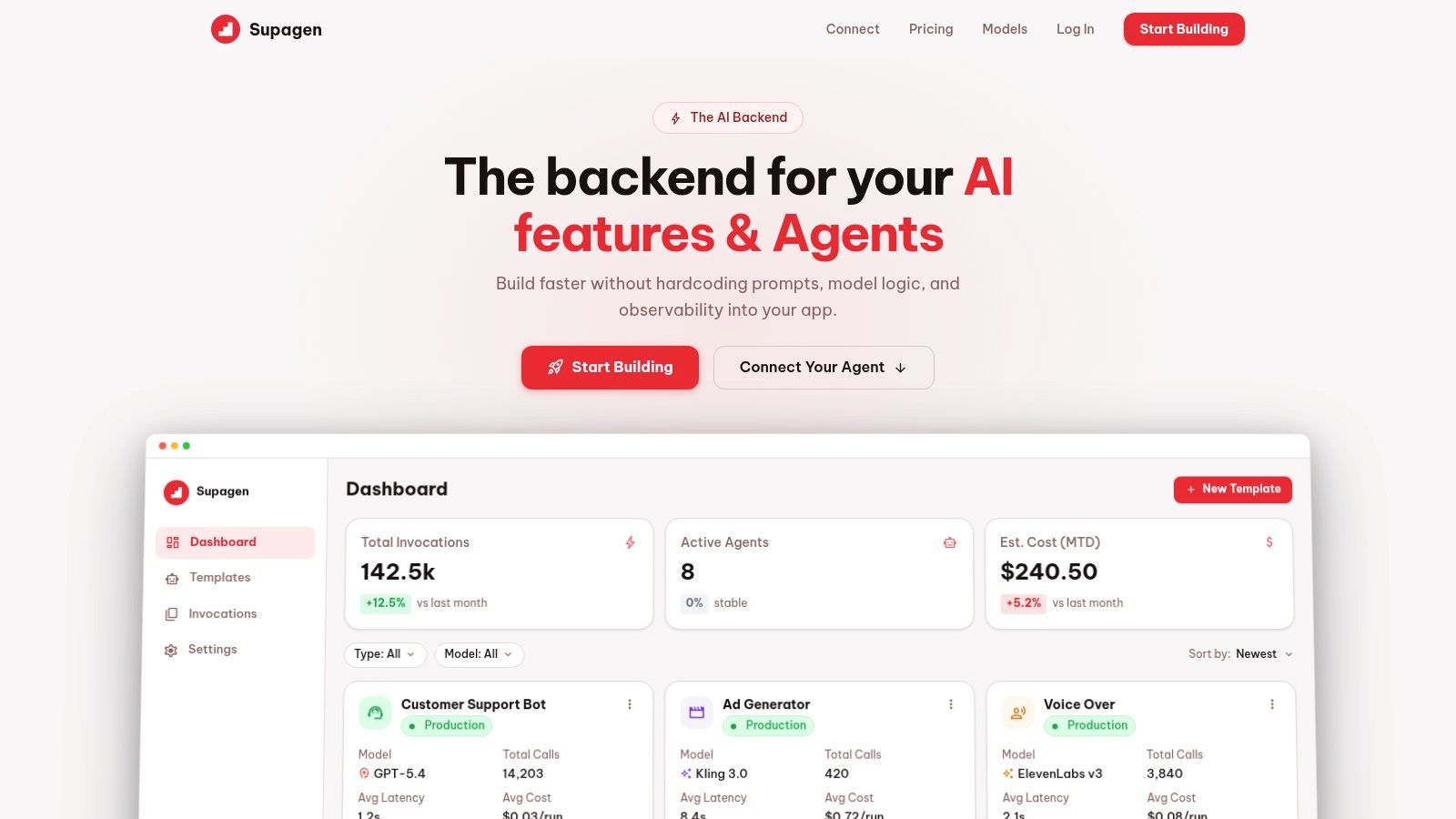
If you're building AI image features and want prompt versioning, model routing, observability, and safer iteration without hardcoding everything into your app, Supagen is a practical production layer to look at. It gives teams one place to manage prompts, inspect calls, and update behavior without painful redeploy cycles.