
10 Essential Prompt Engineering Tools for 2026

Your AI feature worked in the playground. The demo looked clean, the prompt felt solid, and the model answered exactly the way you wanted. Then production happened. Someone hardcoded the prompt into the app, a provider change broke formatting, costs became hard to explain, and nobody could tell whether a bad answer came from the prompt, the model, the retrieval step, or a timeout upstream.
That's the gap most prompt engineering tools still gloss over. Writing prompts is the easy part. Running them in a product is where teams get stuck. You need versioning, evaluations, logs, provider routing, rollback paths, and a way for product people to tweak behavior without waiting on a redeploy.
The category has also grown fast. One market report estimates prompt engineering tools were about USD 1.8 billion in 2024 and reached USD 2.8 billion in 2025, with further growth projected after that, which is a useful signal that teams are buying operational tooling, not just nicer playgrounds (prompt engineering tools market report).
What matters now is production viability. Some tools are best for development. Some are strongest in testing. Others act like a control plane for live systems. This list focuses on that distinction, plus the trade-offs you only notice after an AI feature has real users.
Table of Contents
- 1. Supagen
- 2. LangSmith by LangChain
- 3. Humanloop
- 4. Langfuse
- 5. PromptLayer
- 6. Promptfoo
- 7. Helicone
- 8. Portkey
- 9. HoneyHive
- 10. Weights & Biases Weave Traces plus Evaluations
- Top 10 Prompt Engineering Tools Comparison
- From Prompt Liability to Strategic Asset
1. Supagen
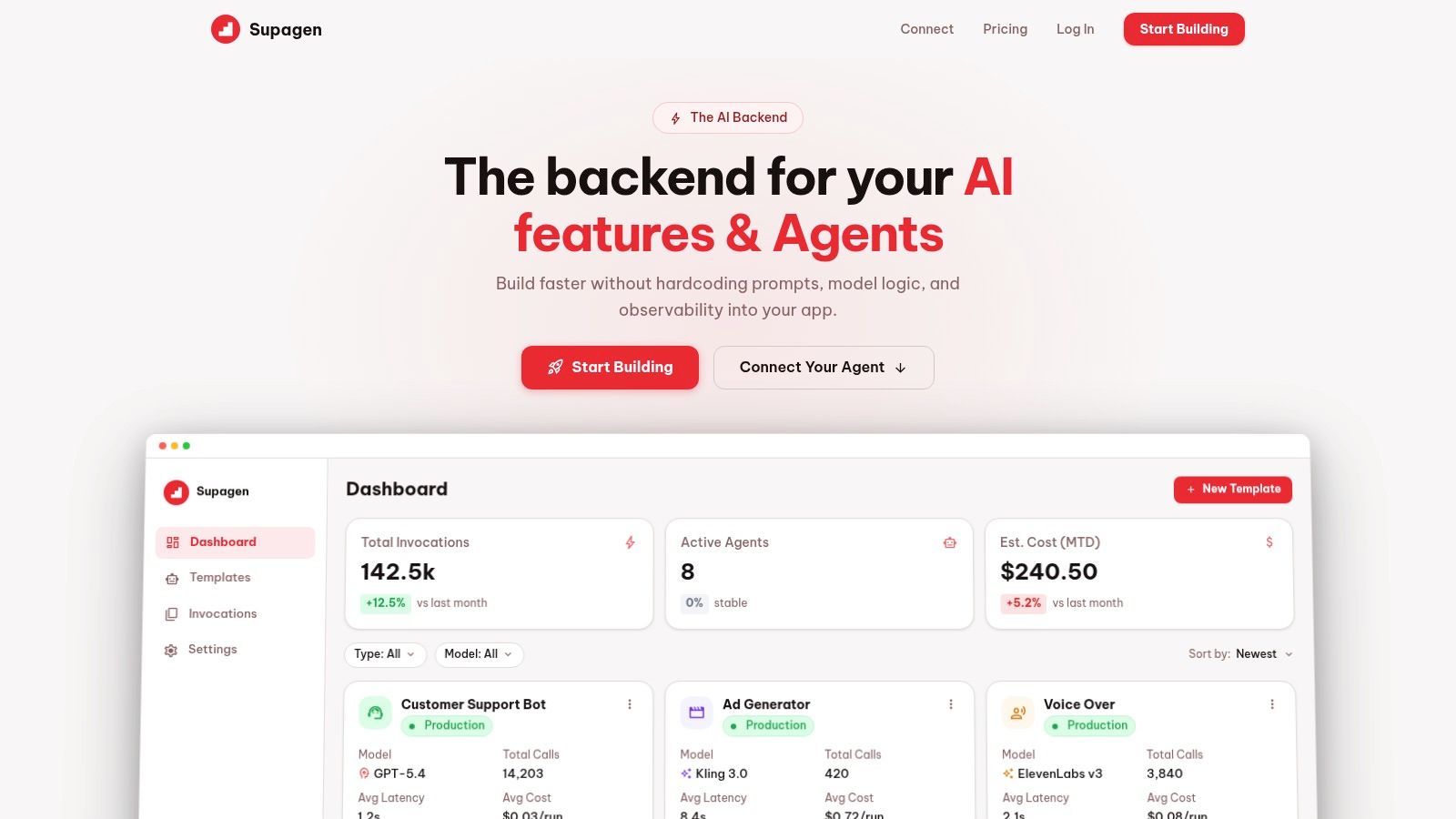
Supagen earns the top spot here for a practical reason. It closes the gap between a prompt that works in a demo and a prompt system a team can operate after launch.
A common production failure looks like this. The prompt lives in app code, model settings are scattered across providers, support reports a bad output, and nobody can quickly answer which prompt version ran, what model handled it, how long it took, or what it cost. Supagen is built to centralize that operational layer instead of leaving teams to assemble it from separate prompt editors, gateways, and logging tools.
Why it stands out in production
Supagen combines prompt management, provider routing, observability, and runtime controls in one backend. That matters more than another prompt playground once an AI feature has real traffic.
The platform supports multiple model providers, including OpenAI, Anthropic, Google, ElevenLabs, and fal.ai, and it covers more than text. Teams can run image, video, audio, and structured JSON workloads through the same control plane. If your workflow will expand past a single chat endpoint, that consolidation reduces integration debt early.
The strongest feature is operational clarity. Prompts are versioned in a dashboard, editable without code deploys, and tied to logs for tokens, latency, inputs, outputs, and cost. That gives engineering, product, and support one place to inspect failures and compare changes. In practice, that shortens the time between "the output looks wrong" and an actual fix.
Practical rule: If you cannot inspect a bad response with its exact prompt version, model, latency, and cost, your prompt workflow is still ad hoc.
It also supports MCP-compatible agents with OAuth and no SDK requirement. For lean teams, that means less glue code and fewer custom adapters to maintain.
Where it fits best
Supagen fits best as the production system of record. I would put it in the management layer of the stack, then pair it with a dedicated evaluation tool if the team needs heavier regression testing or red teaming.
That split is important. Supagen is not trying to win on isolated prompt editing alone. It is strongest when the job is shipping, monitoring, revising, and routing prompts across providers without baking every change into application code.
The trade-offs are straightforward:
- Best fit: Teams that want one backend for prompt versions, model routing, fallbacks, logs, and spend visibility.
- Less ideal fit: Teams that already have a mature in-house control plane or are fully committed to another gateway plus tracing stack.
- Operational caution: Hosted control planes need review in regulated or air-gapped environments. Check data flow, retention, access controls, and vendor boundaries before standardizing on it.
- Budget reality: Supagen can reduce engineering overhead, but it does not replace upstream model costs. Vendor spend discipline still matters.
For startups and product teams, that bundle is often the right trade. Instead of stitching together separate tools for development, runtime routing, and observability, they can use Supagen as the shared backend and add specialized testing tools around it as needed. That architecture holds up better in production than a stack built from disconnected prompt utilities.
2. LangSmith by LangChain
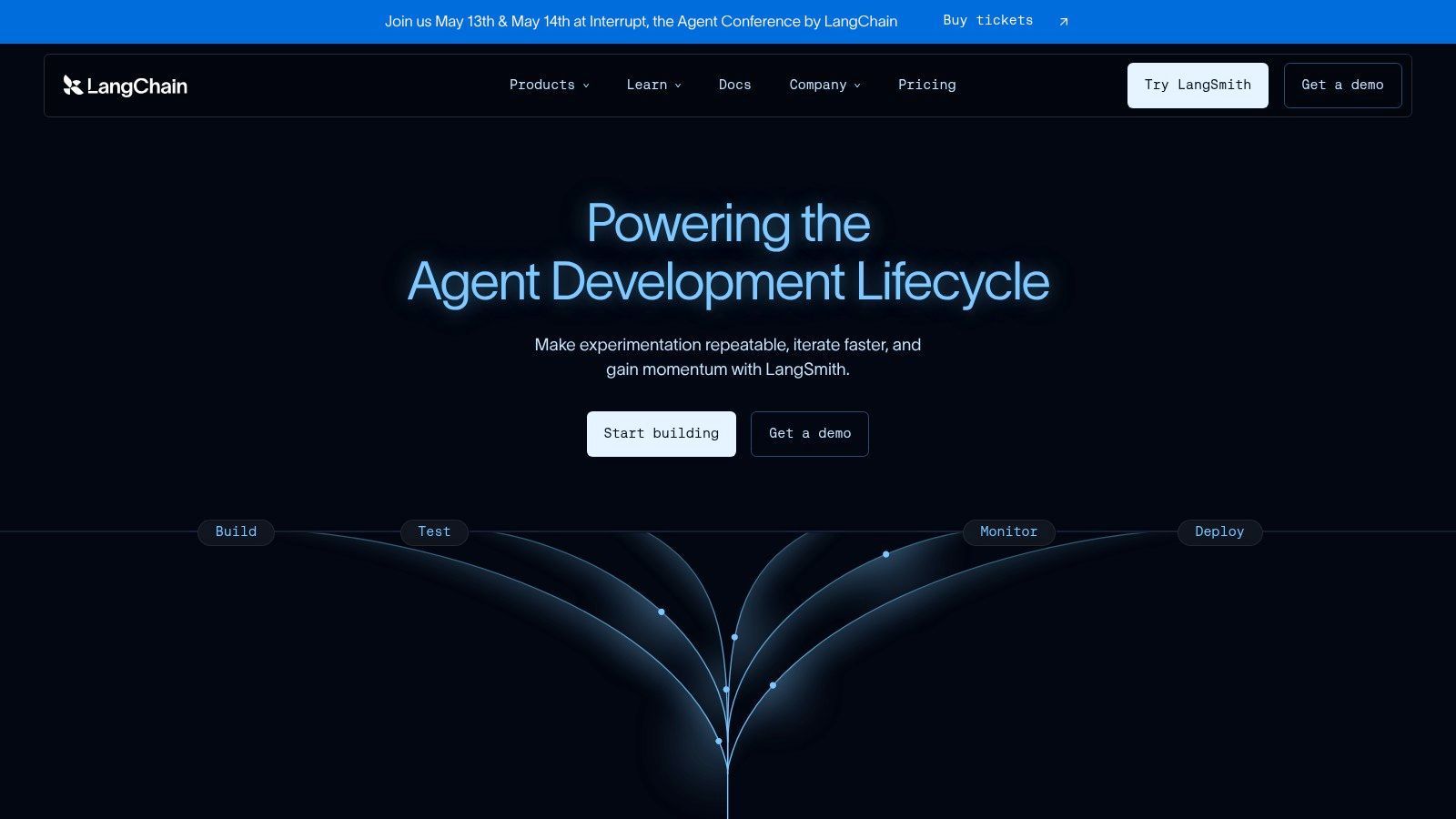
An agent fails in production. The final answer looks wrong, but the actual bug sits three steps earlier in a tool call, a retrieved document, or a prompt template that changed last week. LangSmith is useful because it gives engineers a trace of that full path instead of forcing them to debug from the final output alone.
LangSmith by LangChain earns its place in the development and testing stages of the prompt workflow. It is strongest when teams need visibility into chained execution, intermediate state, tool use, latency, and cost at the run level. For agent systems, that visibility saves real time.
The fit depends heavily on architecture. Teams already using LangChain or LangGraph usually get value quickly because tracing, evals, and prompt iteration sit close to the application runtime. Prompt Hub, Playground, Canvas, and the evaluation workflow feel connected rather than stitched together from separate products.
That convenience has a cost.
If the application is not built around LangChain-style abstractions, LangSmith can feel like an observability layer that asks you to adopt more framework than you need. I have seen teams force simple prompt flows into chain patterns just to get the tooling. In production, that usually adds complexity without improving reliability.
The practical pattern is to use LangSmith where it is strongest:
- Best fit: Development and testing for agentic or multi-step LLM systems already running on LangChain or LangGraph.
- Useful for: Tracing failures, comparing runs, reviewing prompt changes, and running evaluations before rollout.
- Less ideal fit: Lightweight apps that mainly need prompt versioning, runtime routing, or non-engineer editing outside the LangChain stack.
- Integration advice: Keep LangSmith focused on debugging and evals, then connect production prompt delivery, provider routing, and operational controls to a separate backend if your team needs one shared system across environments.
That last point matters for production viability. LangSmith is good at helping engineers understand behavior inside the runtime. It is less compelling as the single control plane for every team involved in prompt operations, especially when product, ops, or support need to change behavior without touching application code.
Used this way, LangSmith fits cleanly into a broader stack. Put it in the dev and testing layer. Keep management and runtime concerns in a system built for deployment governance, routing, and cross-provider operations. That division tends to hold up better once prompts become part of a live product instead of an experiment.
3. Humanloop
Humanloop is one of the cleaner options for teams that need prompt management to involve more than engineers. Product managers, domain experts, and operations people can work in the same system without everything turning into a Git-only workflow.
That makes Humanloop attractive in real companies where prompt quality depends on business context, not just model settings. The UI-first approach helps teams review prompts, datasets, logs, and feedback without requiring everyone to touch application code.
Strong for cross-functional prompt workflows
Humanloop combines collaborative prompt workspaces, versioning, deployments, evaluations, and monitoring in a way that feels enterprise-oriented from the start. It also supports both UI-first and code-first workflows, which matters because many organizations need both. Someone wants a dashboard. Someone else wants CI hooks.
Its security posture is also relevant for larger deployments, with public messaging around options like SOC 2, VPC, and HIPAA with BAA. That won't matter to every startup, but it matters a lot if legal and compliance get involved early.
The strongest prompt workflows usually involve product, engineering, and domain reviewers. Tools that only work for one of those groups don't scale well inside a company.
The biggest downside is buying friction. Public pricing is less transparent once you move beyond basic entry points, so budgeting often turns into a sales conversation. There's also an open question every buyer should keep in mind: Humanloop's public site notes it is joining Anthropic, which could change roadmap priorities over time.
If you want to connect it to a production backend, the clean pattern is to use Humanloop for collaborative authoring and eval workflows, then push stable prompt versions into a serving layer like Supagen where routing, fallbacks, and runtime observability stay centralized.
Humanloop is not my first pick for a solo builder. It becomes much more compelling once multiple non-engineering stakeholders need to shape prompt behavior.
4. Langfuse
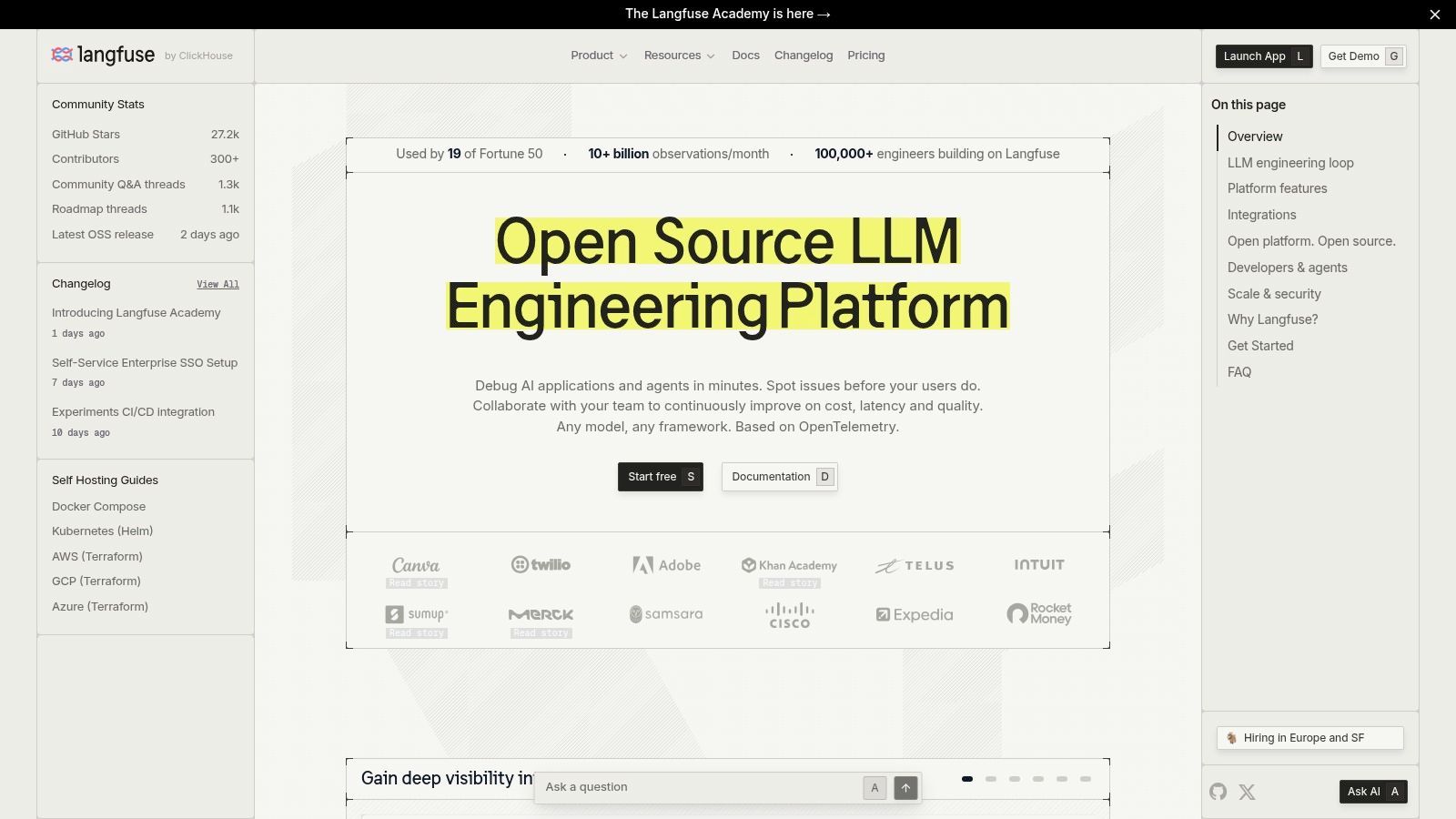
Langfuse fits a common production scenario. The team already has an app stack, already has model calls in code, and now needs trace visibility, prompt version control, and evals without handing the whole workflow to a closed vendor.
That positioning is why it shows up so often in real deployments. Langfuse is strong in the middle of the workflow. It helps during development and testing, then continues to matter after launch because traces, sessions, token usage, and eval data stay tied to live traffic. For teams separating prompt authoring from runtime infrastructure, that is a practical setup.
Strong choice for observability-first prompt operations
Langfuse covers prompt versioning, prompt retrieval, release labels, experiments, tracing, session tracking, cost monitoring, and evaluation workflows. It also supports OpenTelemetry, which matters if the AI stack needs to plug into an existing observability setup instead of creating a second monitoring silo.
The trade-off is straightforward. Langfuse gives engineering teams flexible building blocks, not a tightly managed operating model. That works well when developers are comfortable defining review rules, deployment conventions, and ownership boundaries themselves. It is a weaker fit when product, operations, or compliance stakeholders need a heavily guided interface from day one.
A practical way to evaluate fit:
- Use Langfuse when tracing and eval infrastructure matter more than polished cross-functional collaboration.
- Pick a more workflow-opinionated tool when non-engineering reviewers need to edit, approve, and compare prompts inside one guided workspace.
- Pair it with a separate serving layer when prompts are developed and tested in Langfuse, but runtime routing, fallbacks, provider switching, and production controls need to stay centralized in one backend, as noted earlier.
This is also one of the clearer examples of the article's broader split between workflow stages. Langfuse is strongest in development and testing. It can support management tasks, but it does not try to be the whole control plane for AI operations. In practice, that is often a benefit. Teams get better results when tracing, evals, and prompt iteration are handled by a tool built for that job, while request routing and runtime policy live elsewhere.
I would pick Langfuse for engineering-led teams that want visibility and freedom, and are willing to do some integration work to make the full system production-ready.
5. PromptLayer
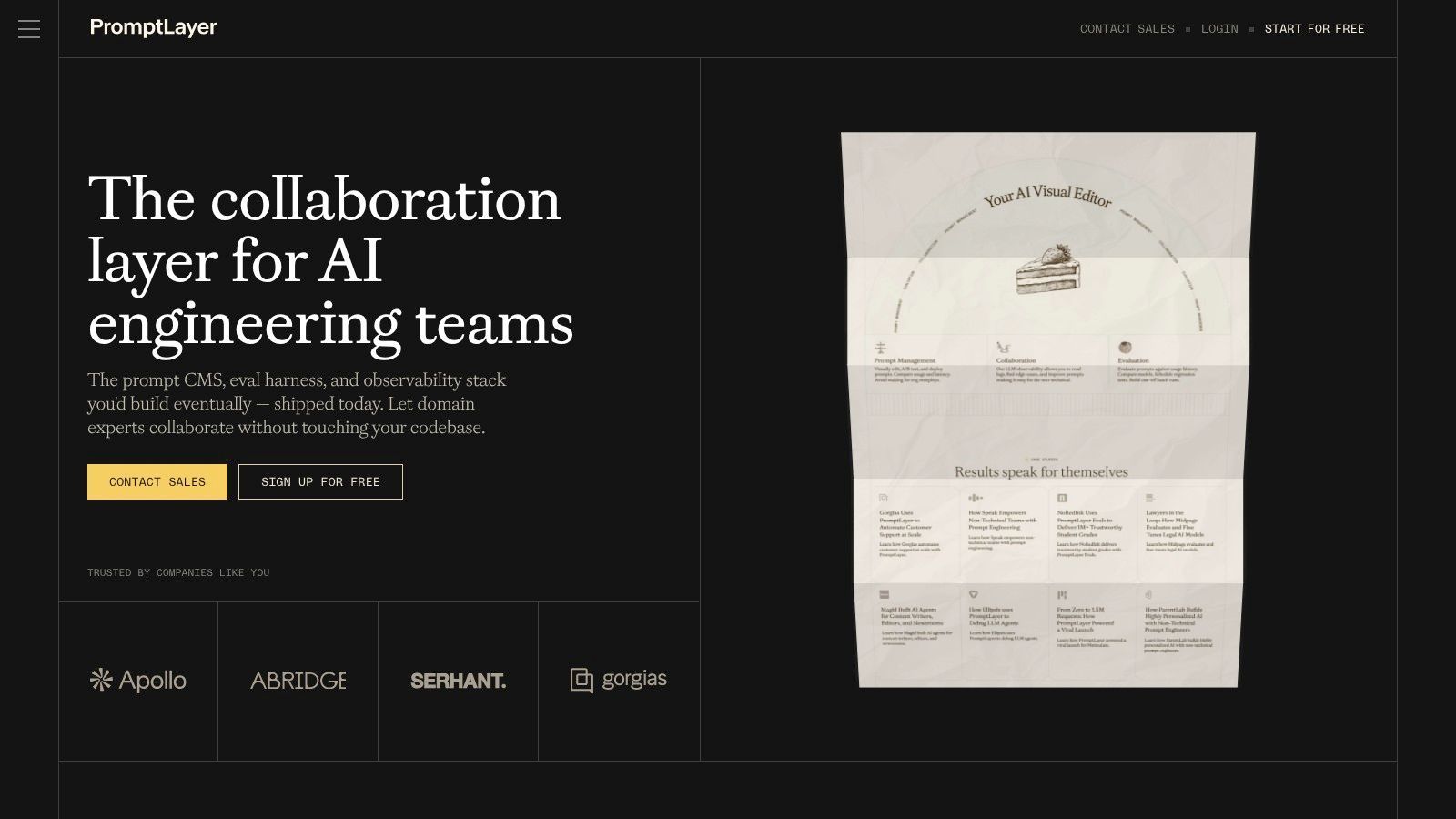
PromptLayer started with a simple idea that still matters: prompts need a system of record. In practice, that means version history, templates, variables, logs, and a way to inspect what was sent to a model.
That focus makes PromptLayer useful for teams that need a prompt CMS more than a full orchestration platform. It's less about infrastructure control and more about keeping prompt changes visible, searchable, and reviewable.
Useful when prompt editing needs to leave engineering
PromptLayer's strongest feature is that non-technical collaborators can work on prompts without asking engineering to expose every knob manually. Templates, variable handling, prompt history, evaluation datasets, and request logs all push toward a more collaborative workflow.
That's important because many articles on prompt engineering tools still over-focus on writing prompts and under-explain how teams should evaluate prompts before shipping, compare them across providers, or define what “good” means in production (analysis of the production-evaluation content gap). PromptLayer helps with part of that gap by giving teams a place to organize and inspect changes.
Where it falls short is broader runtime governance. If you need provider routing, fallback logic, org-wide control, or multimodal backend management, PromptLayer usually isn't enough by itself.
Field note: A prompt CMS solves authorship. It doesn't automatically solve execution, rollback, or live traffic control.
That's why I'd use PromptLayer in one of two ways. Either as the main collaboration layer for a small team that already has serving solved, or as the authoring and eval surface feeding prompt versions into a backend such as Supagen, where live model calls and observability stay consistent.
PromptLayer is good at making prompts manageable. It's less convincing as the whole production stack.
6. Promptfoo
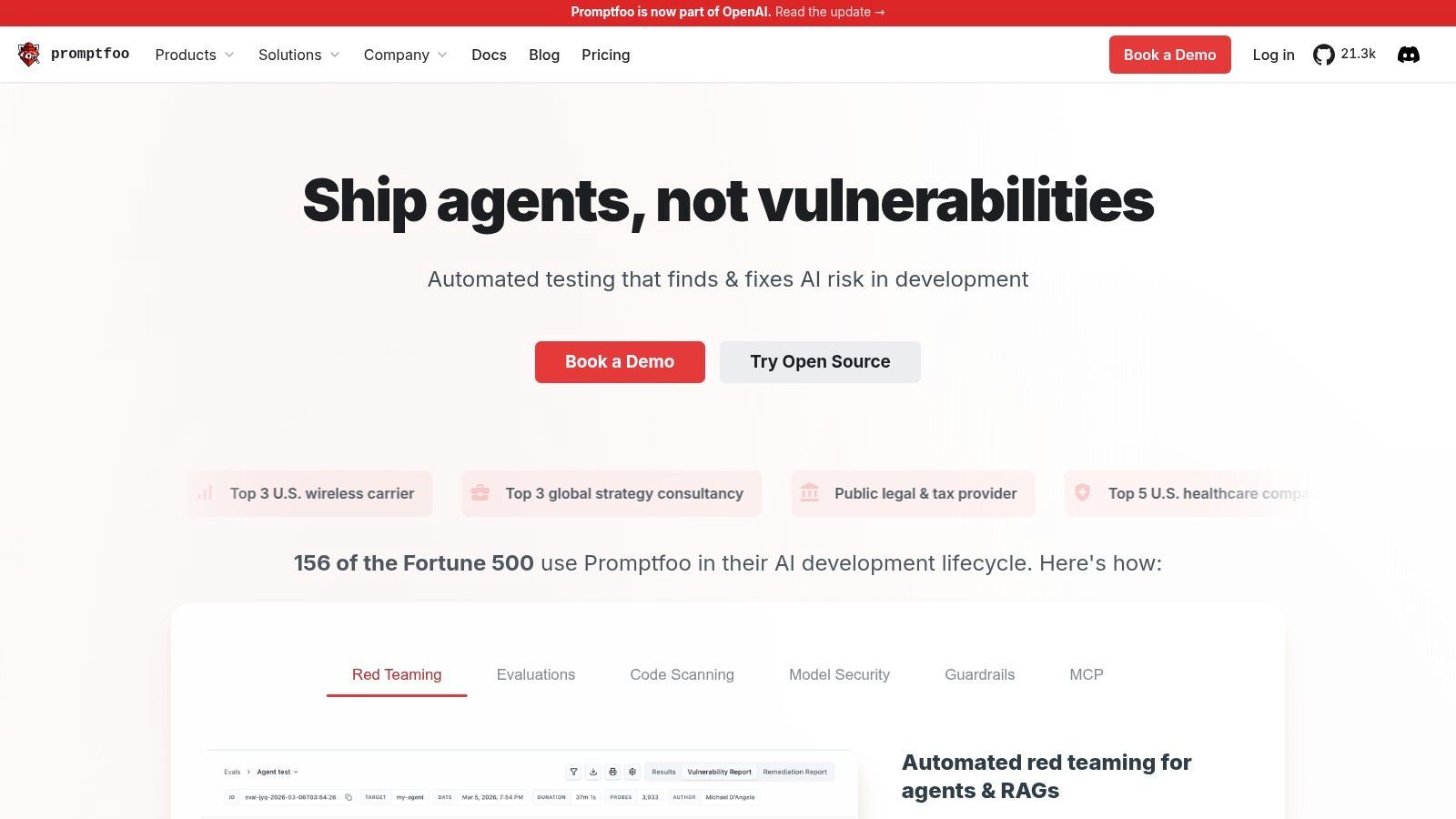
Promptfoo earns its place for a simple reason. A prompt passes in a notebook, then fails after one small edit, a model swap, or a messy real user input. Promptfoo is built for that stage of the workflow.
It is the most testing-first tool on this list. The center of gravity is not prompt authoring or traffic analytics. It is repeatable evaluation. You define test cases, assertions, model comparisons, and adversarial scenarios, then run them locally or in CI before changes ship.
Best for the testing stage
Promptfoo works best with teams that already treat prompts like versioned application logic. That usually means structured outputs, tool calls, retrieval pipelines, or multi-step agents where a small wording change can break behavior in ways a quick manual check will miss.
I like it most in two cases. First, during development, when engineers are comparing prompt variants or model providers and need a pass-fail loop that is faster than human review. Second, before release, when the team needs regression checks and red-team coverage on known failure modes.
Its practical value is that it forces specificity. "Better prompt" stops being a vague judgment and becomes a testable claim tied to formatting, factuality, safety, latency tolerance, or task completion.
A production setup usually looks like this:
- Use Promptfoo in CI to run regression suites, safety checks, and side-by-side model comparisons.
- Keep prompt versions in a system your application can read at runtime so the tested version is the version that ships.
- Pair it with a serving and observability layer for rollout control, logging, and provider management once traffic is live.
That last point matters. Promptfoo is excellent in the testing stage, but production viability depends on what surrounds it. It does not try to be your prompt CMS, request router, or org-wide control plane. In practice, I would use it as the evaluation gate in front of a unified backend such as Supagen, where approved prompts, live traffic behavior, and runtime policies stay in one operational path.
The trade-off is straightforward. Promptfoo improves shipping discipline. It does not replace runtime infrastructure. If your current problem is "we keep breaking prompts when we change them," it is one of the highest-signal tools in this category.
7. Helicone
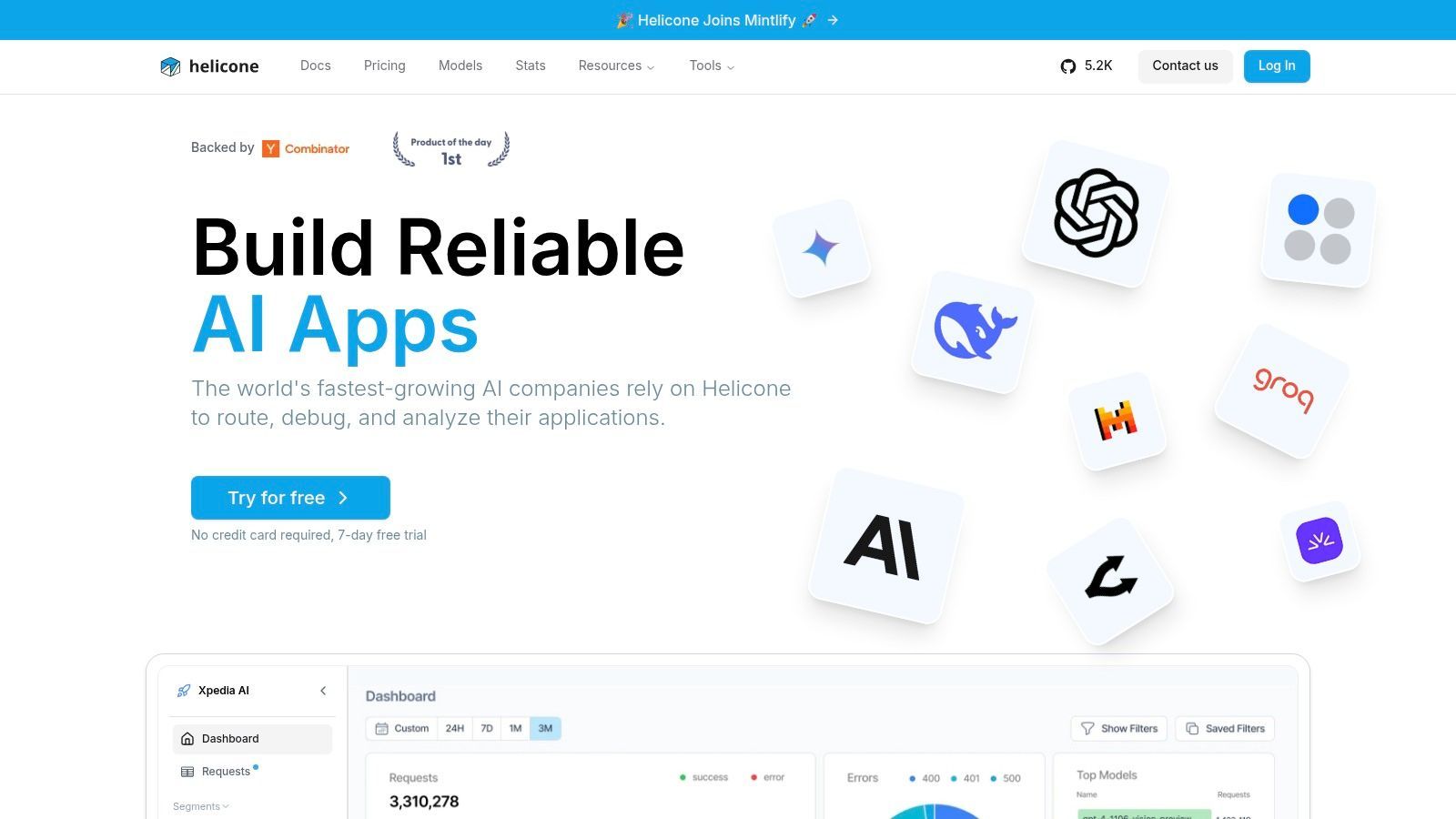
Helicone is the fast answer to a common problem: “We already have prompts in production, but we can't see what they're costing or how they're behaving.”
That's why Helicone often lands first with small teams. Setup is relatively quick, and you get centralized logging, cost visibility, latency tracking, sessions, prompt tools, experiments, datasets, and queryable analytics.
Fast path to observability
Helicone's purpose is visibility. If your main pain is not knowing which prompt version, user segment, or provider path is driving failures or spend, it gets you useful answers quickly.
Its HQL analytics angle is also more practical than it sounds. Once a product has live traffic, simple dashboards stop being enough. Teams need to isolate prompts by route, user, model, or outcome pattern.
The trade-off is that Helicone is less opinionated as a prompt CMS or full workflow suite. You may still want a separate evaluation system or prompt authoring tool for more structured testing and collaboration.
A lot of teams don't need more prompt creativity. They need faster answers to “what changed?” and “why did costs spike?”
That's Helicone's lane. I'd use it when observability is the immediate bottleneck, then decide later whether to add a stronger prompt management layer or move execution behind something like Supagen for unified routing and dashboard-controlled prompt updates.
Helicone doesn't pretend to be everything. That honesty is part of its appeal.
8. Portkey
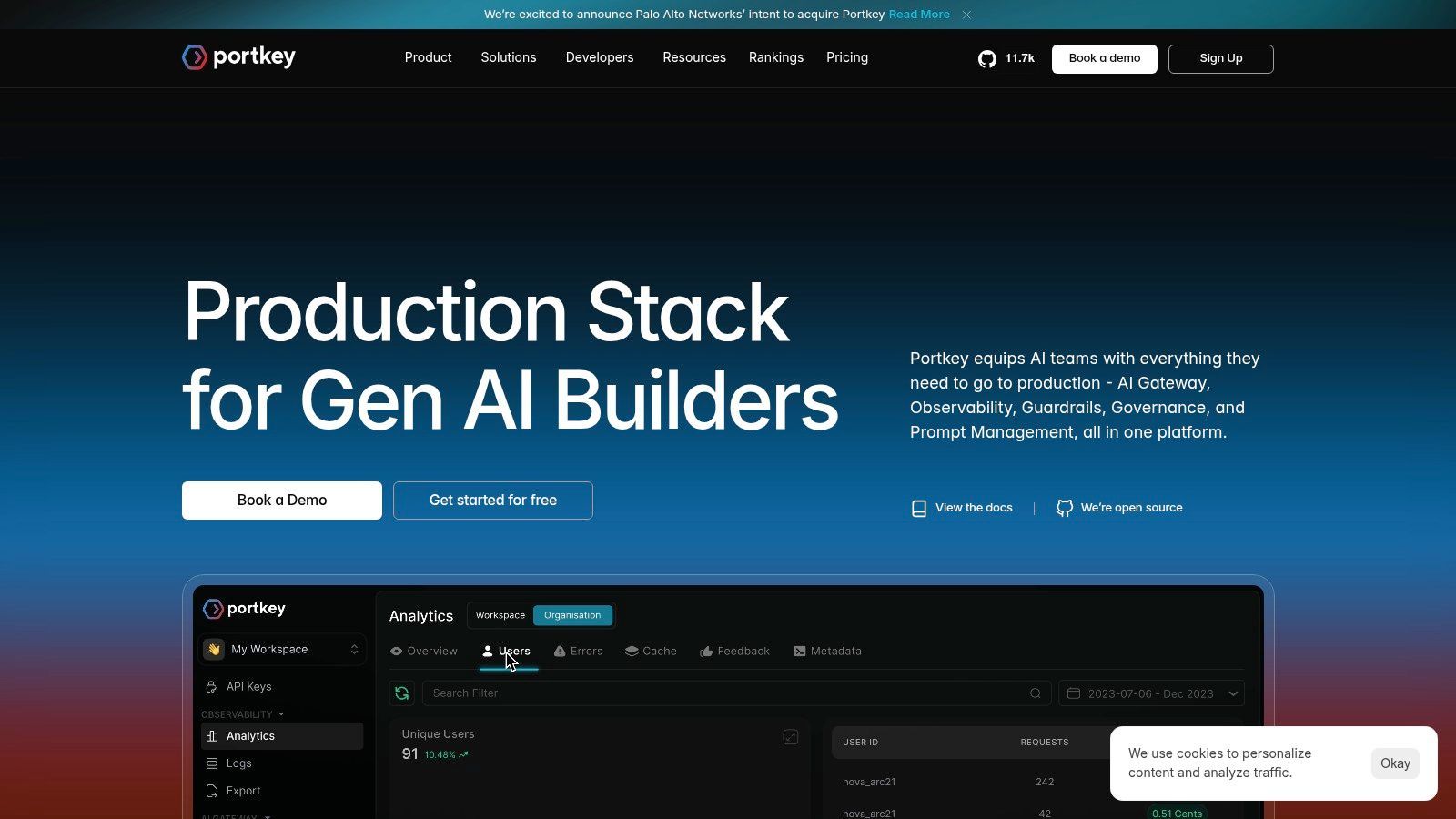
Portkey makes the most sense after a team hits a familiar production wall. Prompts are already shipping, traffic is spread across multiple model providers, and failures are no longer just prompt-quality problems. They are routing problems, retry problems, key management problems, and governance problems.
That framing matters. Portkey sits closer to the runtime layer than to the pure prompt authoring layer, so I would place it in the management stage of the workflow, with some development support through its prompt studio.
Built for runtime control
The product is strongest when uptime, provider abstraction, and operational policy matter as much as prompt iteration. Its Universal API, virtual keys, routing rules, retries, fallbacks, and access controls give engineering teams one place to enforce how model calls happen in production.
The Prompt Management Studio is useful, but it is not the main reason to adopt Portkey. Teams get versioning, variables, and a playground for testing changes, yet the primary value shows up when several models, environments, and stakeholders are involved. That is the trade-off. Portkey improves control at runtime, but it can feel heavier than a prompt-first tool if your only goal is fast collaboration between product and prompt writers.
Portkey fits well in three situations:
- Multi-provider apps: one API layer helps standardize calls across vendors
- Ops-sensitive products: retries, fallbacks, and routing rules reduce avoidable incidents
- Governed environments: RBAC, audit trails, and policy controls matter for internal review and compliance
I would not start here for a small team still figuring out its core prompts. The gateway model adds real value once traffic, spend, and reliability are already painful enough to justify another layer in the stack.
Integration strategy matters too. Portkey works best when you are clear about its role. Use it as the control plane for model access and request policy, then connect logs, prompt versions, and application metadata back to a single backend that the rest of the team can query. If your broader stack already separates development, testing, and management, Portkey usually belongs on the management side, with eval tooling and product analytics feeding into the same system.
That distinction is what keeps the tool choice honest. Portkey is a good production option for teams solving infrastructure and governance problems around prompts, not just prompt editing itself.
9. HoneyHive
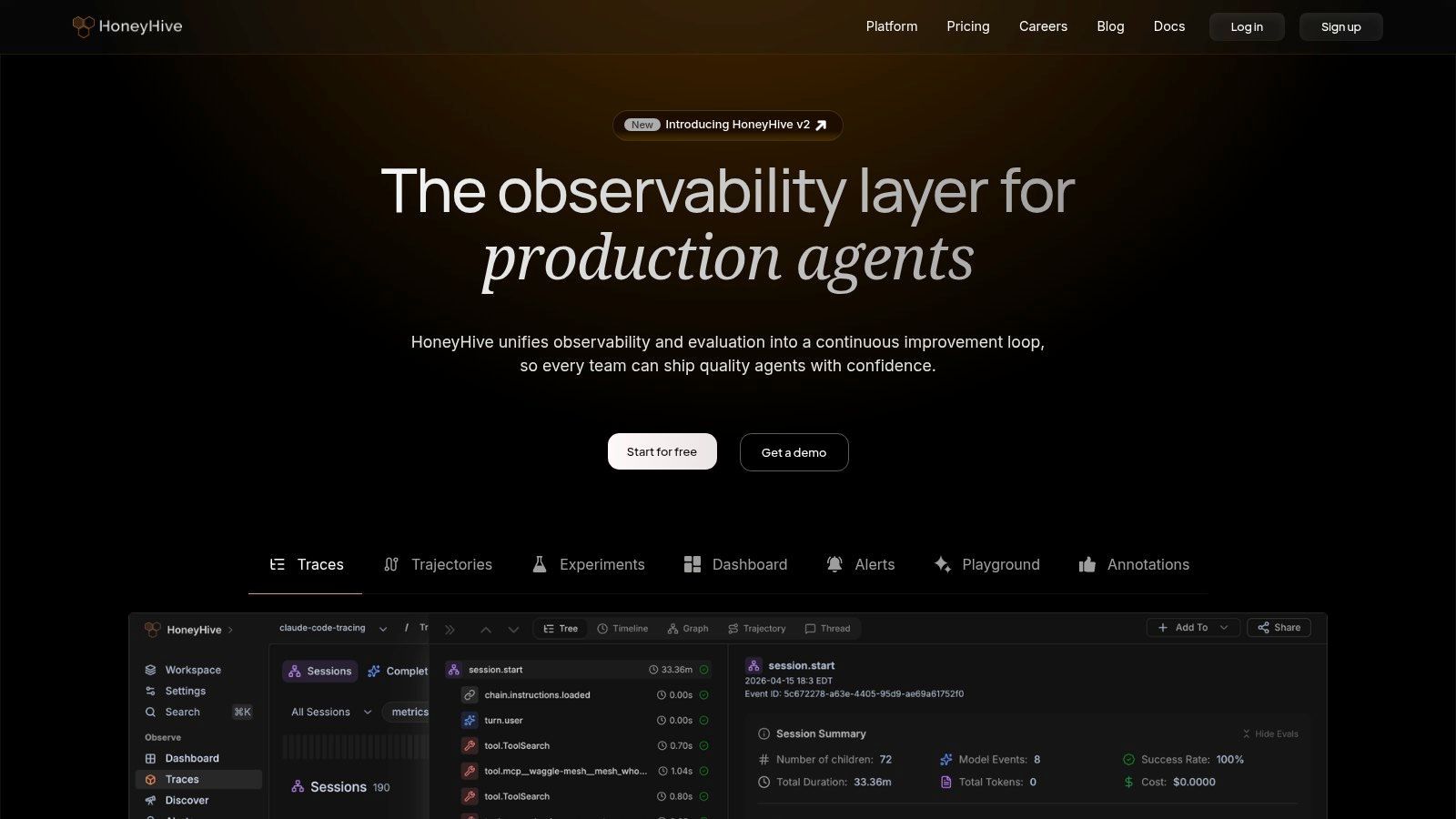
HoneyHive is built for teams that treat evaluation and observability as a formal operating function. That usually means larger organizations, domain experts in the loop, and a need for more than just prompt version history.
Its strength is breadth across prompt studio, tracing, online evaluation, regression tracking, alerts, drift detection, dashboards, annotation, and flexible hosting.
Strong for enterprise evaluation operations
HoneyHive makes the most sense when your AI product has enough complexity that datasets, annotation queues, expert review, and deployment monitoring all need to work together. The hosting flexibility also helps, since some teams want SaaS and others need hybrid or self-hosted options.
This connects to a broader market shift. Existing content often underplays the move from single-prompt optimization to multi-stage, multimodal, and agentic workflows, even though teams increasingly need routing, per-modal prompt templates, and cost or latency observability across more complex systems (analysis of the multimodal and agentic workflow gap).
HoneyHive is one of the tools that feels built for that richer operating model. But it comes with predictable enterprise trade-offs. Pricing is largely sales-led, and the full value shows up only when your org can support disciplined evaluation operations.
I wouldn't recommend HoneyHive to a weekend builder. I would recommend it to a company with domain reviewers, audit requirements, and a real appetite for model quality workflows.
If execution needs to stay unified across providers and modalities, HoneyHive can sit upstream of a backend like Supagen, where prompts and routing stay centralized while evaluation remains specialized.
10. Weights & Biases Weave Traces plus Evaluations
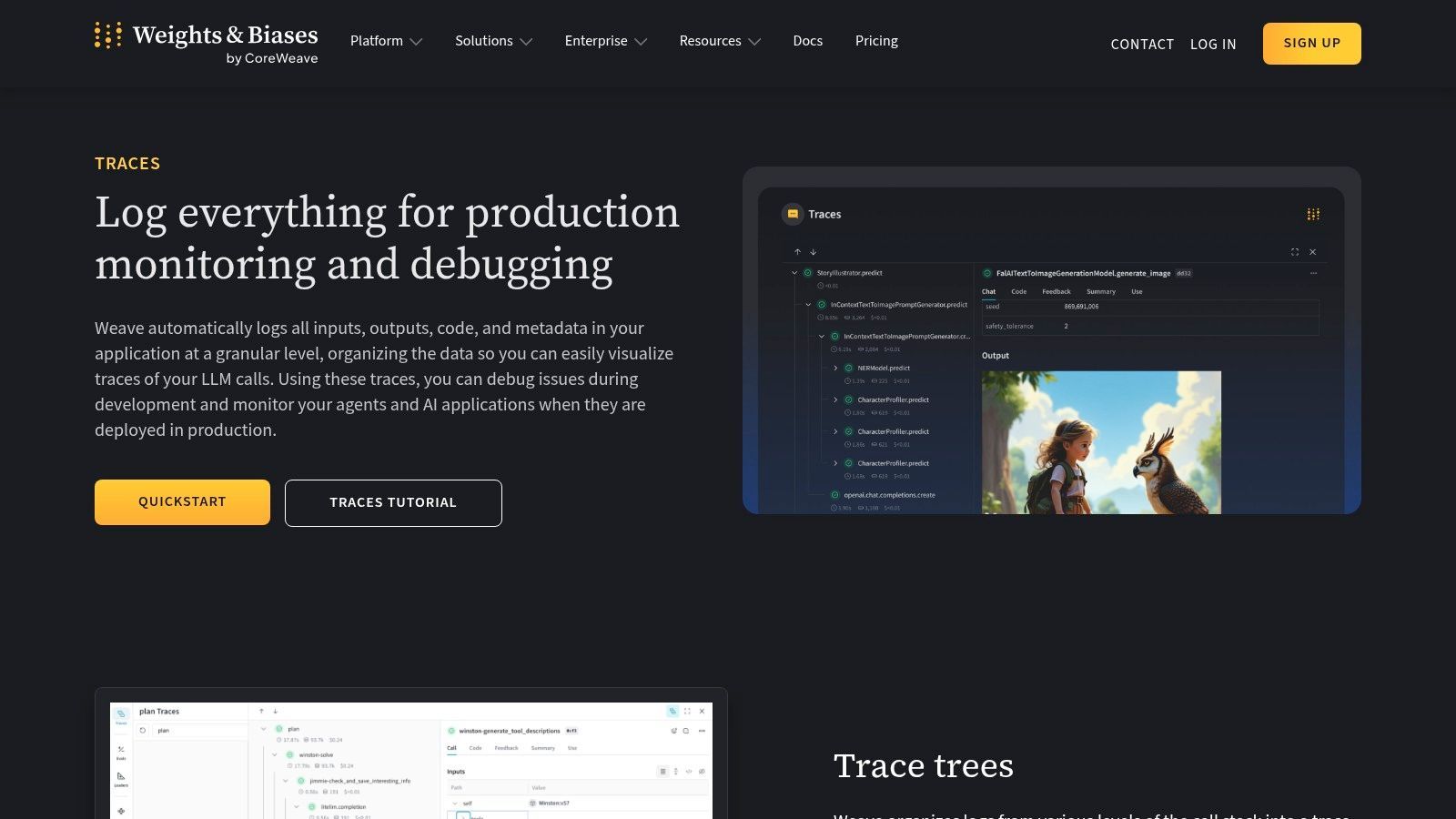
Weights & Biases Weave Traces plus Evaluations is the best fit on this list for teams that already live in ML tooling and want prompt or agent observability to connect with broader experimentation workflows.
That's an important distinction. W&B is not “just” a prompt tool. It's an ML platform extending into LLM tracing, evaluation, and monitoring.
Best for ML teams extending into LLM ops
Weave and Traces give you logging for inputs, outputs, metadata, trace trees, latency, cost aggregation, OpenTelemetry ingestion, and multimodal support. Evaluations add another layer for testing and analyzing behavior over time.
This is useful when AI in your company doesn't sit in a separate silo. If your teams already track experiments, artifacts, and production telemetry in W&B, adding prompt and agent debugging there can be cleaner than introducing another standalone product.
The practical caution is fit. If your company isn't already using W&B or doesn't think in ML platform terms, this can feel like too much system for the job. Pricing is also generally sales-led for enterprise use, which means the buying path is heavier than with simpler developer tools.
Commercial demand for prompt engineers grew 135.8% in 2025, and LinkedIn postings for prompt engineering roles rose 434% since 2023 according to a roundup of market statistics, which helps explain why more mature ML platforms are moving into prompt and agent operations (prompt engineering adoption and hiring statistics). The work is no longer isolated experimentation. It's becoming an operational function.
For teams in that phase, W&B is credible. For everyone else, it may be more platform than you need.
Top 10 Prompt Engineering Tools Comparison
From Prompt Liability to Strategic Asset
A team ships an AI feature fast. Three weeks later, a support escalation lands because the model started giving longer answers, the conversion rate slipped, and nobody can say which prompt changed, who changed it, or whether the issue came from the prompt, the model, or retrieval. That is the point where prompts stop feeling like a product shortcut and start behaving like operational risk.
The practical way to evaluate prompt engineering tools is by workflow stage. Development tools help teams iterate quickly. Testing tools catch regressions before release. Management and observability tools track what happened in production, control changes, and make incidents debuggable. Some platforms cover more than one stage well enough. Many do not, and that is fine if the boundaries are explicit.
In production, the trade-off is rarely "best features" versus "fewest features." It is speed versus control. A playground-first tool can help a small team find working prompts quickly, but it often breaks down once approvals, rollback, cost tracking, and auditability matter. A gateway or observability product can solve runtime control, but it may leave prompt iteration and evaluation fragmented across other systems.
Tool choice should follow failure mode. If prompts change often and directly affect user-facing behavior, testing deserves its own place in the stack. If multiple teams touch prompts, ownership and version control matter more than a polished editor. If uptime, cost, and provider failover are the primary pain points, management infrastructure should come first.
I have seen the cleanest setups use a unified backend for runtime execution, prompt versioning, and provider routing, then plug in specialized evaluation tooling where needed. That pattern keeps one source of truth for live behavior while still letting teams run experiments, red-team prompts, and compare outputs offline. It also reduces a common production mistake: storing prompt definitions in one tool, shipping requests through another, and debugging incidents in a third with mismatched metadata.
For smaller teams, the simplest workable stack usually wins. Centralize prompts, traces, and model routing in one backend. Add a dedicated testing layer once prompt changes can affect revenue, trust, or safety. Larger teams usually benefit from clearer separation. Let one system own execution and operational control, and let another own evals, datasets, and release gates.
The shift is operational, not cosmetic.
Treat prompts like managed configuration. Give them versions, owners, review paths, logs, and rollback. Group tools by where they help most, development, testing, or management, then connect them to a backend that can carry the same prompt IDs, traces, and release metadata through the whole lifecycle. That is how prompts become easier to ship, safer to change, and worth treating as a real product asset.