
Top 10 No-Code AI Agent Builders of 2026
You build a no-code agent in an afternoon. It answers a few test questions, calls one app, and looks ready to ship. Then production requirements show up. The agent needs current data, access controls, retries, logs, versioning, and a way to trace why it gave the wrong answer after a prompt change or model swap.
That is the primary evaluation criteria for no-code AI agent builders. The visual editor matters, but production behavior matters more. McKinsey has noted that many generative AI pilots stall before scaled deployment because integration, risk controls, and operating model changes are harder than the demo phase suggests (McKinsey on scaling generative AI). No-code tools still change the equation. They let product, operations, and support teams ship useful agents faster, test demand earlier, and avoid building every workflow from scratch.
The useful way to compare this category is by job, not by feature checklist. Some tools are SaaS connectors built to automate actions across apps. Some are conversational platforms built for chat and voice experiences. Others are open-source frameworks that give technical teams more control over prompts, retrieval, hosting, and extensibility.
That distinction matters once an agent leaves the prototype stage. A Zapier-style builder can get a workflow live quickly, but it may hit limits around branching logic, observability, or custom backend behavior. An open-source option can give you more control, but your team now owns deployment, debugging, and maintenance. Conversational platforms sit in the middle. They usually offer better UX tooling, with trade-offs around portability and backend flexibility.
This guide uses those three buckets to help you choose faster. It also treats the builder and the backend as separate decisions. For teams that want no-code speed without giving up production discipline, the pattern I see work well is a builder on the front end and a backend layer such as Supagen for logging, evaluation, human handoff, and scaling once usage becomes real.
Table of Contents
- 1. Zapier Agents
- 2. Make AI Agents
- 3. Voiceflow
- 4. Botpress
- 5. Dify
- 6. Flowise
- 7. Langflow
- 8. Vapi
- 9. Microsoft Copilot Studio
- 10. Supagen
- Top 10 No-Code AI Agent Builders: Feature Comparison
- Your Next Step Building an AI Workforce
1. Zapier Agents
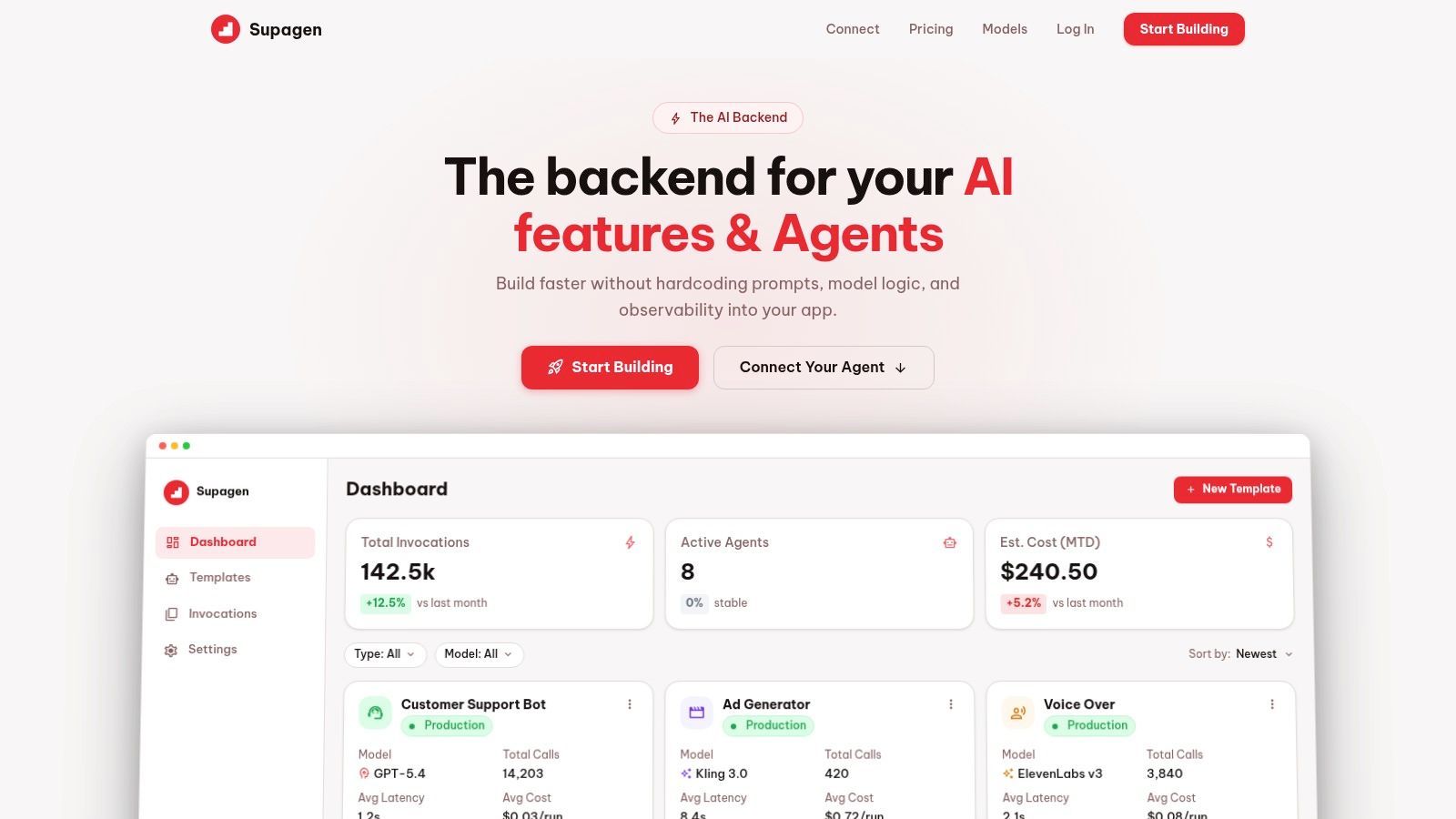
Zapier Agents is the most obvious starting point if your company already runs on SaaS tools. It isn't trying to be a deep agent research environment. It's trying to make an AI teammate useful inside the apps your team already pays for.
That matters more than fancy agent language. If a support or sales workflow already lives across forms, calendars, CRM records, and inbox automations, Zapier's ecosystem removes a lot of integration friction. You can define instructions, give the agent access to company knowledge, and let it trigger actions across the same automation layer many teams already trust.
Where Zapier Agents fits
Zapier Agents works best for operational agents that need to do things, not just chat. Think lead qualification, meeting scheduling, inbox triage, or routing tasks between systems. The pairing with Zapier automations, Tables, Forms, and chat surfaces makes it one of the easiest ways to get from prototype to "this is connected to the business."
A few practical trade-offs stand out:
- Best reason to choose it: The app ecosystem is the product. If your stack already sits in common SaaS tools, you avoid a lot of custom integration work.
- What it doesn't love: Nested, long-running, stateful processes can get messy. At some point, visual simplicity turns into workflow sprawl.
- Who should be careful: Teams with fast-growing usage. When agent behavior triggers more automations, task-based pricing and plan limits become part of the architecture conversation.
Practical rule: Use Zapier Agents when integration coverage matters more than fine-grained orchestration.
If your use case is "take action across business software with minimal engineering," Zapier is hard to beat. If your use case is "run complex multi-agent logic with tight control over every step," it starts to feel like the wrong abstraction.
2. Make AI Agents
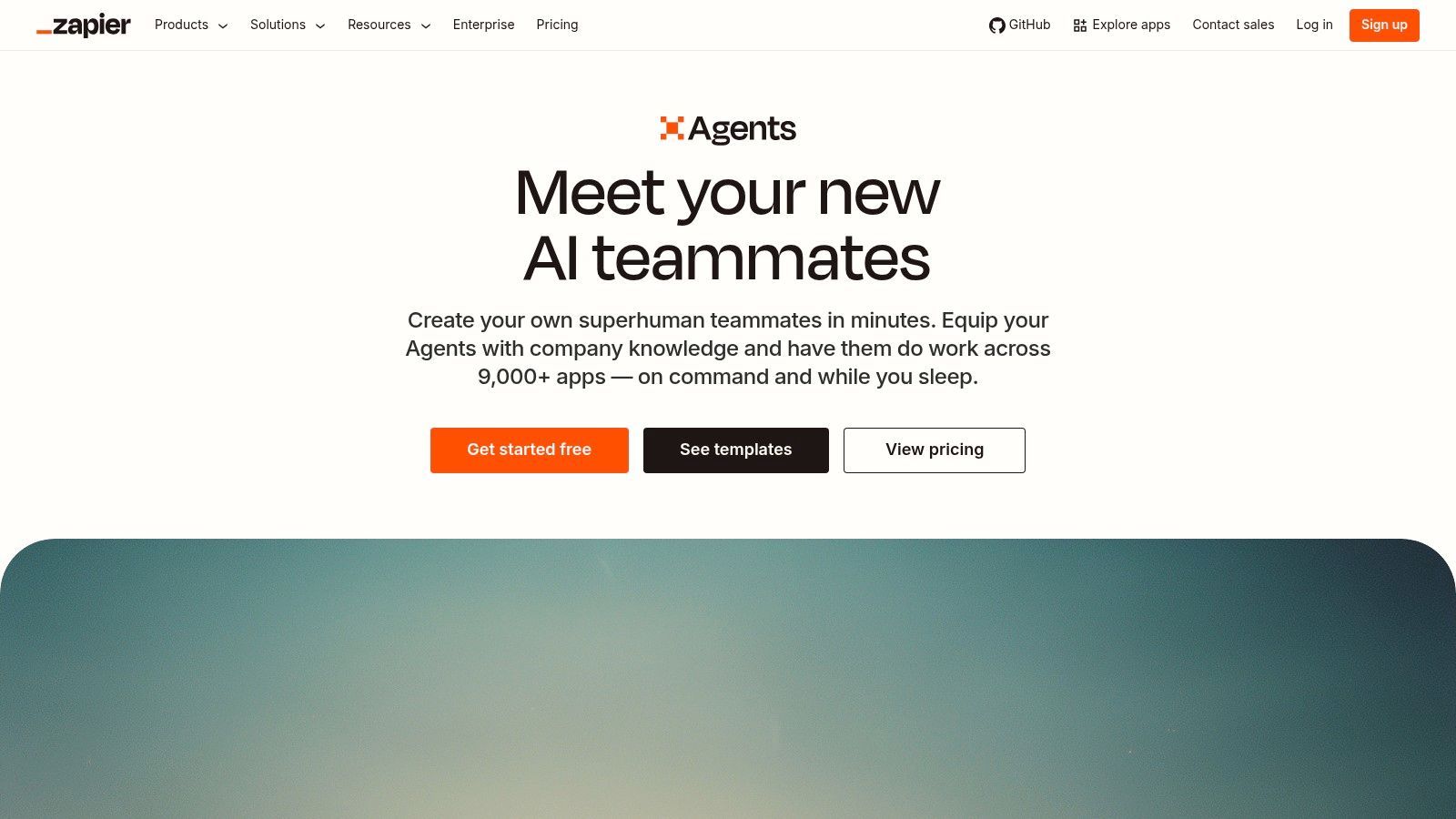
Make AI Agents feels closer to an operations canvas than a chatbot builder. That's a good thing if you care about seeing how the agent made a decision and which tools it touched along the way. A lot of no-code AI agent builders look simple in demos, then become opaque the moment something goes wrong. Make leans the other direction.
Inside Make AI Agents, the visual automation canvas gives teams a more inspectable path from trigger to action. For ops-heavy teams, that transparency matters. You can explain the workflow to stakeholders, audit the run path, and debug behavior without pretending the model is always right.
What Make gets right
Make is strongest for teams that already think in scenarios and branching logic. If your company has a culture of workflow automation, the move to AI agents feels natural here. Agents don't sit off to the side as a separate product. They become another decision-making component inside an existing automation system.
What works well:
- Auditability: The step-by-step canvas helps teams inspect agent actions.
- Adoption path: Existing Make users don't have to retrain around a new operating model.
- Operational clarity: It's easier to spot where a workflow failed, stalled, or called the wrong tool.
What doesn't:
- Platform maturity: The AI agent layer is still evolving, so teams should expect product changes.
- Maintainability risk: Complex multi-agent builds can turn into spaghetti if the flow design isn't disciplined.
Make is a good fit when you need humans to trust the automation, not just tolerate it.
I wouldn't pick Make first for a polished customer-facing assistant. I would pick it when an internal workflow needs AI judgment, and the business still wants to inspect every step.
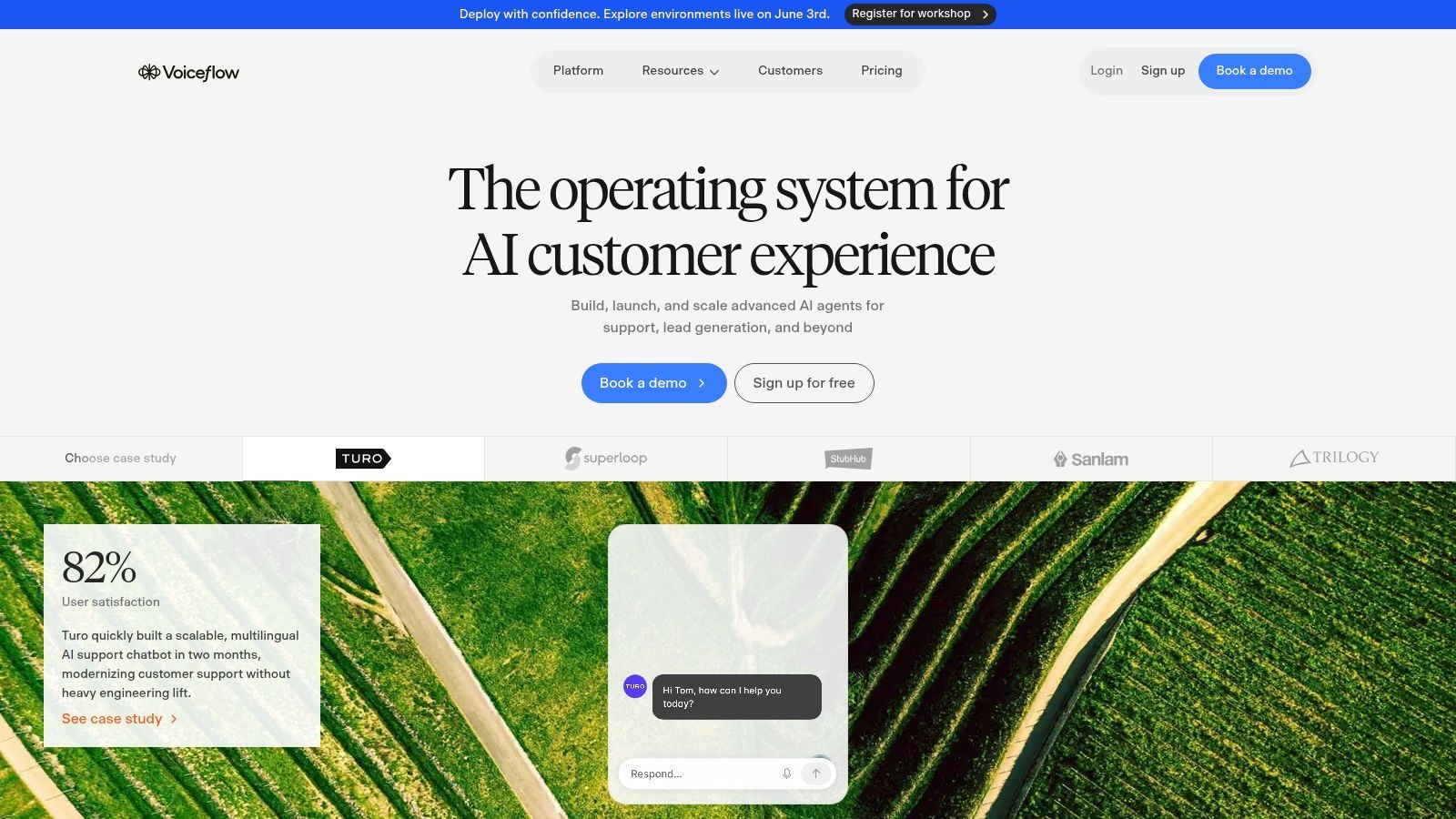
3. Voiceflow
A support team launches a new assistant, traffic spikes, and the first problem is not prompt quality. It is version control, fallback behavior, handoff rules, and whether anyone can trace why the bot answered the way it did. That is the context where Voiceflow makes sense.
Voiceflow belongs in the conversational platform category, not the SaaS connector bucket. It is built for teams shipping customer-facing agents across chat and voice, where design, QA, and support operations all need a say before anything reaches production.
Voiceflow is a practical option when deterministic flows need to sit next to LLM-driven responses. Customer support, intake, routing, and account workflows rarely tolerate a fully open-ended agent. Teams still need controlled paths for authentication, escalation, compliance language, and edge cases that should never rely on model improvisation alone.
What stands out in practice:
- Environment separation: Dev, staging, and production workflows reduce the risk of testing changes on live users.
- Cross-functional collaboration: Designers can shape the conversation, product teams can review logic, and engineers can step in where custom integrations are required.
- Model choice: Bring-your-own-model support gives teams more control over cost, latency, and provider lock-in.
- Channel fit: Voice and chat are first-class use cases, which matters if the same assistant needs to work across support surfaces.
The trade-offs are real. Voiceflow is broader than a lightweight automation tool, so solo builders can hit complexity early. Public deployments also need cost discipline. Token usage, session volume, fallback handling, and analytics all become operational concerns once the bot is live.
I would usually shortlist Voiceflow for external assistants, not back-office automations. If the job is orchestrating internal systems, tools in the SaaS connector category are often faster to set up. If the job is owning the conversation itself, Voiceflow has the right shape.
It also pairs well with a production backend such as Supagen when the visual builder stops being enough on its own. The builder handles conversation design and testing. The backend handles observability, logging, auth, and scaling patterns that product teams eventually need once usage grows.
Voiceflow is a strong choice when the agent is part of the product experience and the team needs release control, collaboration, and production-grade conversation design.
That is the main distinction with Voiceflow. It is less about automating a task, and more about operating a conversational product responsibly.
4. Botpress
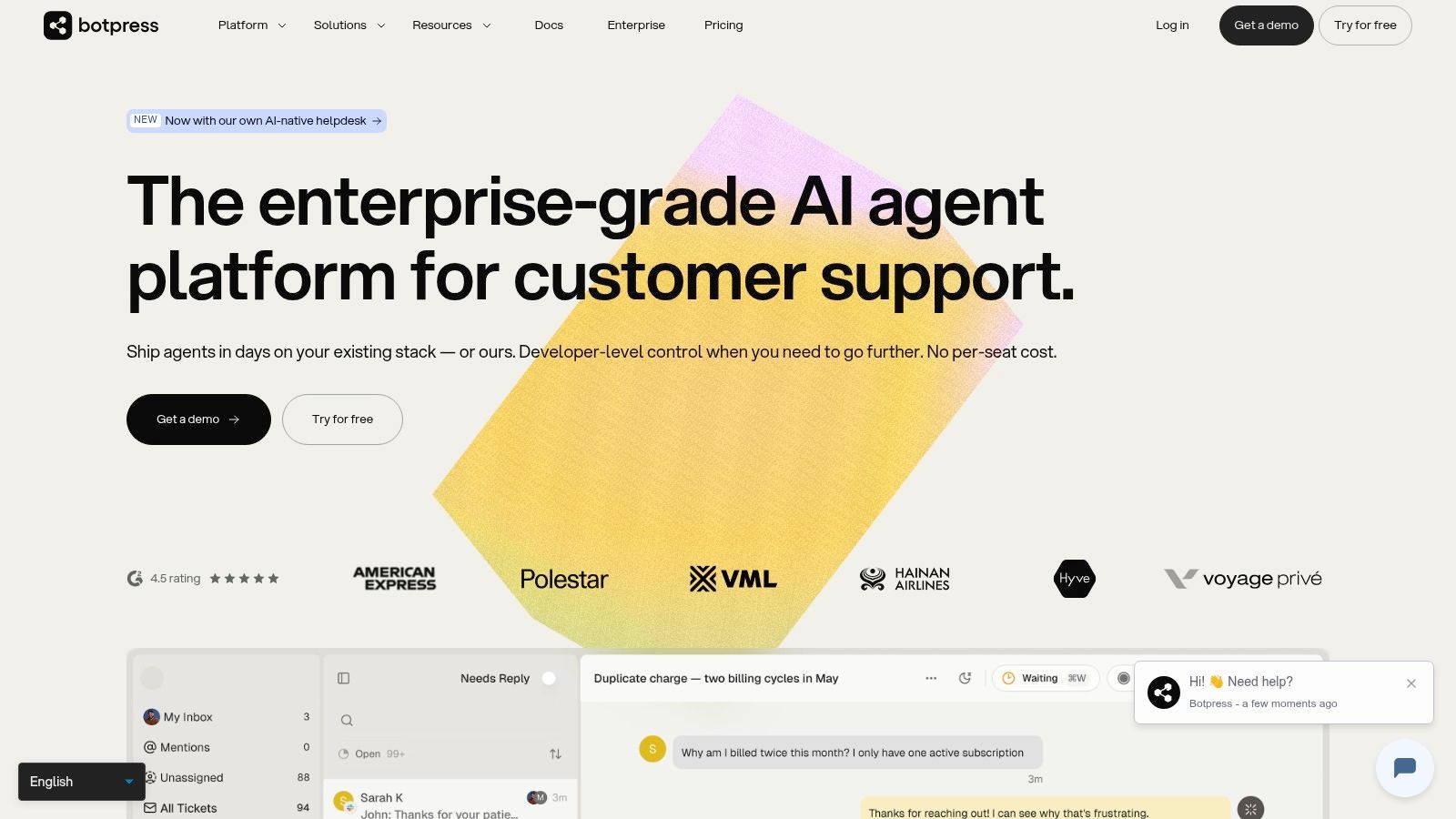
Botpress is easier to recommend than some teams expect because it's opinionated in the right places. It knows what it's good at. Public-facing chat, knowledge-backed support, sales conversations, human handoff, and branded widgets. If that's your lane, the product feels focused rather than limiting.
Botpress combines no-code flow building with enough low-code flexibility for teams that eventually need to go beyond templates. That middle ground is valuable. Purely beginner tools often become frustrating once you need tighter control, while more technical frameworks can be overkill early on.
Where Botpress earns its place
Botpress is strongest when the conversation itself is the product surface. If you need a web chat agent with knowledge ingestion, analytics, and a clean escalation path to humans, it's a practical option.
A few trade-offs are worth calling out:
- What works: Human-in-the-loop support is built into the workflow instead of feeling bolted on.
- What works: White-label and branding controls make it viable for external deployments.
- What doesn't: If your "agent" is mostly a back-office orchestrator touching many systems, Botpress isn't the cleanest fit.
- What doesn't: Some of the more advanced controls sit higher in the plan stack.
One thing I like conceptually is the separation between platform usage and pass-through AI spend. It makes cost discussions easier with finance and ops because the bill maps more clearly to what the team consumes.
For support and sales chat, Botpress is one of the more practical no-code AI agent builders. For internal process agents, I'd look elsewhere first.
5. Dify
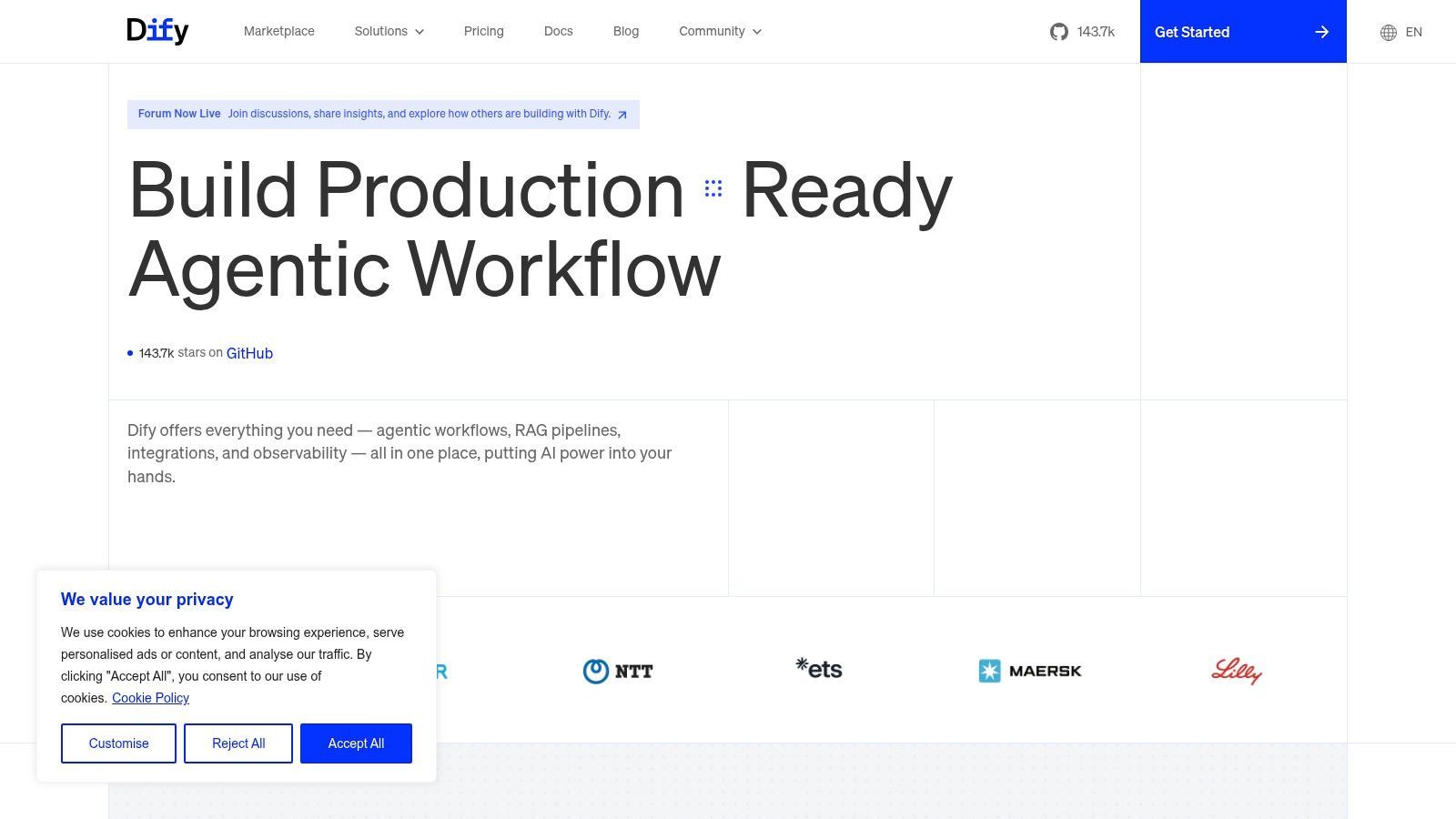
A common team scenario looks like this. The first internal agent works in a hosted no-code tool, then the second one needs custom retrieval, tighter permissioning, version control, and deployment choices the simpler tools do not handle well. Dify sits in that gap.
Dify fits the "Open-Source Frameworks" side of this guide more than the "SaaS Connectors" or "Conversational Platforms" buckets, even though its UI is friendlier than a code-first framework. It gives product teams a visual way to build AI apps and agent workflows, while keeping an upgrade path open once the prototype has to become a maintained product.
That distinction matters in production. With Dify, the conversation flow is only part of the job. You also need to decide where it runs, how prompts and tools are versioned, how knowledge is refreshed, and how failures are traced back to a model call, retrieval issue, or backend dependency. Teams that already expect those questions usually get more value from Dify than from lighter builders.
Where Dify fits best
Dify works well for teams building customer-facing or internal AI applications that need more than a chat widget and a few app integrations. The platform includes app building, workflow orchestration, model configuration, knowledge support, and deployment options that make sense once an agent starts touching real systems.
A few practical trade-offs stand out:
- Good fit: Product and engineering teams that want visual iteration without giving up self-hosting or deeper customization later.
- Good fit: Companies that need to move from prototype to controlled deployment without rebuilding everything in a new stack.
- Watch for this: You take on more operational responsibility than you would in a pure hosted builder.
- Watch for this: The platform is easier to start than a raw framework, but it still assumes someone on the team can handle environment setup, model behavior, and integration debugging.
I generally place Dify between conversational products like Voiceflow or Botpress and developer-first tooling like Flowise or Langflow. That middle position is useful. It supports non-trivial agent behavior, but it still presents the system in a way product managers and technical operators can review together.
The catch is familiar to anyone who has shipped LLM features. Visual builders reduce setup friction. They do not remove the hard parts of production. If your agent writes to a CRM, triggers internal actions, or pulls tenant-specific data, you still need observability, auth boundaries, rate-limit handling, and a backend that can absorb retries and long-running tasks. Pairing a builder like Dify with a production backend such as Supagen is often the cleaner architecture once usage grows.
Dify is a strong choice for teams that want open-source flexibility without starting from a blank repo. If the goal is fast automation across SaaS apps, use a connector-first tool. If the goal is a maintained AI product with room for custom logic, Dify deserves a serious look.
6. Flowise
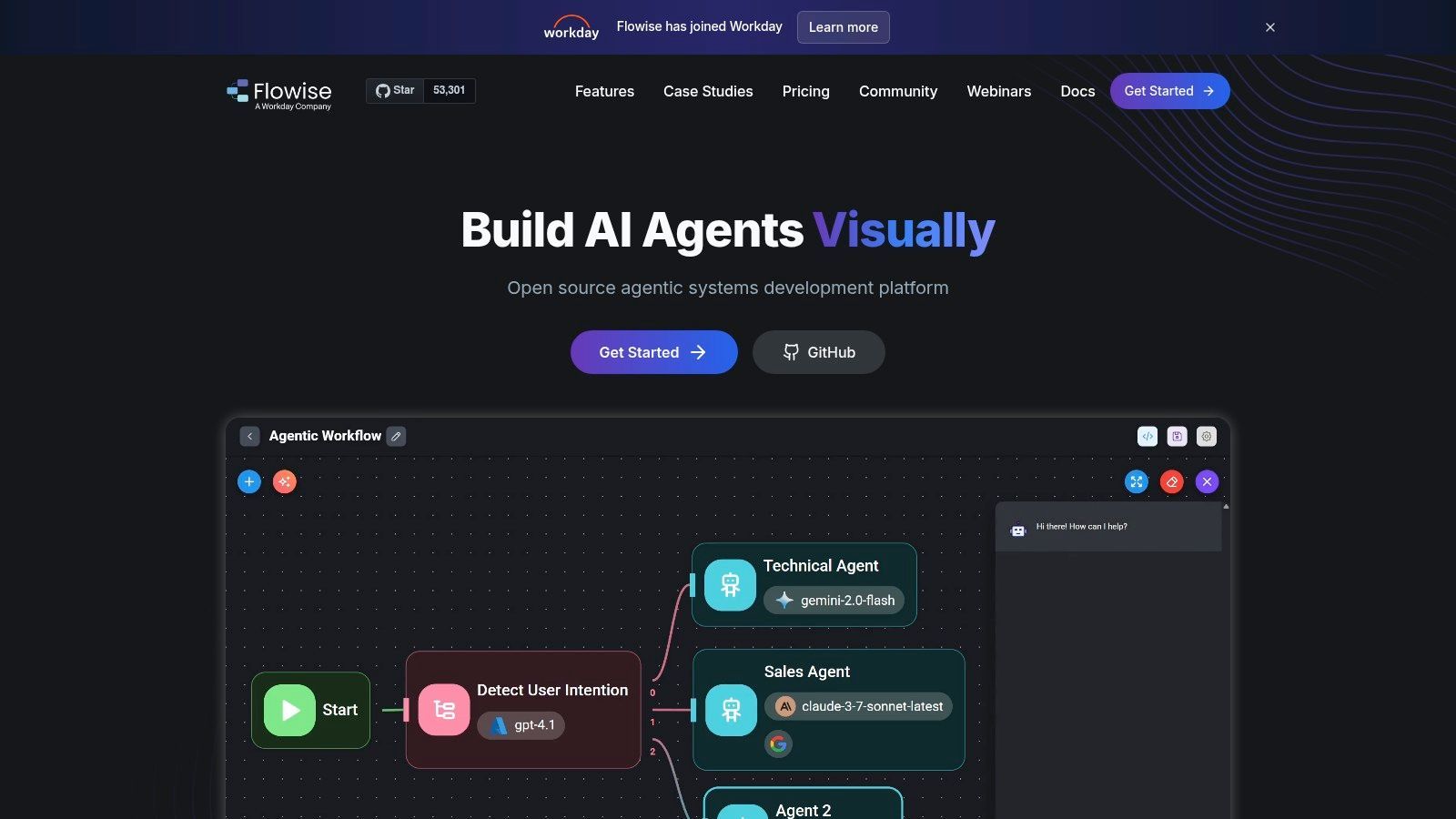
A common Flowise use case looks like this: the team has already outgrown a simple chatbot, but it is not ready to commit to a fully code-first agent stack. They need branching logic, tool calls, retrieval, and visibility into what happened during a run. Flowise fits that middle ground well.
Within this guide's three-way split, I place Flowise in the open-source framework camp, not the SaaS connector camp and not the conversational design camp. That distinction matters. You get more control over agent behavior and orchestration, but you also inherit more responsibility for setup, deployment, and debugging than you would in products built for non-technical users.
Flowise gives teams visual canvases for assistants, chatflows, and agentflows. In practice, that means you can model a basic Q&A assistant, then graduate to a multi-step workflow with tool execution and conditional paths without throwing away the first version. That progression is useful for teams that are still learning what their agent needs to do.
What to expect in practice
Flowise is a good fit for technical product teams, internal platform teams, and agencies building custom agent experiences for clients. The node-based interface is flexible, and the tracing and debugging features help when a workflow fails halfway through a tool chain or starts returning inconsistent answers after a prompt change.
The trade-off is operational clarity. A visual graph can make an agent easier to explain during a demo, but it does not remove production concerns. Someone still needs to handle credentials, versioning, model swaps, rate limits, secret management, and failure paths for external tools.
That is usually where backend architecture starts to matter. If Flowise is orchestrating the agent layer, a production backend such as Supagen often handles the surrounding system concerns: auth, observability, retries, queue-backed jobs, and application logic that should not live inside the canvas. I have found that split cleaner than forcing every rule and side effect into a visual workflow.
A practical summary:
- Best for: Teams that want open-source control and a faster start than building directly in a framework.
- Less ideal for: Non-technical operators who want a connector-first tool with minimal setup.
- Main strength: Good visibility into flows, tool execution, and iteration on multi-step agent behavior.
- Main risk: Workflow sprawl. As graphs grow, maintainability becomes a real issue unless the team documents conventions and keeps business logic out of the canvas where possible.
Flowise works best when you treat it as an orchestration layer, not your whole production system. Used that way, it fills an important slot in the no-code AI agent builder market: more flexible than SaaS automation tools, less code-heavy than starting from a blank repo, and practical for teams that expect their agents to become real products instead of demos.
7. Langflow
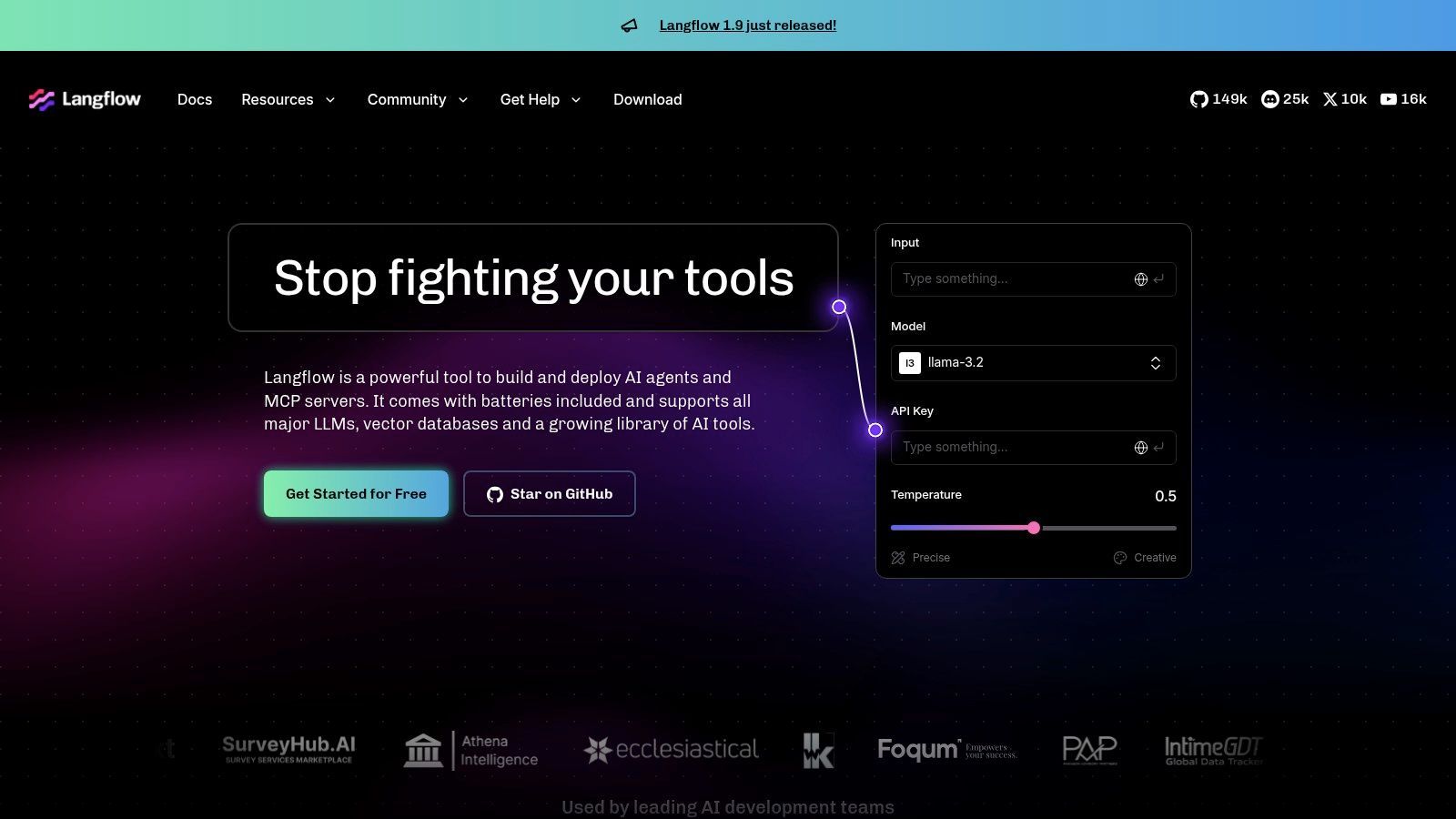
Langflow is one of the better visual tools for teams that want a path from canvas to code. That's its advantage. Some no-code AI agent builders are dead ends once you need custom logic. Langflow is more forgiving because it sits closer to the framework world.
Langflow supports agent components, tool registration, memory, multi-agent patterns, templates, and MCP-oriented interoperability. That last part matters if you want broader tool access without tying your entire architecture to a single vendor's plugin layer.
When Langflow is the better choice
Pick Langflow when your team wants to standardize visually now but preserve escape hatches later. It's especially useful for product and engineering teams working together, where one group wants fast iteration and the other wants eventual control over deployment and architecture.
A few honest trade-offs:
- Strength: Open-source flexibility with a visual mental model that's easier to share across teams.
- Strength: MCP support helps if you're thinking about tool interoperability from day one.
- Weakness: Self-hosting still means hosting, security hardening, and ops ownership.
- Weakness: Cloud convenience can change over time, so teams should verify the current product shape before committing heavily.
I wouldn't hand Langflow to a purely non-technical founder and call it simple. I would hand it to a startup team that wants a visual layer without giving up serious architecture options later.
8. Vapi
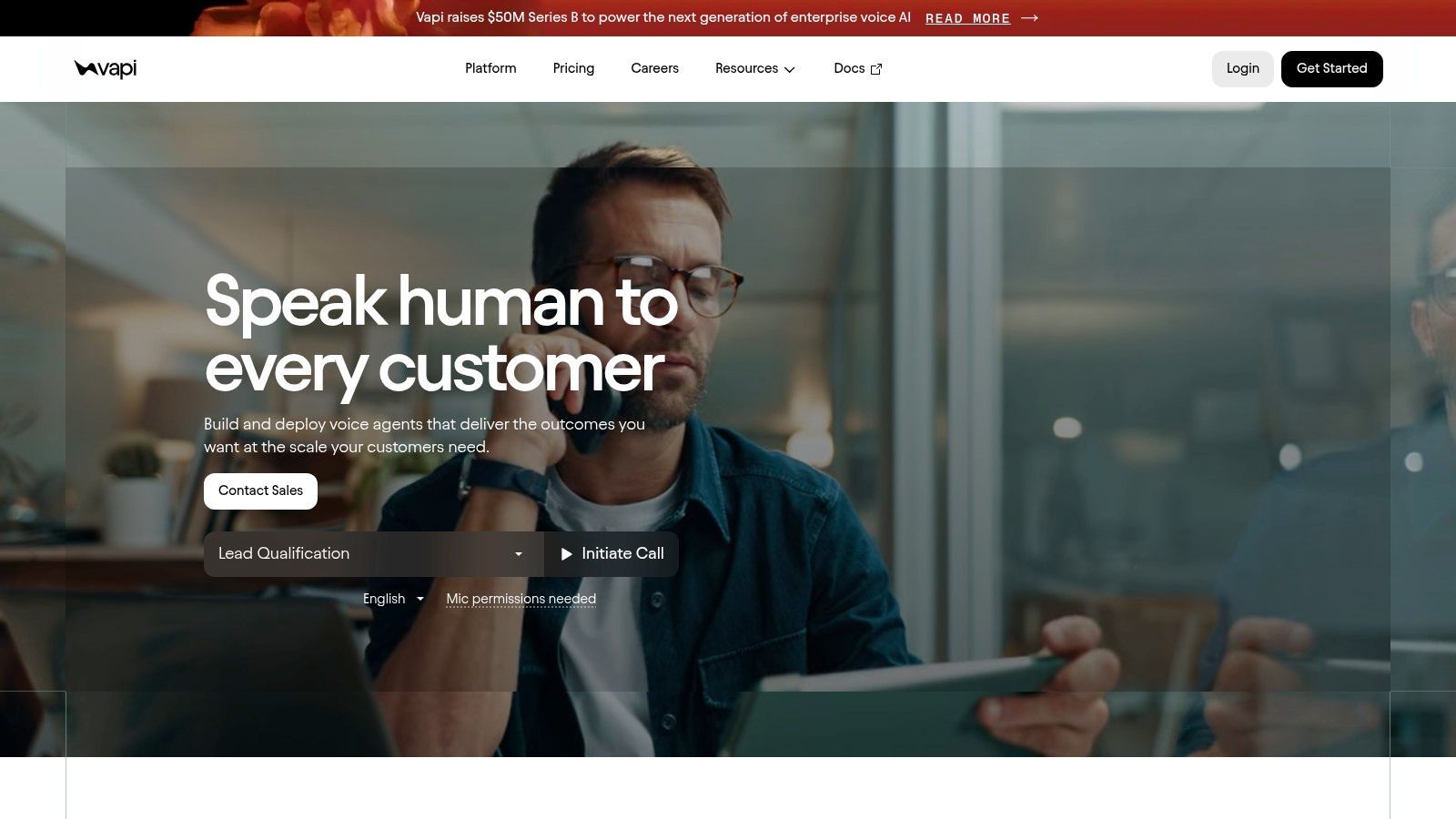
Vapi is a specialist tool, and that's why it deserves a place on this list. Real-time voice agents are not just chatbots with a microphone. Latency, call handling, telephony reliability, compliance posture, and interruption management all matter more.
If your product or workflow lives on the phone, Vapi is easier to take seriously than general-purpose builders that added voice later. It's built around phone and web voice interactions, and that focus shows in how it approaches concurrency, enterprise controls, and operational scaling.
Where Vapi stands out
Vapi is a fit for voice-first support, intake, scheduling, qualification, or internal call workflows. The core value is that it handles the complexities of production voice better than broad platforms usually do.
What to like:
- Voice-first design: Telephony isn't a side feature.
- Operational controls: SSO, RBAC, data residency, and healthcare-related options matter for enterprise use.
- Scaling path: Teams can start smaller and move toward more serious deployments.
Where it falls short is also clear:
- Narrow scope: If you need rich web chat or back-office orchestration, you'll likely pair it with something else.
- Cost complexity: Specialized compliance and higher-scale needs can make the total deployment more expensive than the sticker price suggests.
Voice agents fail differently than chat agents. Pick a voice-native tool if calls are core to the business.
Vapi is one of those tools where specialization is the feature.
9. Microsoft Copilot Studio
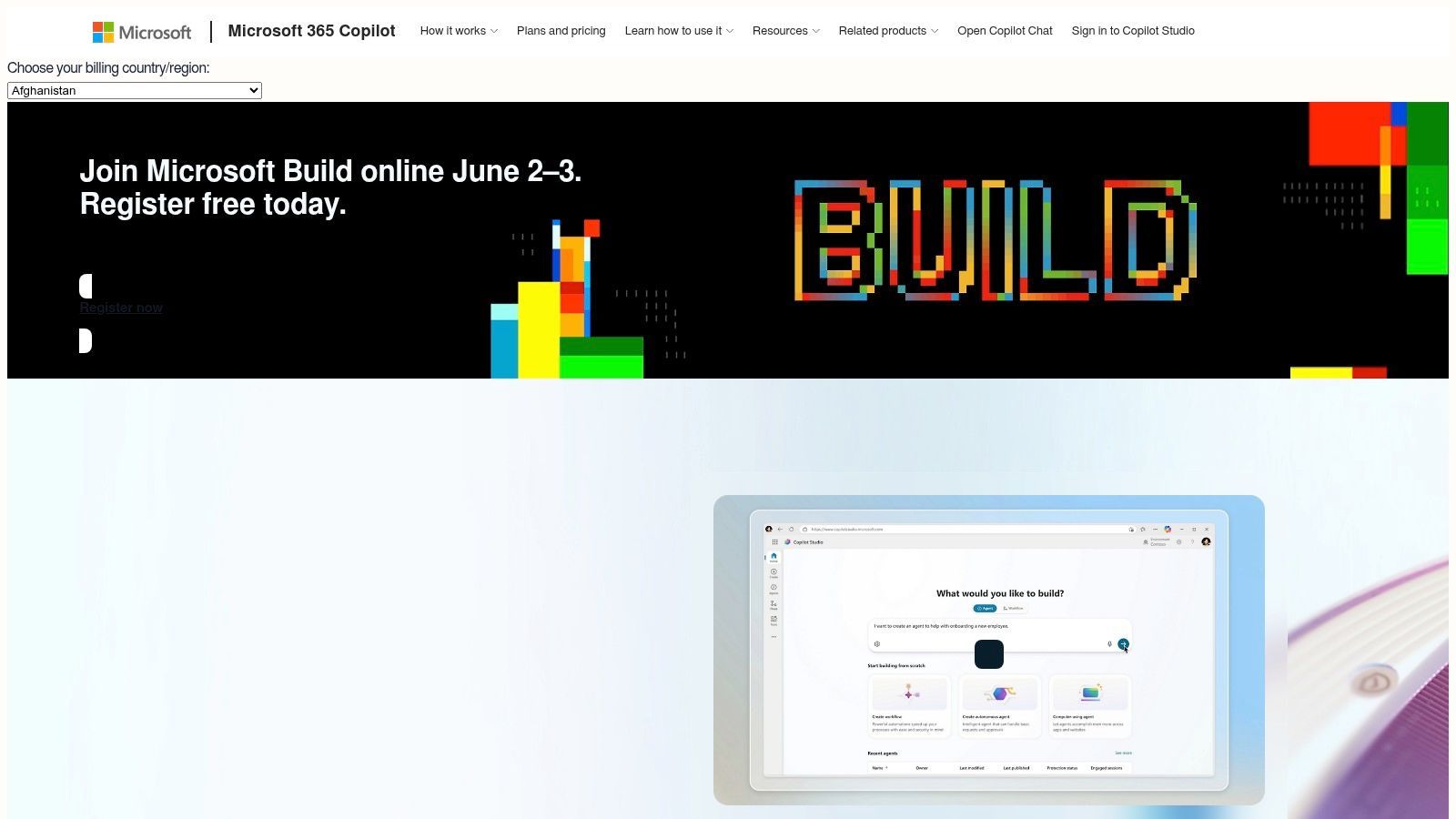
Microsoft Copilot Studio is the enterprise default when the organization already lives inside Microsoft 365, Teams, and Power Platform. Outside that ecosystem, the value proposition gets murkier. Inside it, the fit can be strong.
The reason is governance. Many no-code AI agent builders focus on creation speed, but the harder question is whether the agent can survive production with monitoring, permissions, rollback paths, and compliance controls. Recent industry coverage points out that moving from pilot to production depends less on the builder UI and more on scaffolding like version control, testing environments, monitoring dashboards, and compliance features, which is exactly the operational gap many teams care about most (Aisera on moving no-code AI agents from pilot to production).
Where it works best
Microsoft Copilot Studio is strongest when the deployment target is internal business users already working in Microsoft channels. Teams, Microsoft 365 data, and enterprise governance are the center of gravity.
The practical trade-offs are straightforward:
- Best fit: Organizations already standardized on Microsoft licensing and identity.
- Big advantage: Governance, publishing paths, and auditability align well with regulated environments.
- Main downside: Licensing and credits can feel complex if you're outside the core Microsoft buyer profile.
- Another downside: External publishing and broader custom patterns may require additional planning.
This is a platform decision as much as a product decision. If Microsoft is already your operating system, Copilot Studio can be the shortest path. If not, it can feel like adopting a whole stack to solve one agent problem.
10. Supagen
A common production failure looks like this. The team ships an agent quickly in a no-code builder, gets early usage, then discovers that every prompt change, model swap, fallback update, and incident investigation requires edits across multiple places. The builder still handles the interaction layer, but operations are scattered.
Supagen fits a different category than the rest of this list. It acts as the production backend behind an agent, not the primary builder where flows are designed. That matters if you are using this guide's three-part framing. SaaS Connectors are good at triggering actions. Conversational Platforms are good at designing user-facing experiences. Open-Source Frameworks give more control, but they also push more operational work onto your team. Supagen sits underneath any of those choices and centralizes the parts that usually become painful after launch.
The practical value is straightforward. Teams can manage versioned prompts, model routing, fallbacks, and observability in one place instead of hardcoding those decisions into app code or workflow nodes. If you need to switch providers, compare behavior across models, or inspect a bad response in production, that work is easier when the call path runs through a single backend layer.
That changes a few day-to-day realities:
- Prompt changes stop looking like app releases: Updates to prompts, parameters, and fallback behavior can be handled operationally instead of bundling every change into a redeploy.
- Provider switching gets less risky: Central routing makes it easier to test or replace providers without rewriting every agent flow.
- Debugging gets more concrete: Per-call logs for latency, tokens, inputs, outputs, and cost help narrow down whether the problem is the prompt, the model, or the calling app.
- Multi-modal workloads are easier to standardize: Text, image, audio, video, and structured JSON can run through the same backend pattern.
Supagen also supports MCP-compatible agents through a single URL with OAuth prompting. For teams wiring an agent builder into internal tools or a custom product, that can remove a fair amount of custom integration work.
I would use it as a control plane, not as a replacement for the builder. Zapier Agents and Make can keep handling orchestration and SaaS actions. Voiceflow and Botpress can keep owning the conversation layer. Dify, Flowise, and Langflow can keep the flexibility that makes open-source attractive. Supagen becomes the layer that standardizes prompt operations, provider management, and production tracing across those setups.
The trade-off is clear. This adds another platform to your stack, so it only pays off if you already expect real usage, multiple environments, or model-provider churn. Teams building a single internal demo may not need it yet. Teams preparing for production usually do.
Used well, Supagen makes no-code agent builders easier to run like software, not just demos.
Top 10 No-Code AI Agent Builders: Feature Comparison
Your Next Step Building an AI Workforce
A team ships its first agent in a week. It answers questions, updates a CRM record, and looks great in a demo. Two weeks later, nobody can explain why responses changed, which prompt version is live, or why costs spiked after a model switch. That is the point where tool choice stops being a UX decision and becomes an operations decision.
No-code AI agent builders are good enough now that the bottleneck is rarely getting an agent running. The harder part is keeping it reliable after the first release. Teams usually run into the same set of problems. Prompt edits happen without review. Logs are too thin to debug failures. Permissions are fuzzy. A workflow that looked simple in the builder turns brittle once it has to touch production systems.
The three-category view helps cut through that.
SaaS connectors such as Zapier Agents and Make fit best when the job is taking action across business apps. Conversational platforms such as Voiceflow, Botpress, and Vapi fit best when the user experience is the product and turn design, handoff, and channel support matter. Open-source frameworks such as Dify, Flowise, and Langflow fit best when your team wants more control over hosting, model choice, and workflow logic, and is prepared to own setup, maintenance, and debugging.
Each category has a predictable trade-off. SaaS connectors get you to value fast, but complex branching, evals, and backend control can get awkward. Conversational platforms give stronger tooling for customer-facing flows, but you still need discipline around testing and system integration. Open-source frameworks give flexibility and portability, but they also give you more infrastructure decisions, more surface area to secure, and more responsibility when something breaks at 2 a.m.
Keep the first deployment narrow.
Pick one workflow with a clear trigger, one source of truth for context, and one action the agent is allowed to take. Define failure paths before launch. Decide what happens when retrieval fails, a provider times out, or the model returns something unusable. If those rules are not clear, the pilot will drift into manual cleanup work for engineering and support.
A separate production layer also matters earlier than many teams expect. Prompt versioning, model routing, latency tracking, token and cost visibility, and audit logs should not be scattered across the builder, app code, and provider dashboards. A backend layer such as Supagen is useful here because it centralizes those production concerns while letting the builder handle UX and orchestration. That separation makes it easier to swap builders, change models, and standardize observability without rebuilding the whole system.
Choose the builder that matches the job. Then set up the production layer before the agent reaches real users. That is usually the difference between a pilot that teaches you something and a pilot that turns into maintenance debt.