
Cheapest LLM API: Top Picks for 2026
Your AI bill is spiraling because the app is doing exactly what you asked it to do, call models on every user action, hold too much context, and keep retrying when the first answer isn't quite right. That's why the cheapest LLM API question matters so much in 2026, but the better question is usually the cheaper API for your workload. The sticker price can look tiny, then prompt bloat, output length, and fallback calls turn a neat prototype into a monthly surprise.
The good news is that the market is crowded with low-cost options now. Recent pricing roundups show LFM2 24B A2B on Together at $0.03 per 1M input tokens and Llama 3.1 8B Instant on Groq at $0.08 per 1M output tokens, while other comparisons list Ministral 3 3B at $0.10/$0.10, Gemini 2.5 Flash-Lite at $0.15/$0.60, and DeepSeek V3 at $0.27/$1.10 per 1M input/output tokens TLDL's 2026 cheapest LLM API comparison. The job is deciding which provider stays cheap after you account for retries, caching, batching, and the kind of traffic you run.
If you're trying to ship fast, keep the list simple. Start with the providers that are already priced for production use, then route by task instead of worshipping a single rate card. That approach is how teams cut waste without rebuilding their stack every time a new model launches.
Table of Contents
- 1. Groq (GroqCloud)
- 3. Together AI
- 3. Together AI
- 4. DeepInfra
- 6. OpenRouter
- 6. OpenRouter
- 7. Mistral (Direct API)
- 8. Cerebras Inference
- 9. Cloudflare Workers AI
- 10. Novita AI
- Top 10 Cheapest LLM APIs Comparison
- Build Smarter, Not Pricier, Your Path to Sustainable AI
1. Groq (GroqCloud)
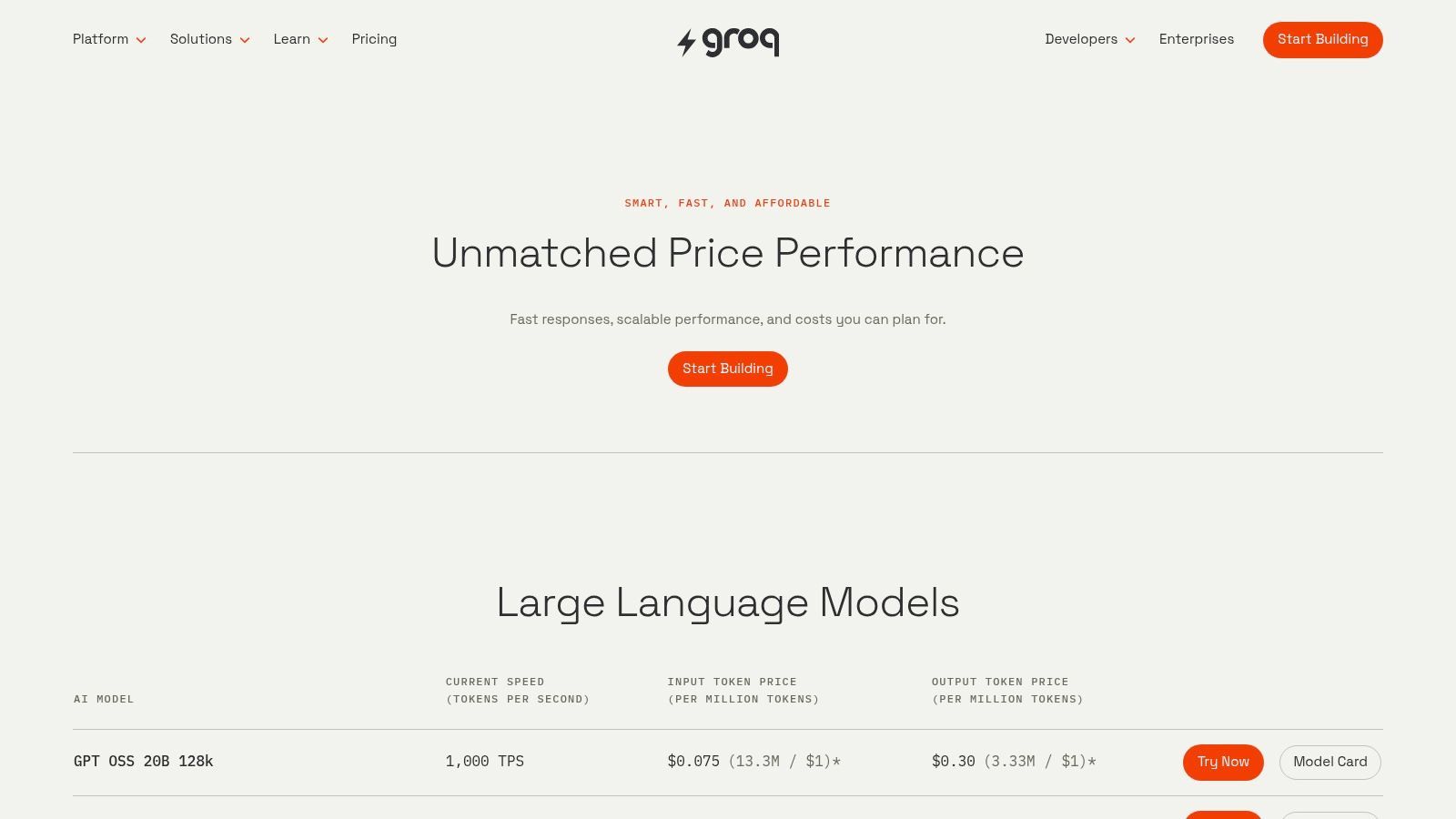
Groq fits the moment when a team wants very low per-token costs on popular open models and still needs response speed that feels good to real users. The practical value is straightforward, fast inference keeps chat, support, and extraction flows usable without forcing you into premium-model pricing. Groq's pricing page is the right place to confirm the exact model you route to, since output pricing varies by model and the catalog is centered on open weights Groq pricing.
Why Groq stays cheap in practice
Groq shows up on shortlists because its economics and latency profile both fit production use. It works well for support agents that need low-latency replies, classification jobs that move a lot of short prompts, and internal tools that hit the same model repeatedly all day. In those setups, the listed token price matters, but so does the fact that users do not sit around waiting for output.
A July 2026 comparison listed Llama 3.1 8B Instant on Groq at $0.08 per 1M output tokens, which is the sort of pricing that makes high-volume open-model routing viable when the task does not need a closed frontier model TLDL's 2026 cheapest LLM API comparison. That is useful for chat assistants, retrieval-augmented answers, and internal summarization where the prompt pattern is repetitive and the model choice is predictable.
Groq also fits batchable work. Nightly cleanup, document tagging, or queued extraction jobs can run on a cheaper lane while user-facing traffic stays on the fastest path. That is where a control plane starts to matter, because you can route real-time requests to the low-latency provider and push non-urgent work to the cheapest model that still meets the task.
Practical rule: Use Groq for high-throughput open-model traffic, then keep a fallback ready for requests that depend on a specific model, a different context window, or changing catalog availability.
The trade-off is focus. Groq's catalog is built around open models, so teams that want premium closed models in the same place will need another provider. It also means routing decisions should be model-specific, because the cheapest option in the menu is not always the best fit for your prompt length, response length, or reliability needs. For teams that value speed, low sticker price, and OpenAI-compatible tooling, Groq is one of the cleanest production options.
3. Together AI
Together AI is a practical choice when you need broad open-model coverage without rewriting your client code. It gives teams an easier path from OpenAI-style integration into lower-cost inference, while still keeping access to a wide set of Llama, Qwen, Mixtral, GLM, embeddings, rerank, and other model options Together AI. That matters when you are testing several models, comparing quality against cost, or keeping routing options open for different request types.
Best use case for Together AI
Together AI is strongest when model choice, migration speed, and cost all matter at once. A July 2026 comparison lists LFM2 24B A2B on Together at $0.03 per 1M input tokens, which is a very low input rate for applications that send large prompts, repeated instructions, or retrieved context TLDL's 2026 cheapest LLM API comparison. That price only pays off if your workload sends far more tokens in than it sends out, and if the model is accurate enough that you do not end up making extra repair calls.
The value is broader than the rate card. Together's batch processing, OpenAI-compatible APIs, and support for fine-tuning or custom deployments make it easier to move from testing into production without stitching together separate services. For many teams, the cost problem is not just the model price, it is the overhead of maintaining multiple integrations, inconsistent prompt formats, and fallback logic across providers.
Together also fits a control plane approach. You can keep one provider for cheap open-model traffic, then route edge cases to a different model when context size, output quality, or uptime requirements change. That setup usually saves more than chasing the lowest sticker price on a single API, because it lets you match each request to the cheapest provider that still meets the task.
The trade-off is selection discipline. Together's catalog is broad, so the cheapest model on paper is not always the best fit for prompt length, response length, or operational stability. For teams that want open-model flexibility, fast migration, and a clean path to multi-provider routing, Together AI is a strong production option.
3. Together AI
Together AI is the pragmatic pick when you want broad open-model coverage and you don't want to rewrite your client code. It's one of the easiest places to move from OpenAI-style usage into lower-cost inference, while still keeping a broad menu of Llama, Qwen, Mixtral, GLM, embeddings, rerank, and more Together AI. The platform is especially attractive when you need to test a few models quickly and keep routing options open.
Best use case for Together AI
Together AI is strongest when model choice, migration speed, and price all matter at the same time. A July 2026 comparison lists LFM2 24B A2B on Together at $0.03 per 1M input tokens, which is an eye-catching input rate for anyone running high-volume applications TLDL's 2026 cheapest LLM API comparison. That kind of list price is useful, but only if your workload is input-heavy and the model quality is good enough for the task.
The useful part of Together is the ecosystem, not just the cost. Batch processing, OpenAI-compatible APIs, and support for fine-tuning or custom deployments make it easier to shift from experimentation to production without bolting together a bunch of one-off services. That matters because many teams don't need a new model, they need a cheaper place to run the same model shape.
You should still verify per-model tables before you commit. Prices vary by model and hardware, and the same catalog can contain very different economic profiles depending on what you route. The other operational consideration is queue behavior, since popular models can slow down at peak demand. That makes Together a good fit for teams that want a broad catalog and can tolerate some routing logic in exchange for lower average spend.
4. DeepInfra
DeepInfra is one of the clearest “just give me the API” options in the market. It offers pay-as-you-go inference across a large open-model catalog, plus a simple OpenAI-compatible interface, which makes migration easy for teams that want to keep their code changes small DeepInfra. The main appeal is straightforward billing, no idle charge gymnastics, just per-token usage.
When DeepInfra makes sense
DeepInfra is best when your priority is low sticker price on open models and you don't need a fancy control surface to get there. In practice, that usually means teams that already know which model family they want and just want to run it cheaply. The catalog is broad, the endpoints are familiar, and the pricing structure is easy to reason about.
That simplicity matters because complexity creates hidden cost. If your team has to manage multiple SDKs, custom wrappers, or provider-specific quirks, the cost is in engineering time and routing mistakes. DeepInfra cuts through a lot of that by keeping the path from client code to hosted model short.
The trade-off is variability. Performance and latency can change by model and configuration, so it's not the place to assume every open model behaves the same. You also need to keep an eye on the SKUs you use most often, because cheap infrastructure is only cheap if it stays aligned with your production mix. For founders and developers who want an inexpensive hosted layer without much ceremony, DeepInfra is a serious candidate.
If a provider makes you think about billing more than routing, it's probably doing the wrong job for a lean team.
6. OpenRouter
OpenRouter is not a model provider in the usual sense, it is a routing layer that gives you one endpoint for a very large model catalog OpenRouter pricing. That matters when the same model is available from multiple hosts and you want the lowest practical route without maintaining separate integrations for each vendor. For teams chasing the cheapest LLM API, the broker layer can turn price comparisons into a working procurement strategy instead of a spreadsheet exercise.
Why a broker can lower spend
OpenRouter's value is aggregation. It gives you one place to compare hundreds of models, and it can route traffic by cost, latency, and availability. Two hosts selling access to the same model weights can still differ on price and on how they behave under load, so the cheaper list price is only part of the decision.
The control plane matters here because routing is what makes low cost repeatable. In one production setup, a broker reduced spend by shifting requests away from premium hosts for routine traffic while keeping the same model family available for higher-value calls. In another, teams that used automatic routing cut failed-request waste because traffic moved when a provider slowed down instead of piling retries onto the same endpoint.
That resilience is the other reason teams use OpenRouter. When one provider is slow or unavailable, traffic can shift without a rewrite of the application layer, which reduces outage cost and keeps support load from spiking. For teams that run multiple models or expect providers to change over time, that flexibility has real operational value.
The trade-off is another layer in the stack. After BYOK thresholds, there can be a small fee, and the routing rules themselves need occasional review so a cheap default does not become the wrong default for a specific workload. You also give up some direct control over provider-specific behavior, which matters if your application depends on a particular prompt format, latency profile, or model quirk. OpenRouter fits teams that want cost control, fallback options, and fewer vendor connections to manage without pretending every request should be routed the same way.
6. OpenRouter
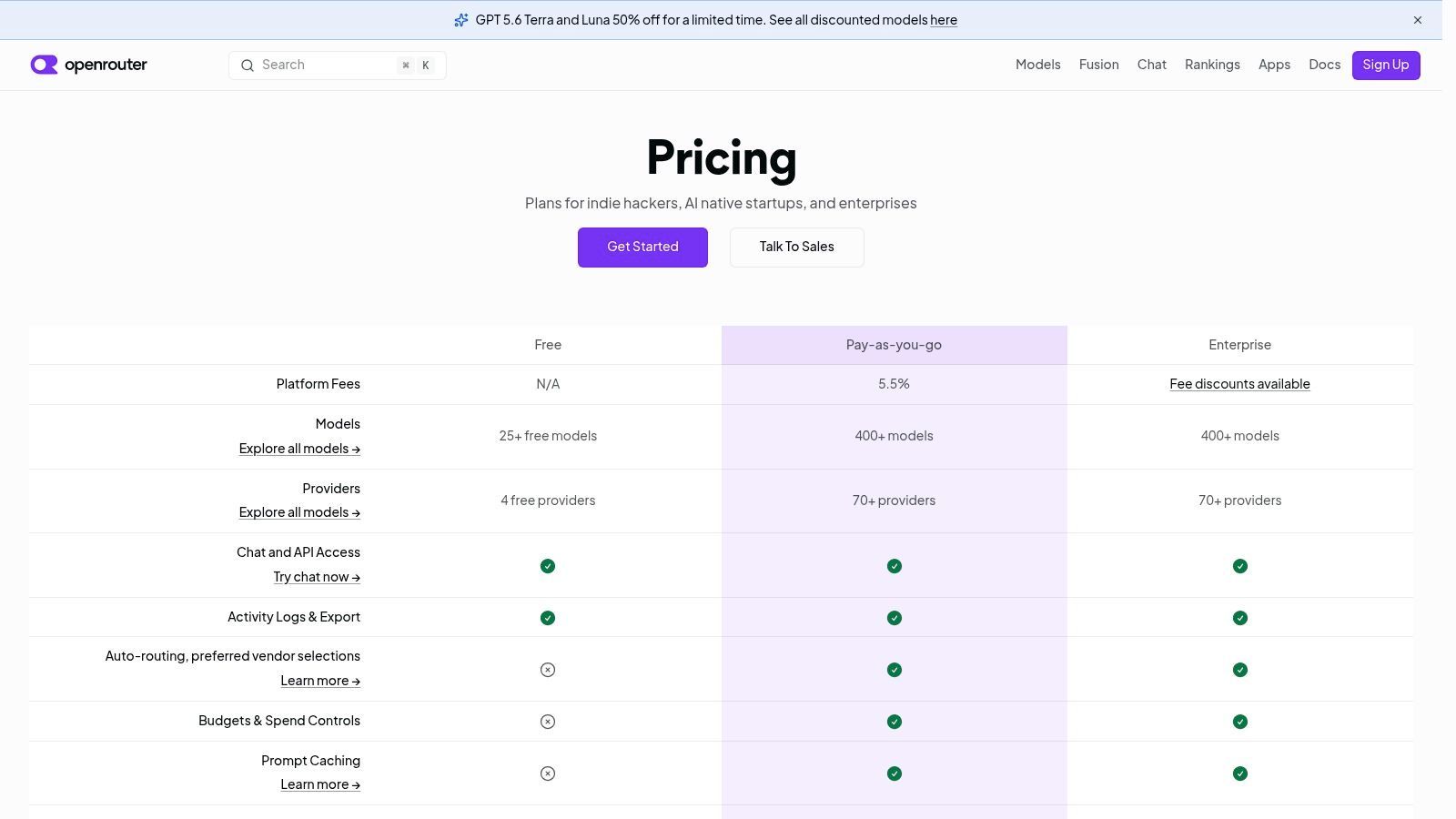
OpenRouter is not a model provider in the usual sense, it is a routing layer that lets you buy access to a very large model catalog through one endpoint OpenRouter pricing. That setup matters when the same model appears across several hosts and you want the lower-cost route without maintaining every provider integration yourself. For teams focused on the cheapest LLM API, the broker layer can be the difference between a price that looks good on paper and savings that show up in production.
Why a broker can lower spend
OpenRouter's main value is aggregation. It gives you one place to compare hundreds of models, and it can route traffic for cost, latency, and availability. Two hosts selling the same model weights can still differ on price and on how they behave under load, so the list price alone does not tell you much. The control plane is what makes lower cost repeatable instead of a lucky one-off.
The other reason teams use it is resilience. If one provider slows down or goes offline, a broker can move traffic without forcing an application rewrite. That reduces retry waste and outage cost at the same time, which is why brokered setups often hold up better than single-provider setups in real production use.
There is a trade-off. After BYOK thresholds, there can be a small fee, and the underlying prices still vary by host, so centralizing access does not remove the need to watch costs. OpenRouter works best when you want one contract-like interface over a messy market and you are willing to let the router handle shopping across providers.
Operational insight: If you already know you will use more than one model family, a broker often saves more money than it costs because it lets you redirect traffic before the bill gets messy.
7. Mistral (Direct API)
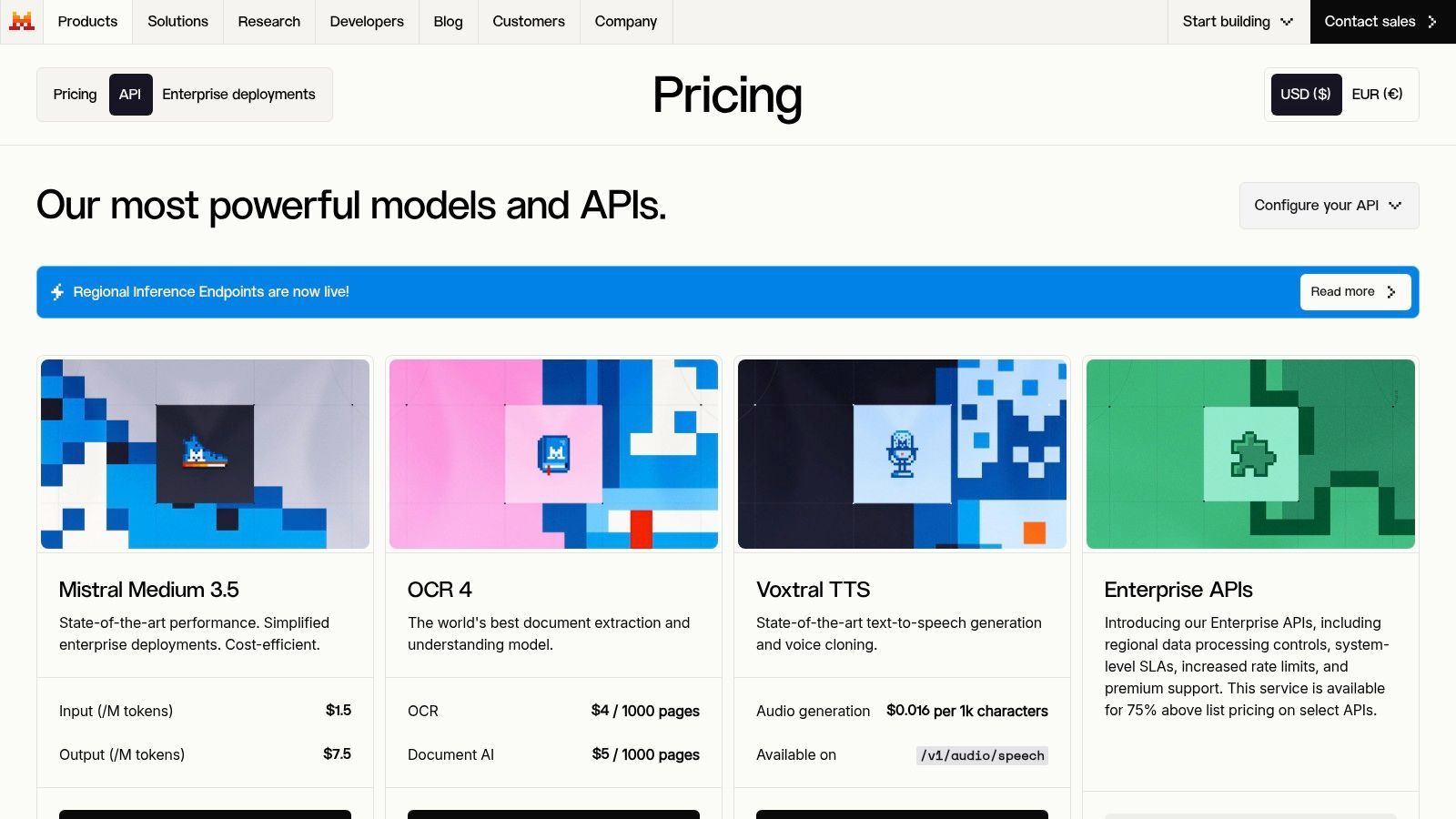
Mistral's direct API is the cleanest first-party option for teams that want transparent pricing and a smaller, more focused model lineup Mistral pricing. It's appealing when you want stable access, production tooling, and fewer moving parts than a multi-provider broker. The product is especially attractive if your team already trusts Mistral models and just wants straightforward billing.
Why first-party pricing still matters
Mistral shows why direct pricing is still worth caring about, even in a crowded market. A 2026 comparison lists Ministral 3 3B at $0.10 per 1M input tokens and $0.10 per 1M output tokens TLDL's 2026 cheapest LLM API comparison. Another pricing comparison notes Mistral Small 3.2 at $0.10 per 1M input tokens and $0.30 per 1M output tokens, which is exactly the kind of pricing that keeps budget workloads alive without sacrificing a first-party relationship CloudZero's LLM pricing comparison.
The benefit of direct access is predictability. You get a production dashboard, usage visibility, and tooling like function calling, streaming, and JSON schema support without routing through an intermediary. That tends to simplify compliance discussions too, because fewer vendors are involved in the path from request to response.
The limitation is catalog size. Mistral doesn't try to be a broker, and that's both a strength and a weakness. If your roadmap needs broad cross-model experimentation, you'll likely pair Mistral with another provider. If you want stable, transparent, budget-friendly access to a known model family, direct Mistral pricing is easy to defend.
8. Cerebras Inference
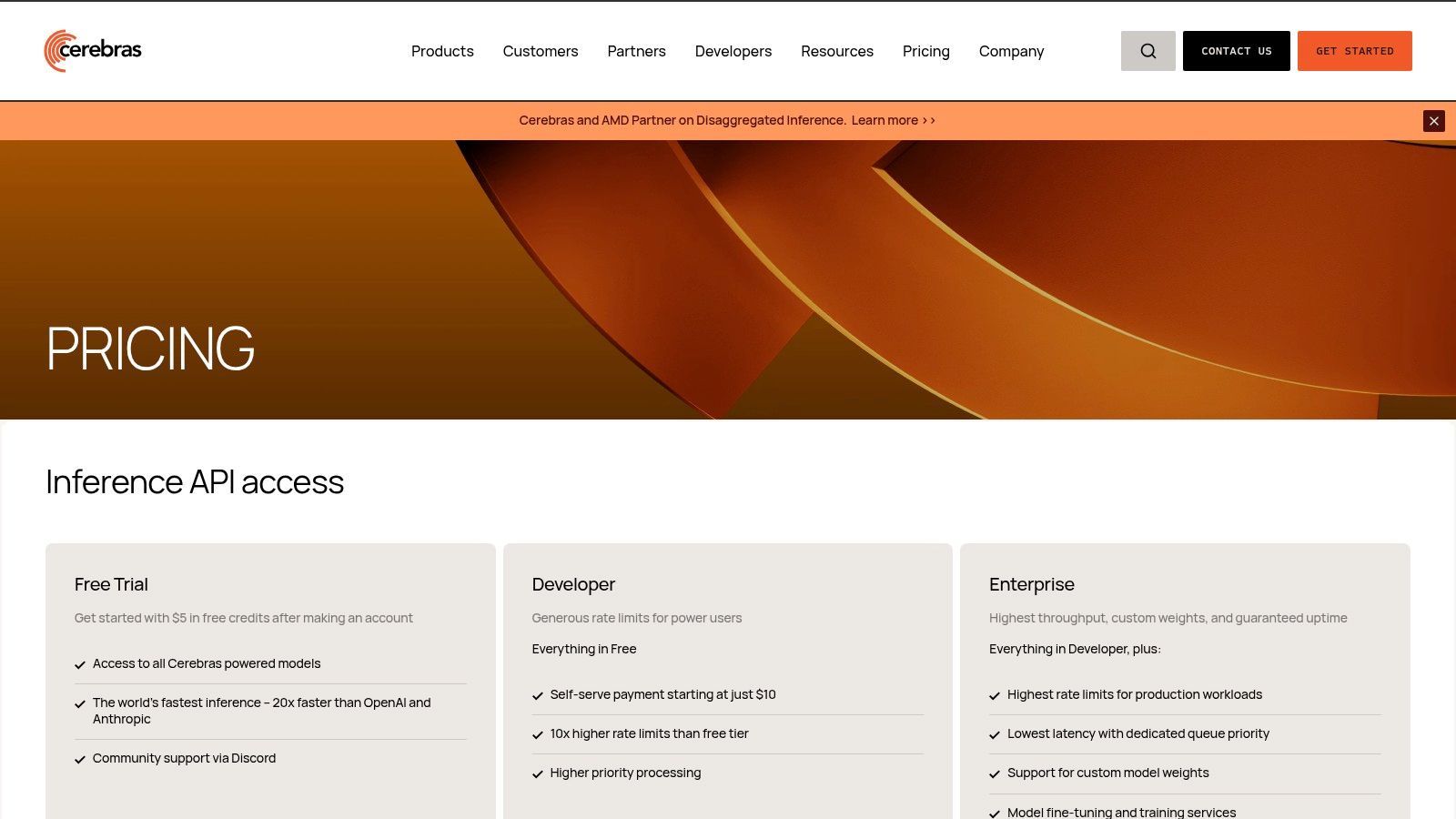
Cerebras Inference is the choice when throughput matters and you still want pay-per-token economics Cerebras pricing. It runs on wafer-scale hardware, so the conversation is less about a broad catalog and more about sustained performance on large open models. That makes it a specialized but credible option for teams with long outputs or latency-sensitive generation.
Speed-first trade-offs at Cerebras
Cerebras makes sense when you care about very high throughput and you're okay staying in the open-model lane. It's also available through partner integrations, which can help if you want access through a routing layer instead of a single direct integration. The public-facing model and pricing surface is not as broad as some multi-provider brokers, so you need to verify which SKUs are exposed.
The practical upside is that fast hardware can lower effective cost by reducing wait time and retry pressure. If your app spends less time queueing and less time timing out, your infrastructure waste drops. That's why fast inference platforms can be cheaper in real usage even when they are not the absolute lowest on paper.
The downside is availability and catalog focus. Cerebras is centered on open models, and pricing or model visibility may be easier through partner portals than through one neat public table. For teams that want speed and can live within a narrower model set, it's a strong piece of a multi-provider routing strategy.
9. Cloudflare Workers AI
Cloudflare Workers AI is interesting because it lives at the edge, not in a separate AI stack Cloudflare Workers AI pricing. That makes it appealing for apps that already sit inside Cloudflare's ecosystem and want AI close to Workers, KV, D1, or R2. The pricing model uses Cloudflare's own metering units, so it feels more like part of the hosting bill than a separate AI experiment.
Edge economics for AI features
Workers AI is strongest when edge latency and lower egress matter as much as raw model price. For lightweight inference, especially in apps already built on Cloudflare, keeping the model close to the request can reduce friction and simplify the architecture. That's a different kind of savings from a raw token discount, but it still lands on the invoice.
The other advantage is operational simplicity. If your app is already on Cloudflare, adding AI in the same billing environment keeps the system easier to audit. You're not bouncing between three dashboards to understand where a request went and what it cost.
The trade-off is catalog breadth. Cloudflare's model selection is smaller than dedicated AI brokers, and the pricing units are different enough that you need to confirm your conversions before you compare them to raw token rates elsewhere. It's a good choice for edge-first products, but not the obvious answer for teams chasing the broadest open-model catalog.
10. Novita AI
Novita AI is a lean-team option for people who want low-cost hosted inference across a growing catalog without building the stack themselves Novita AI. It offers OpenAI-compatible chat completions, dedicated endpoint options, and quantization variants, which makes it useful for teams testing a lot of open models quickly. The platform often shows very low rates on select GLM and Qwen variants, so it belongs on a serious cost shopper's list.
When Novita AI fits lean teams
Novita works best when you want flexibility more than brand familiarity. Shared versus dedicated deployments let you tune the infrastructure to the workload, which is useful when your app has a few hot paths and a lot of irregular traffic. The OpenAI-compatible interface also keeps migration friction low.
The main trade-off is change management. Pricing can shift quickly, so it's not a set-it-and-forget-it choice. Smaller brand recognition can also make procurement and trust conversations take longer in some teams, even when the economics are attractive.
For indie hackers and startups, though, Novita can be a good fit because it lowers the cost of experimentation. You can validate a model path without overcommitting to a heavyweight vendor or self-hosted cluster. If the workload hardens later, you can always move the traffic through a control plane and keep the cheapest path under active review.
Top 10 Cheapest LLM APIs Comparison
Build Smarter, Not Pricier, Your Path to Sustainable AI
The cheapest API on the pricing page is rarely the cheapest API in production. What controls spend is the mix of input price, output price, caching, batching, and whether the same request gets routed to a model that is stronger than the task deserves. That's why recent pricing comparisons matter, but only as a starting point. The market has clearly compressed, with low-end options now showing fractions of a cent per million tokens in some cases, yet the spread between budget and premium APIs still makes routing strategy a financial decision, not a technical afterthought Intuition Labs, TLDL, Morph LLM.
A practical buying framework is simple. Use budget open models for classification, extraction, and repetitive chat where the prompt is stable. Use brokers and control planes when you want to compare providers automatically, fail over cleanly, and keep a single view of spend. Use first-party APIs when stability, tooling, or compliance matters more than squeezing every last cent out of a token.
The biggest mistake teams make is treating provider choice like a one-time procurement event. It isn't. Prompt structure changes, traffic patterns shift, cache hit rates evolve, and a model that looked cheap last quarter can become the wrong answer once output grows or retries increase. A good control plane keeps you from hardcoding those decisions into the app. It lets you change routing, fallback, and observability without turning every cost fix into a redeploy.
That's the strategic value of a multi-provider setup. It gives you an edge over both cost and reliability, which is the ultimate goal. When one provider gets crowded, another can absorb the traffic. When a task becomes stable, you can move it to a cheaper model. When a prompt starts drifting, you can see the spend before it becomes a fire drill. The teams that win here don't pick one perfect API and hope. They build a system that keeps optimizing.
If you're ready to stop hardcoding model choices and start managing spend with more control, Supagen gives you the unified backend to do it. It helps teams route across providers, manage versioned prompts, and keep per-call cost visibility in one place, so you can use the cheapest LLM API for each job without losing observability or control. Visit Supagen if you want a cleaner way to ship AI features with routing, fallbacks, and cost tracking built into the production layer.