
10 Best Local LLM for Coding: A 2026 Guide

Beyond the Cloud: Your Guide to Private AI Coding Assistants
You hit this problem after the demo phase. A cloud coding assistant works well enough for autocompletion and quick refactors, then legal asks where the code is going, finance asks why the bill keeps climbing, and your team starts feeling the latency on every edit-compile-test loop. Running a model locally sounds like the obvious fix until you try it and run into VRAM ceilings, quantized model variants with uneven quality, broken inference stacks, and licenses that are fine for research but awkward for commercial use.
Local coding models are now good enough that the question is no longer whether they can help. The useful question is which compromise you can live with. A smaller model on a single GPU may be fast and cheap but weaker at multi-file changes. A larger quantized model may produce better code but add latency, raise memory pressure, and make tool calling less predictable. Some models are easy to deploy and hard to approve legally. Others are permissive enough for internal use but still need careful testing before they touch production code.
That is the gap this guide focuses on.
Benchmark scores matter, but they are only the starting point. What matters in practice is whether a model fits your hardware, survives quantization without falling apart on coding tasks, has a license your company can accept, and can be served in a way your team can monitor and route reliably. I also care about the last mile. Getting a model to answer on a desktop is easy enough. Turning it into a coding assistant a team can ship, observe, and manage through a unified backend such as Supagen is a different job, and that is usually where local LLM projects either become useful or stall out.
Table of Contents
- 1. DeepSeek-Coder-V2
- 2. Qwen2.5-Coder
- 3. StarCoder2
- 4. Code Llama
- 5. Codestral
- 6. CodeGemma
- 7. IBM Granite Code
- 8. Magicoder
- 9. StableCode
- 10. OpenCoder
- Top 10 Local Coding LLMs: Feature Comparison
- A Practical Guide to Using Local Coding LLMs
1. DeepSeek-Coder-V2
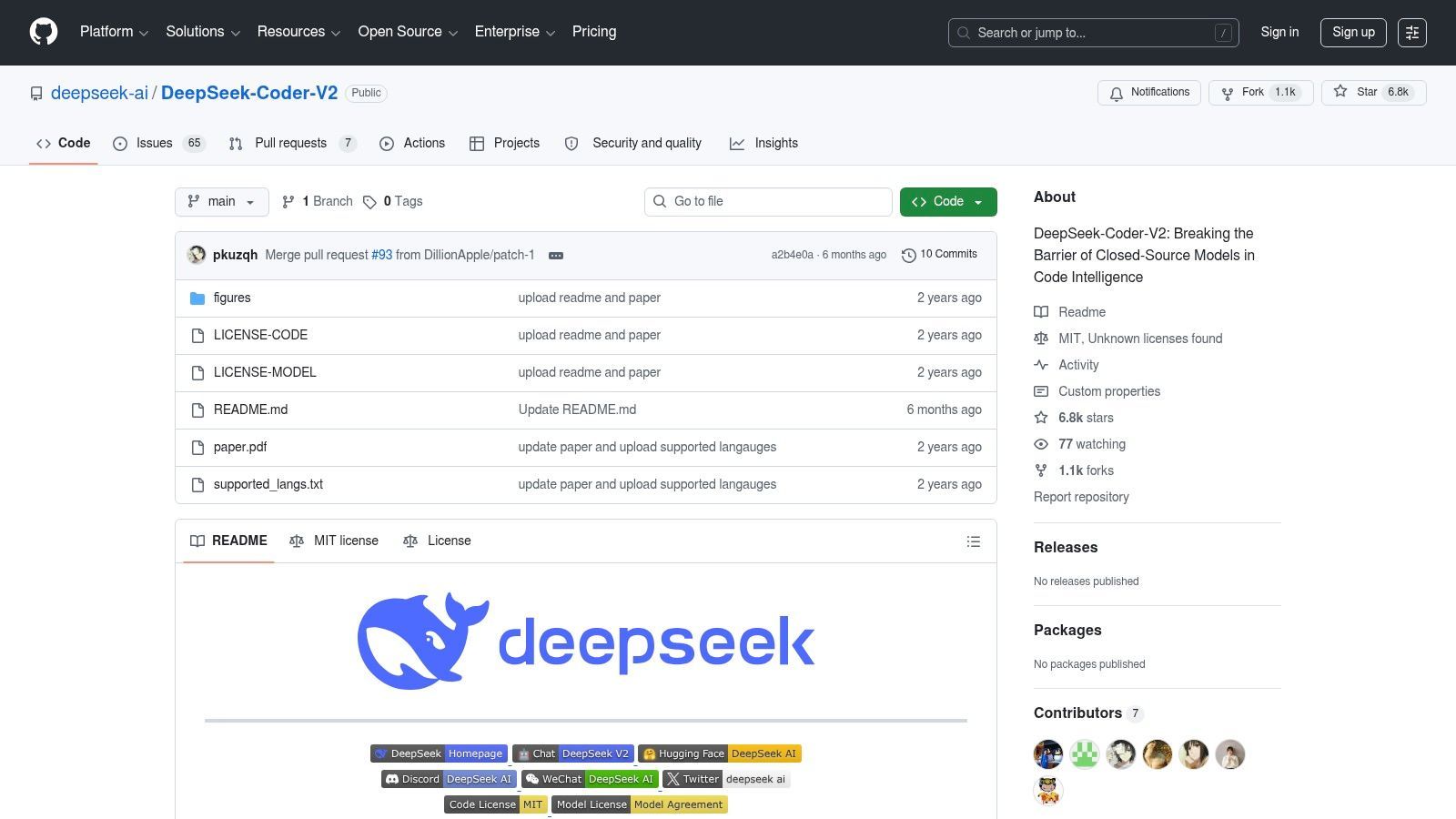
If you want a local model that feels built for serious code work instead of general chat with some code bolted on, DeepSeek-Coder-V2 on GitHub is one of the first names I'd test. It's designed as a code-focused family, and in practice that matters. The model tends to do better when you ask for edits, refactors, or multi-file reasoning than when you treat it like a plain autocomplete engine.
Its MoE design is useful in practical application because you're trying to balance quality with inference cost. On local rigs, that usually means one thing: you can't ignore throughput. A model that gives good code but stalls your IDE workflow won't last long in daily use.
Why it stands out
DeepSeek-Coder-V2 fits best when you already know your workflow is more than “finish this line.” It handles longer prompts, multi-language repos, and agent-style tasks better than many smaller local models.
- Code-first tuning: It's aimed squarely at generation, explanation, repair, and repo-aware work rather than generic assistant behavior.
- Local serving paths exist: The project provides practical inference examples, which lowers the setup pain for people using common self-hosted stacks.
- Good trade-off for strong hardware: If you already have a serious GPU box, it can feel much closer to a cloud assistant than older local code models did.
Practical rule: Don't judge DeepSeek-Coder-V2 from one lazy prompt. These larger code models are sensitive to prompt structure, file context, and whether you ask for a plan before code.
The catch is obvious. It's not the model I'd recommend to someone with modest hardware or a “just works on my laptop” requirement. Bigger DeepSeek variants reward better GPUs, cleaner serving setups, and a bit of prompt discipline. If you want the best local LLM for coding and you're willing to pay the hardware tax, this family deserves a place near the top of your shortlist.
2. Qwen2.5-Coder
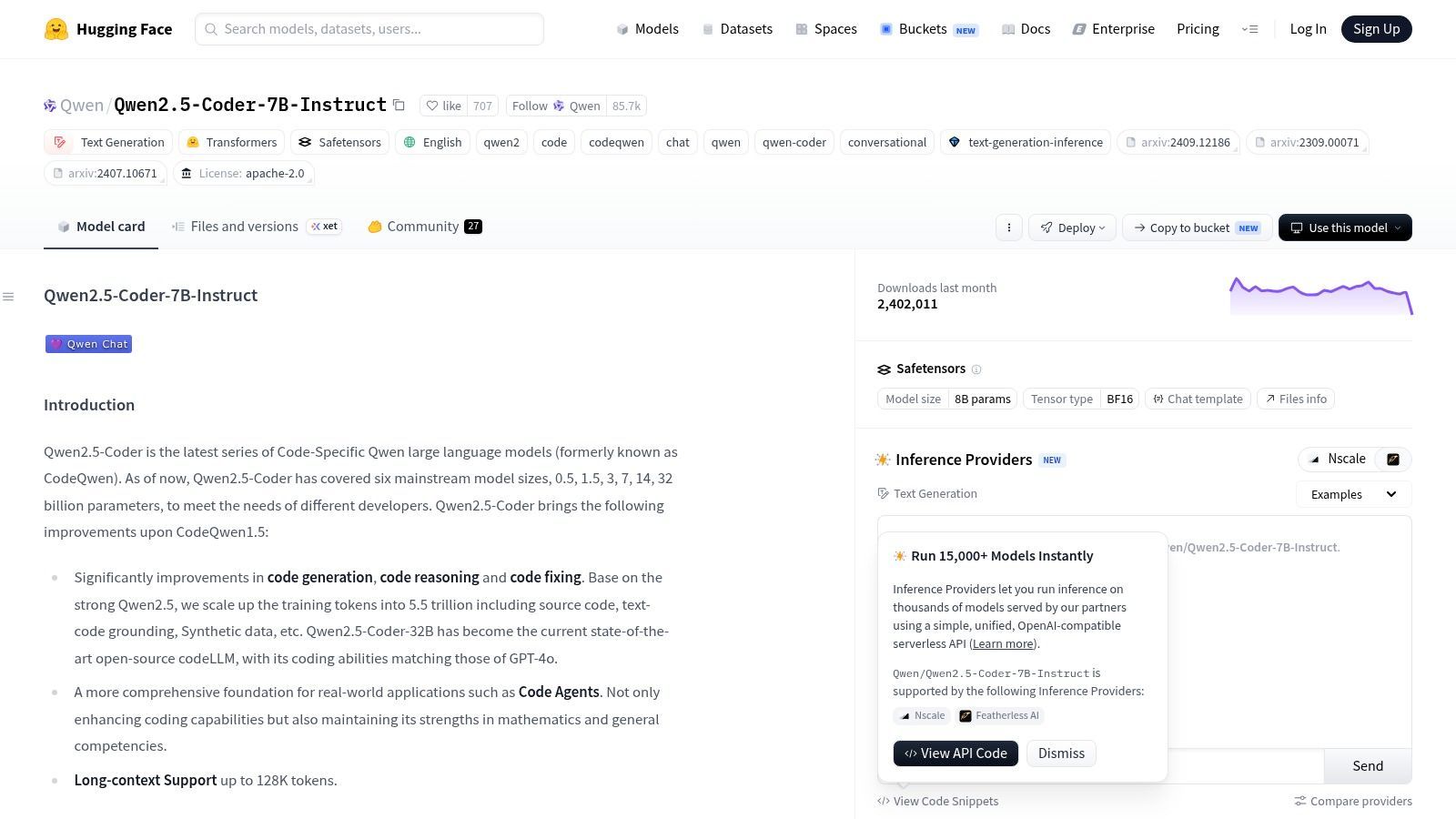
A common local setup failure looks like this: the model seems great in a benchmark chart, then turns unusable once you load a real repo, add editor context, and try to keep latency low on a single GPU. Qwen2.5-Coder on Hugging Face avoids that trap better than many code models because the family gives you multiple size options without forcing a tooling reset.
That flexibility is its main selling point. You can start with a smaller checkpoint on limited VRAM, test prompts, measure tokens per second, and move to a larger variant only if the quality gain is worth the memory and latency cost. For local coding, that last-mile decision matters more than a small benchmark lead.
Where it fits best
Qwen2.5-Coder works well for developers who want one model family they can carry from experimentation into a more serious self-hosted setup. The model is good at code generation, debugging help, and code-focused chat, but the practical advantage is operational. The packaging is straightforward, community support is broad, and it plays nicely with common local inference stacks.
It also fits the reality of production work. Quantization can make a smaller box viable, but every step down in precision is a trade. Lower VRAM use is great. Accuracy on tricky edits, long-context reasoning, and structured outputs can slip enough to matter if you are using the model for repo-aware tasks instead of short autocomplete prompts.
- Range of usable sizes: You can match the checkpoint to your hardware instead of rebuilding your workflow around one oversized model.
- Strong day-to-day coding performance: Good enough for generation, explanation, refactoring help, and iterative debugging.
- Easier to productionize: A family with consistent behavior is simpler to route, monitor, and compare in a unified backend such as Supagen when you want observability across local and hosted models.
There are still gotchas. Check the license before shipping any customer-facing feature, especially if your company plans to fine-tune, redistribute, or bundle the model into a product. Also, do not assume the biggest Qwen checkpoint is automatically the right pick. On constrained hardware, a well-quantized mid-sized model that responds quickly will often beat a larger model that turns your editor into a spinner.
If I were building a local coding stack for real use, not just a weekend test, Qwen2.5-Coder would be one of the first families I benchmark on my own hardware. It gives you a clean path from laptop-scale experiments to a monitored self-hosted deployment without changing everything at once.
3. StarCoder2
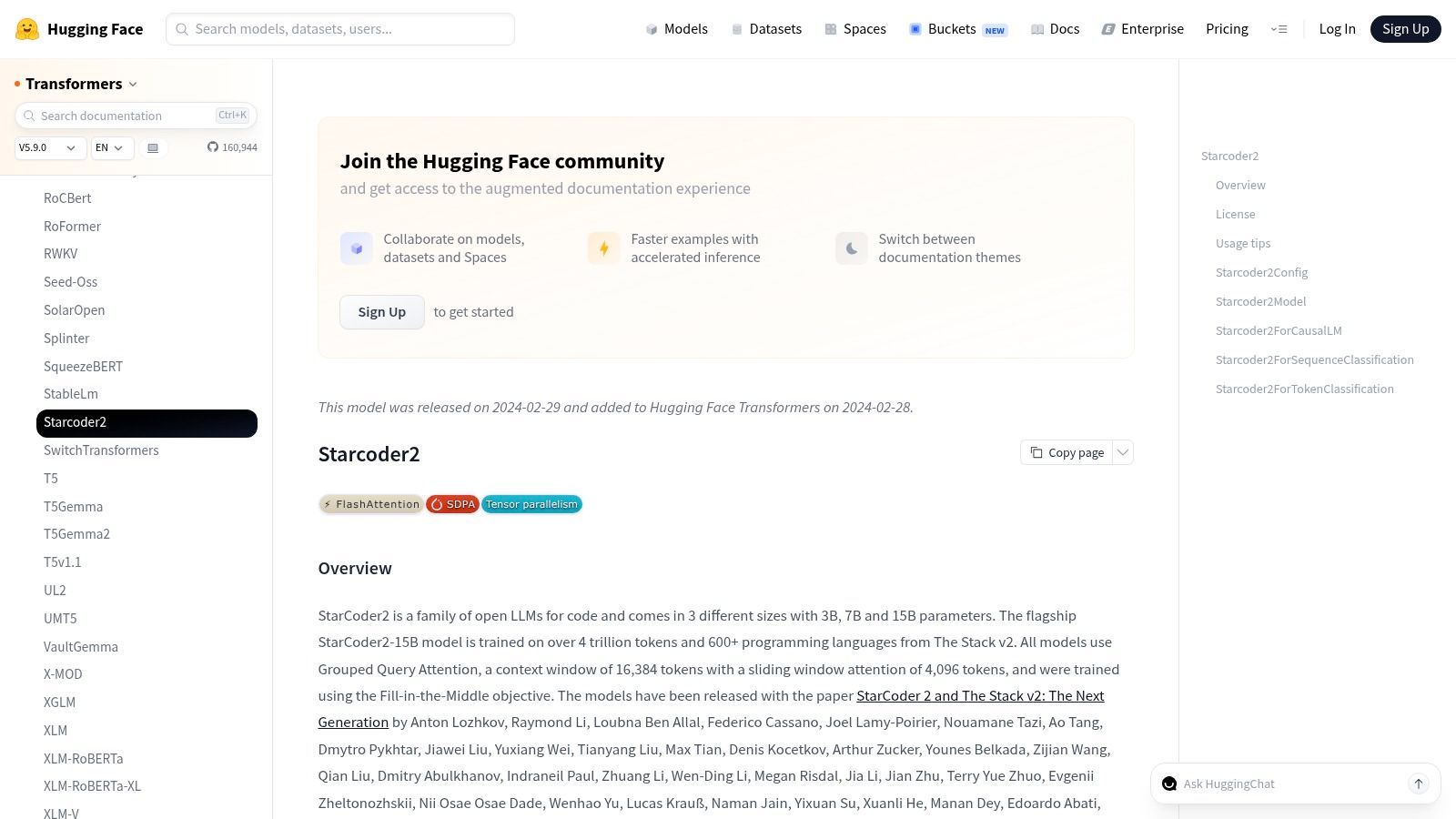
StarCoder2 in the Transformers docs is what I'd call a stable workhorse. It may not be the flashiest option in this list, but a lot of developers don't need flashy. They need a model that's documented, widely integrated, and unlikely to break their setup every time they change tooling.
That's StarCoder2's real advantage. It's mature enough that most local AI tools know how to deal with it, and the model sizes are reasonable for people who aren't running a dedicated inference server farm at home.
Why teams still use it
StarCoder2 makes sense when you value predictability over leaderboard hype. For IDE copilots, internal tools, or a local fallback model, that can be the smarter choice.
- Mature ecosystem: Community support matters. It means more examples, more prompt patterns, and fewer dead ends.
- Practical sizes: The smaller and mid-sized variants are easier to fit into real hardware budgets.
- Licensing clarity with caveats: The OpenRAIL-M license is usable, but you still need legal review if your company ships customer-facing features.
Mature tooling beats a slightly better benchmark if your real bottleneck is integration work.
The downside is simple. Newer code-specialized models often feel sharper on hard synthesis or long-horizon edits. But if your actual use case is completion, review help, light refactors, or local fallback inference, StarCoder2 remains one of the most useful low-drama options.
4. Code Llama
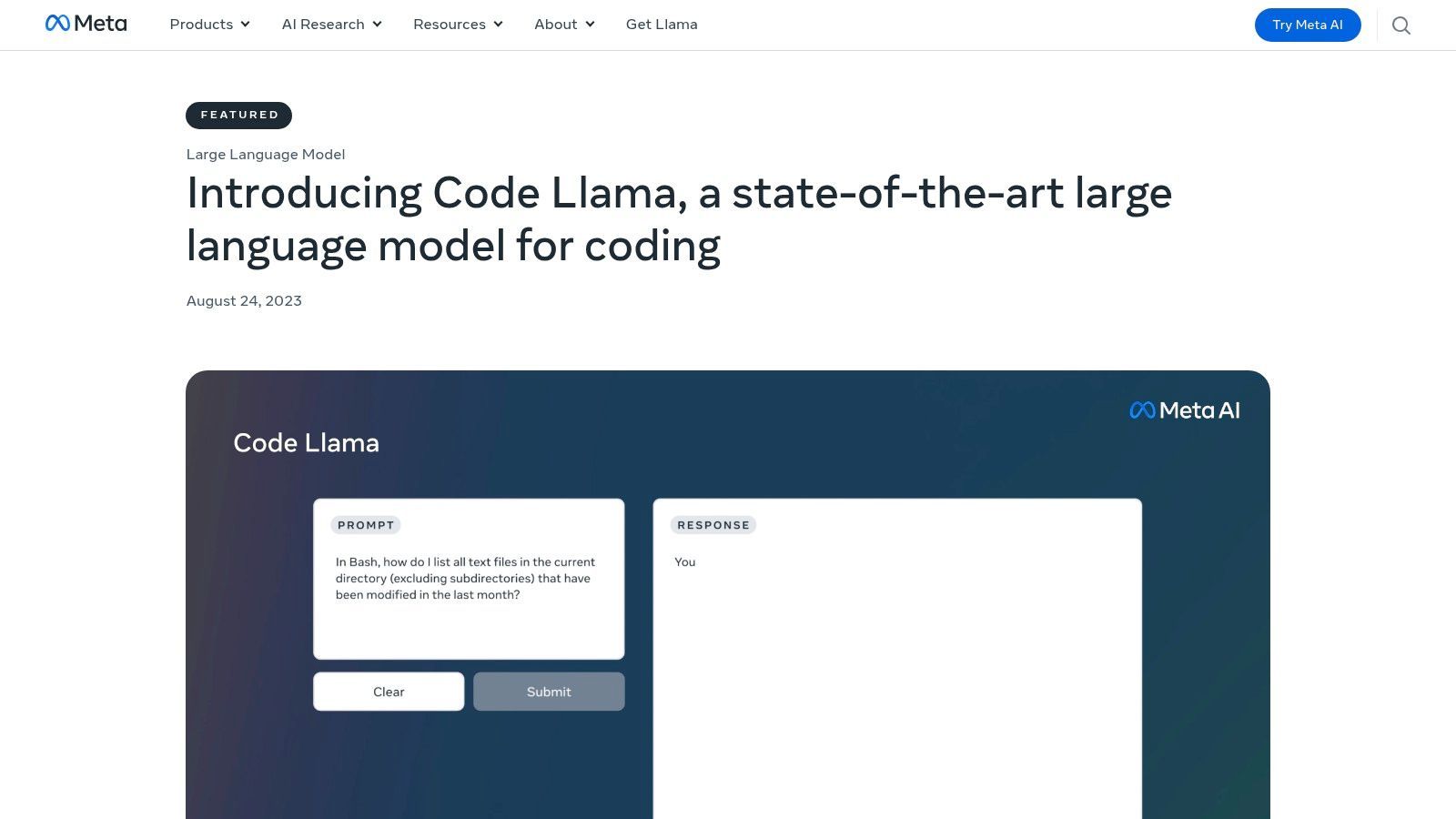
Code Llama from Meta is no longer the newest thing, but it still shows up everywhere for a reason. If you've used Ollama, llama.cpp, vLLM, or random GGUF builds floating through the local ecosystem, you've seen how much infrastructure formed around Llama-style models.
That ecosystem maturity matters when you're building a local assistant people must use. I still see Code Llama as a baseline reference model. Not because it wins every comparison, but because it's easy to test, easy to quantize, and easy to integrate.
What it still does well
Code Llama is good when you want compatibility and repeatability. It isn't always the strongest coder in a raw quality contest, but it often wins on setup time.
- Broad runtime support: It runs in almost every local stack that matters.
- Established prompt patterns: That saves debugging time when outputs feel off.
- Strong community footprint: Fine-tunes, quantizations, wrappers, and examples are easy to find.
The weak point is that newer open models can beat it on more demanding coding tasks. Also, Meta's license isn't something to wave through casually. For hobby use, that's manageable. For production features, legal should read the terms, especially if your distribution model is unusual.
If you're evaluating the best local LLM for coding for a team with mixed experience, Code Llama remains a solid baseline because everyone can get it running quickly and compare from there.
5. Codestral
You get Codestral running on a strong local box, test it on completions and edits, and the results look good enough to wire into an editor or internal tool. Then the main deployment work starts. Can the model fit your GPU after quantization without falling off too hard on code quality? Can you serve it through the same backend as the rest of your stack? Can your company ship it under the license?
That last question is the one people skip. Codestral's model governance page from Mistral is the first thing to read before you spend time on adapters, evals, or product integration.
Codestral is attractive because it sits in a practical middle tier. The model is large enough to be useful for real coding work, but it does not force you into the biggest local serving setups. In practice, Codestral-22B is often treated as a reasonable target for a single high-end GPU, especially if you are willing to quantize and accept some trade-off in long-context reliability or edge-case reasoning.
That trade-off matters. A 22B coding model can feel very different at full precision versus aggressive quantization. If your workload is autocomplete, short edits, and function scaffolding, lower-bit deployments may still be worth it. If you care about harder refactors, repo-level consistency, or multi-file changes, test the exact quantized build you plan to serve. Do not assume the benchmark reputation survives the memory optimization unchanged.
What to verify before you deploy it
Codestral is a serious option for local coding setups, but only if all three parts line up.
- VRAM fit: Check the memory budget for your real context length, batching, and quantization choice, not just the raw checkpoint size.
- License terms: Some releases are not a clean fit for commercial use. Open weights do not automatically mean unrestricted deployment.
- Serving path: Make sure your backend can route, log, and compare Codestral against your fallback models so you can see where it helps and where it misses.
This is where the last mile matters more than the model card. A good local coding model still needs predictable inference, sensible quantization, and clear governance. If you are productionizing a local stack through a unified layer such as Supagen, Codestral should be evaluated the same way as any other candidate. Measure latency on your hardware, inspect failure cases in real coding tasks, and get the license reviewed before it becomes part of the product.
6. CodeGemma
CodeGemma from Google DeepMind is a practical choice for developers who want a smaller, cleaner path into local code models. It's especially appealing if you care about fill-in-the-middle behavior and don't want to wrestle with oversized checkpoints.
I wouldn't pick CodeGemma as the absolute strongest model in this list for hard repo-scale reasoning. I would pick it when the deployment experience matters as much as raw power. That includes local demos, editor integration experiments, and teams that need something understandable before they need something maximal.
Best fit
CodeGemma works well as a small-to-mid-size coding assistant. It's often easier to stand up than the heavier code-specialized alternatives, and that lowers the odds that a team gives up before seeing value.
- Good for completion workflows: Fill-in-the-middle support is useful in real editing, not just benchmark prompts.
- Clear setup path: Documentation is comparatively straightforward.
- Works for hybrid teams: You can prototype locally and still keep a path toward managed infrastructure later.
Its limit is capacity. On more complex reasoning, larger open models usually pull ahead. If your main work is generating long functions from sparse specs, debugging across many files, or planning tool-heavy workflows, CodeGemma is more of a convenience pick than a top-end one.
Still, convenience counts. A model that gets adopted beats a stronger one that nobody wants to maintain.
7. IBM Granite Code
IBM Granite Code documentation is the kind of model page enterprise buyers like because it signals seriousness. Granite Code doesn't dominate hobbyist discussions the way Qwen, Llama, or Mistral-derived models do, but that doesn't make it niche in the wrong way. It makes it enterprise-shaped.
That means on-prem environments, compliance-heavy workflows, and teams that need clear licensing and deployment stories more than they need the hottest open-source buzz.
Why enterprise teams look at it
Granite Code is attractive when you care about governance, air-gapped deployment, and fewer surprises in commercial use.
- Enterprise-friendly licensing: Apache-style terms on many Granite code models are a major practical advantage.
- On-prem posture: Good fit for regulated or private environments.
- Clear production orientation: The docs and positioning are more operational than hobbyist.
The downside is ecosystem gravity. You won't find the same explosion of community fine-tunes, prompt packs, and niche wrappers that you get with Llama-family models. For a hobbyist, that feels limiting. For a company with standards and review processes, it can feel like a relief.
If your goal is “best local LLM for coding inside a company that doesn't tolerate licensing ambiguity,” Granite Code belongs on the shortlist.
8. Magicoder
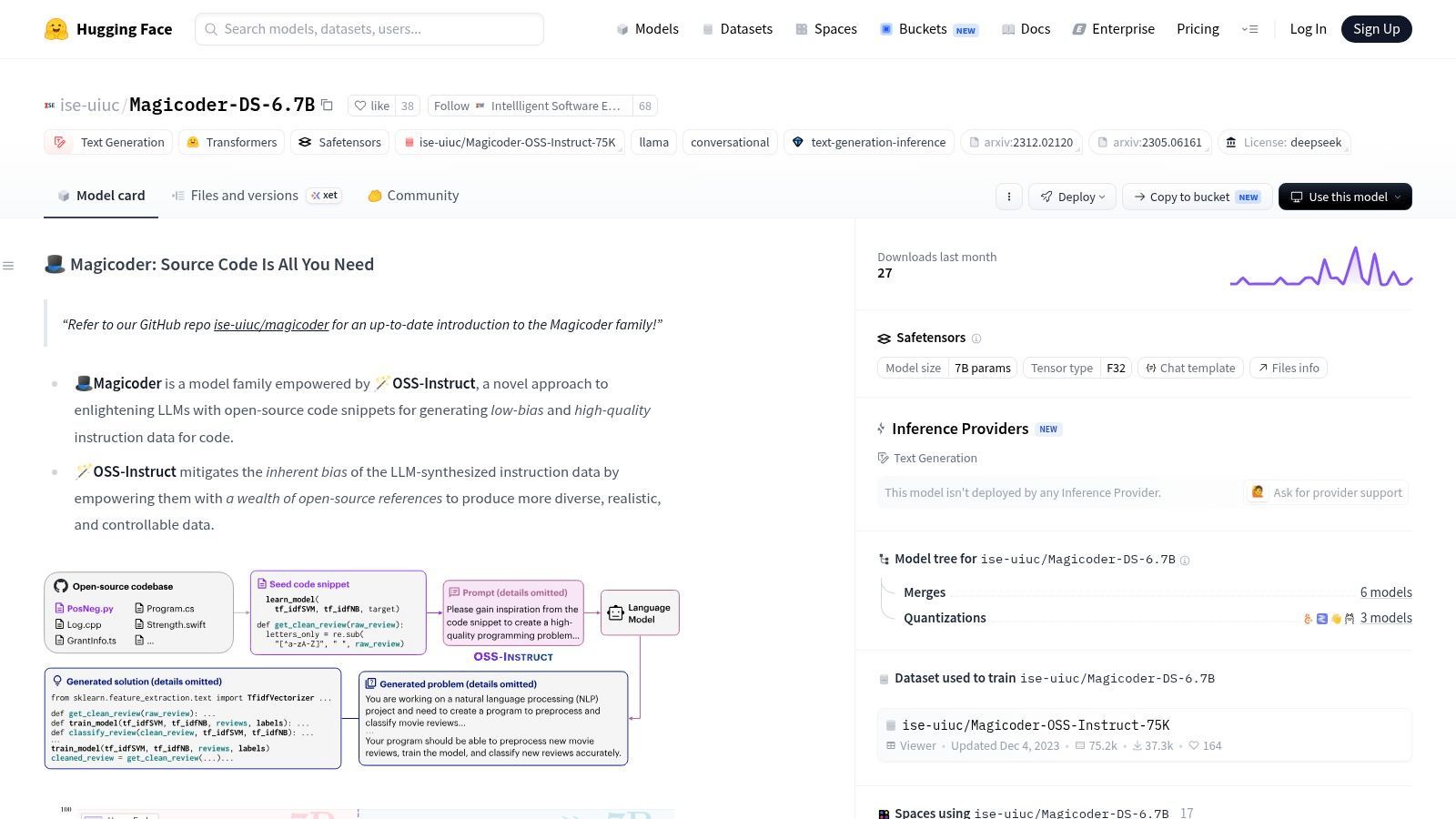
Magicoder on Hugging Face is the kind of model that reminds people not every useful local coder needs to be huge. If your machine is limited and your tasks are narrow, compact models can be a better engineering decision than chasing a bigger checkpoint that runs badly.
For code completion, focused edits, test scaffolding, and straightforward refactors, Magicoder can feel surprisingly capable for its size. That's the key phrase: for its size. Use it inside the right lane and it punches above its weight.
Why small models still matter
Small coding models remain relevant because latency often matters more than peak reasoning. Real-time suggestion quality is different from one-shot benchmark glory.
- Single-GPU friendly: You can run it on modest local setups without turning your machine into a space heater.
- Good quality-to-compute ratio: Helpful when you care about responsiveness.
- Easy local packaging: Common quantizations and runtimes make deployment simple.
Fast local completion beats a slow “smarter” model for many everyday editing tasks.
I wouldn't use Magicoder as my only model for broad repo work or complex architectural rewrites. I would absolutely use it as a fast execution model in a two-model setup, where a stronger planner handles repo reasoning and a smaller model handles cheap local turns. That split is often more efficient than asking one heavyweight model to do everything.
9. StableCode
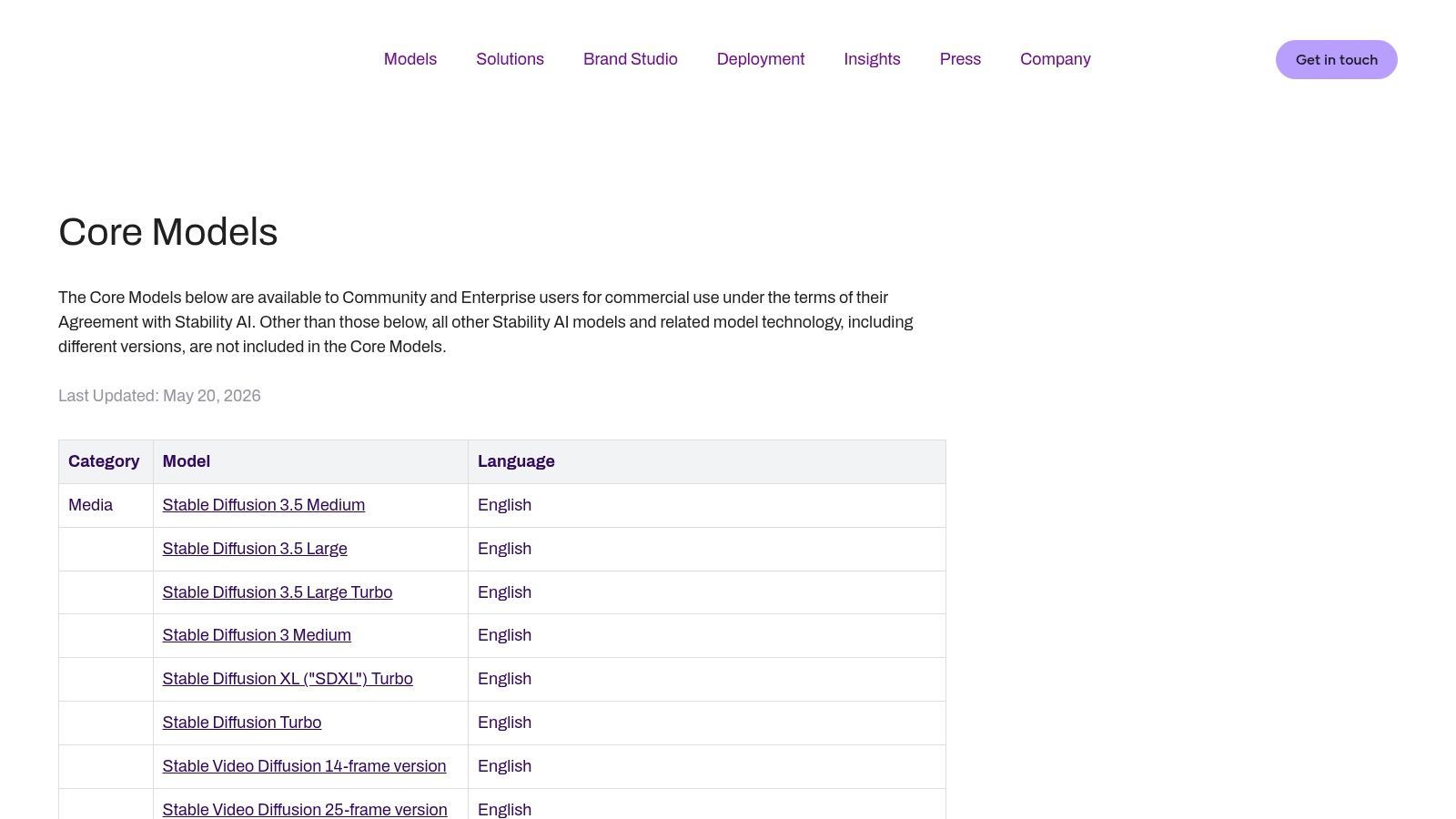
Stable AI core models include StableCode, which is a good option when your hardware is old, constrained, or just not built for large-model inference. There's a real audience for this. Not every developer asking for the best local LLM for coding owns a workstation with lots of VRAM.
StableCode is the model I'd describe as practical for experimentation. It's lightweight enough to make local coding feel accessible, especially if you're testing editor workflows, prompt formats, or local self-hosting for the first time.
Where it makes sense
StableCode fits best when you need something inexpensive to run and easy to tinker with.
- Low hardware barrier: Better fit for older GPUs and mixed CPU-GPU setups.
- Good experimentation model: Useful for testing pipelines, not just raw code quality.
- Simple fine-tune target: Smaller models are often easier to adapt for narrow internal conventions.
Its ceiling is lower, and you'll feel that on complex logic, multi-file edits, or subtle bug hunting. But lower ceiling doesn't mean no value. A small local model can still be the right answer for autocomplete, internal snippets, or offline work where privacy and availability matter more than frontier-level reasoning.
I'd pick StableCode when the alternative is not a better model. It's no model at all.
10. OpenCoder
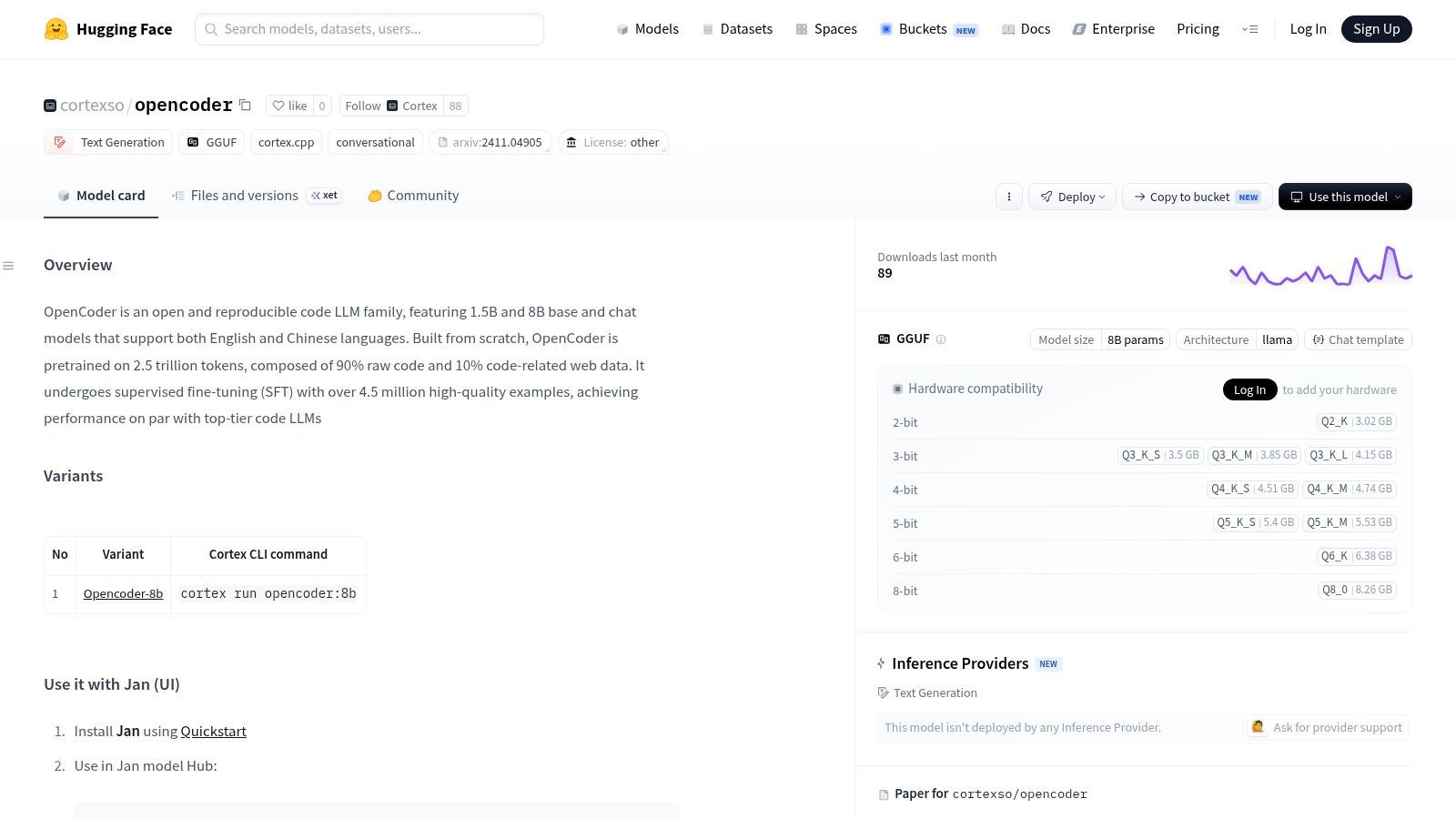
OpenCoder on Hugging Face is interesting for a different reason than most entries here. Transparency. Many local model comparisons focus only on output quality, but if you plan to fine-tune, audit, or trust a model in a production path, transparency matters more than people admit.
OpenCoder positions itself around reproducibility and documented training choices. That won't matter to every buyer. It matters a lot to teams that want to understand what they're deploying.
Why transparency matters
A newer benchmark-oriented review described how local and cloud coding evaluation had become more competitive by early 2026, and said Qwen 3.5 had just been released and was the overall best performer among the discussed models, while a free account could access the cloud version and Ollama could run it locally. That split is important. The market isn't converging on one answer. It's splitting between cloud convenience and self-hosted control.
OpenCoder fits the control side of that equation.
- Transparent model cards: Helpful for teams that care about provenance.
- Compact sizes: Better aligned with consumer hardware than giant frontier-style models.
- Adaptable foundation: Easier to fine-tune or inspect than more opaque alternatives.
There's a trade-off. The ecosystem is smaller, and smaller ecosystems create friction. Fewer examples. Fewer wrappers. Fewer people debugging the same edge cases you hit. If you value openness and reproducibility enough, that trade is worth it. If you need maximum convenience today, more established families still have the edge.
Top 10 Local Coding LLMs: Feature Comparison
A Practical Guide to Using Local Coding LLMs
You install a promising coding model on Friday night, point it at your repo, and get decent answers in a toy prompt. By Monday, it is missing symbols across files, slowing your editor to a crawl, and failing on the exact refactors you care about. That gap between demo quality and daily usefulness is the core local LLM problem.
Model choice matters. The last mile matters more. Hardware limits, quantization format, license terms, and serving architecture usually decide whether a local coding setup becomes a dependable tool or a weekend experiment.
Hardware & Quantization What You Really Need
Start with VRAM, not model rankings.
For local coding, memory headroom decides almost everything: whether the model fits at all, how much context you can keep, how fast token generation feels in an editor, and whether parallel requests are realistic. As noted earlier, larger coding models become much more practical once you move into workstation-class GPU memory. Below that line, a smaller model with clean prompting often beats a larger one that barely fits and stalls under load.
In practice, the useful breakpoints are qualitative, not aspirational. Small models are easy to run and usually responsive enough for autocomplete, short edits, and command-style prompting. Mid-sized models are often the best daily-driver tier because they still fit on prosumer hardware while holding up better on repo-level tasks. Very large models only make sense if your machine can serve them at acceptable latency.
Quantization is where a lot of setups go right or wrong:
- GGUF fits llama.cpp, Ollama, and LM Studio well. It is the easiest path for local testing and desktop use.
- AWQ and GPTQ fit GPU-first serving stacks better, especially when you care about throughput on NVIDIA hardware.
- Heavier quantization saves memory but costs accuracy. The failures usually show up as worse instruction-following, weaker edits across long contexts, and more brittle formatting.
I usually recommend proving the workflow with a quantized 7B to 32B class model before chasing bigger checkpoints. If the model cannot handle your real prompts, your repo layout, and your editor loop, adding parameters will not fix the operational issues.
Best Use Cases Matching the Model to the Task
Coding workloads split into at least three buckets: fast completion, scoped editing, and multi-step repository work.
Small models earn their place on speed. They are good for boilerplate, repetitive transforms, test scaffolding, simple bug fixes, and tight feedback loops inside an IDE. If you want something always available on a single GPU or even CPU-heavy local inference, this tier is still useful.
Mid-sized and larger models earn their cost on harder coordination. They handle longer prompts better, reason across more files, and do a better job when the task involves planning before code generation. That matters for migration work, patch generation, code review assistance, and tool-calling flows.
Recent analysis from BentoML on open models points in the same direction, with newer top-end systems pushing toward tool use, long-horizon reasoning, and agent-style software tasks rather than just one-shot completion, as shown in their open-source LLM roundup covering agentic and software engineering oriented models. You may not run those frontier-scale models locally, but the evaluation standard has changed. A coding model now needs to do more than emit plausible functions.
A split stack often works better than a single local model. Use a stronger planner or reviewer for repo summaries, task decomposition, and patch plans. Use a smaller local model for iterative edits, cleanup, and cheap retries. That setup is easier to operate, cheaper to scale, and usually more predictable under real developer traffic.
From Localhost to Production with a Unified Backend
A personal setup can survive on one model and a pile of scripts. Team usage cannot.
Once multiple developers or internal tools hit the same system, you need request routing, fallback behavior, prompt versioning, logs, latency tracking, and a clean way to swap models without rewriting application code. The serving layer becomes just as important as the checkpoint.
Practitioners discussing local coding stacks have been converging on model routing for exactly this reason, with separate models handling planning, execution, or review depending on the request, as reflected in Hacker News discussion on local coding model-routing workflows. The operational lesson is straightforward. Reliability usually comes from orchestration and guardrails, not from finding one perfect model.
Supagen is useful in that layer. It lets you put local and cloud models behind one backend, route privacy-sensitive code tasks to a local model, keep a stronger hosted fallback for harder reasoning, and inspect logs and latency in one place. That separation also reduces lock-in. You can replace Qwen with DeepSeek-Coder, or test a new quantized serving stack, without rebuilding the rest of your application.
Licensing deserves the same level of attention. Open weights do not always mean unrestricted commercial use, and research-friendly terms do not always fit internal deployment or customer-facing features. Check the model license before fine-tuning, bundling weights into a product, or exposing the model behind a paid API. This gets overlooked until legal asks uncomfortable questions late in the release cycle.
Final Takeaway Start Building Your Private Copilot
The best local LLM for coding is the one that fits your hardware budget, latency target, privacy requirements, and license constraints.
Large models can produce better plans and stronger repo-level reasoning, but they demand serious memory and a serving stack that will not collapse under load. Smaller models are still the right answer for many teams because they are fast, cheap to run, and good enough for the bulk of editing work. The practical path is to test against your actual repository, your actual prompts, and your actual developer workflow.
Start with one model that runs comfortably on your machine. Validate it in Ollama, LM Studio, llama.cpp, or your preferred serving stack. Then decide whether you need more parameters, a different quantization format, or a routed multi-model backend.
If you're building AI features or agents and don't want model routing, prompt management, and observability scattered across your app code, Supagen is a strong production layer to put in front of your stack. You can manage local and cloud models behind one backend, version prompts without redeploys, add fallbacks, inspect logs and latency, and keep your AI system flexible as models change.