
10 AI Prompt Templates for Production-Ready Apps in 2026

You found a prompt that works in a playground. It writes the perfect support reply, extracts fields cleanly, or turns a rough user input into a useful workflow. Then you wire it into your app, traffic hits, edge cases show up, and the prompt that felt solid in testing starts behaving like a brittle dependency.
That gap between demo quality and production reliability is where most AI features stall. The issue usually isn't just the wording. It's everything around the wording: versioning, model routing, prompt variables, output validation, logging, fallback behavior, and cost visibility. Good teams stop treating prompts like magic strings and start treating them like code and configuration.
AI prompt templates are the practical bridge. A template gives you placeholders, structure, and repeatability. The University of Chicago's Academic Technology team published a February 2024 prompt book with eight distinct templates, including patterns like Naysayer prompt, Author roleplay, and Student peer reader, specifically to help users engage AI critically instead of treating it like an essay vending machine (University of Chicago prompt book). That same idea matters even more in product work. Structure beats improvisation.
This guide focuses on tools that help you manage AI prompt templates in real apps. Some are built for prompt discovery. Some are built for governance, testing, and evals. One is built to be the production layer that keeps your prompts, models, logs, and costs under control without turning every prompt edit into a redeploy.
Table of Contents
- 1. Supagen
- 2. PromptHub
- 3. PromptLayer
- 4. Humanloop
- 5. Vellum
- 6. PromptBase
- 7. FlowGPT
- 8. AIPRM
- 9. PromptHero
- 10. PromptPortal
- Top 10 AI Prompt Template Platforms Comparison
- Build Resilient AI, Not Brittle Prompts
1. Supagen
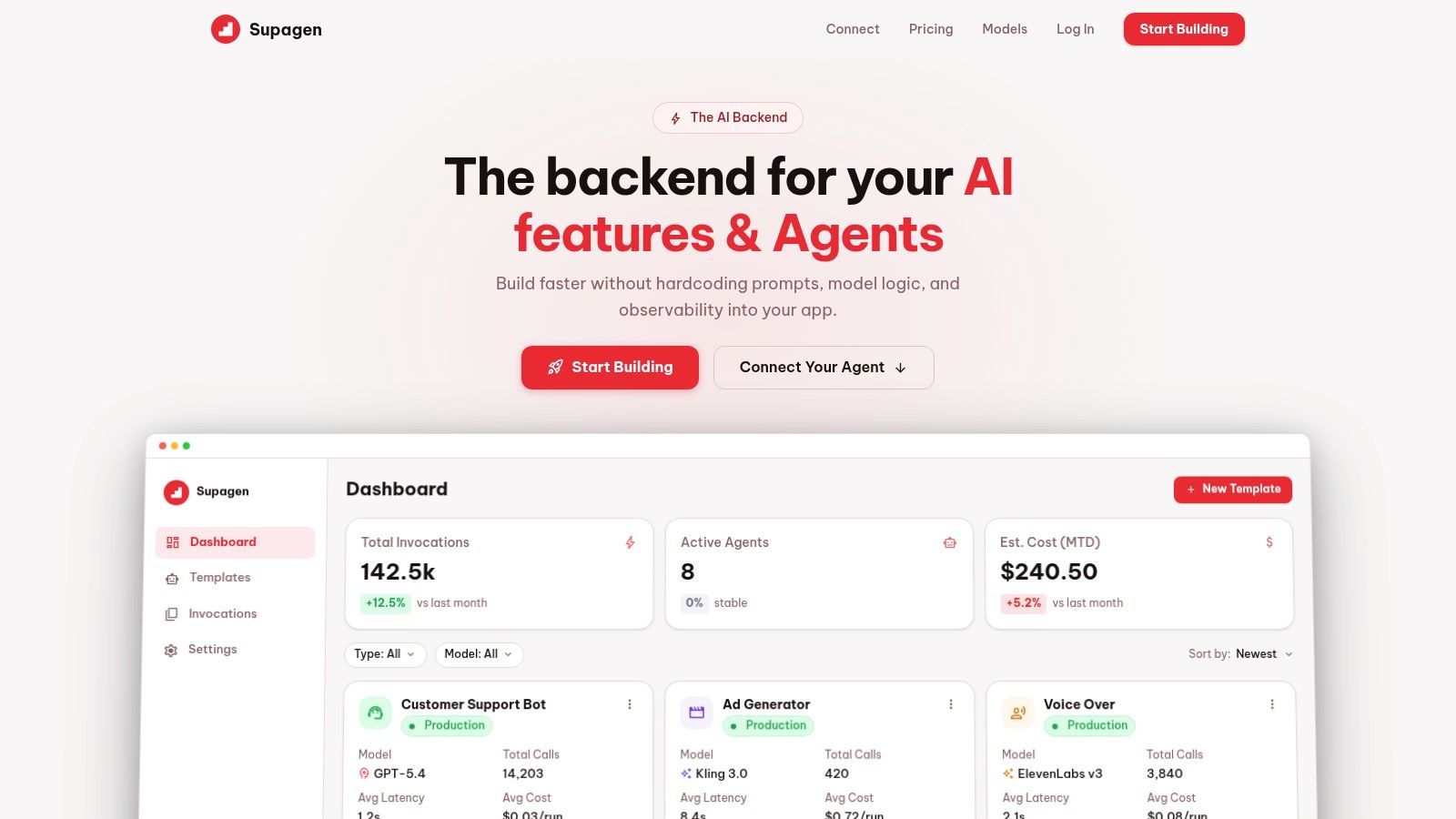
A team ships an AI feature with prompts buried in app code, provider settings split across environments, and no clean way to inspect failures. The first demo works. Two weeks later, latency spikes, outputs drift, and every prompt change needs another deploy. Supagen is built for that stage of the product cycle.
Supagen sits closer to an AI operations layer than a prompt library. You connect your app once, then manage prompts, model routing, fallbacks, and request settings from one place. That distinction matters in production. Prompt examples help you start, but they do not give you version control, testing discipline, runtime visibility, or cost guardrails.
The practical advantage is faster iteration with less application churn. Teams can revise a system prompt, swap models, change parameters, or add fallback behavior without touching the core app every time. For product and engineering teams, that usually means shorter feedback loops and fewer release cycles spent on prompt-only changes.
Why Supagen stands out in production
Supagen treats prompts like part of the software delivery surface, not a string hidden in code. You get versioned prompts, a visual editor, per-call logs, and visibility into tokens, latency, outputs, and spend. That closes the gap between writing a decent prompt and operating a dependable AI feature.
That observability is the separator. When an extraction prompt starts missing fields or an assistant begins timing out, the team needs the exact request path, model settings, and output history. Hunting through generic app logs is slow and error-prone. A dedicated prompt ops layer makes debugging much more direct.
Practical rule: if changing a prompt requires a full app deploy, your prompt system is still immature.
Supagen also supports MCP-compatible agents through a URL and OAuth flow. That reduces the amount of SDK wiring needed when agents and tools need to follow the same backend standards as the rest of the stack.
Where it fits best
Supagen fits teams building product features with real runtime pressure. That includes chat assistants, content generation systems, extraction and classification flows, internal copilots, and agent-based workflows. It is also a reasonable choice for small teams that want production controls early instead of stitching them together from provider dashboards, logging tools, and custom middleware.
There are trade-offs.
- Another dependency to run through: adding a platform layer can add latency and creates a new operational dependency.
- Data handling needs review: teams sending sensitive prompts or customer data still need to check security, compliance, and retention policies carefully.
- More platform than a simple prototype needs: for a notebook experiment or a single prompt in a side project, the overhead may not pay off yet.
What makes Supagen notable in this list is its framing. It is not primarily a marketplace for prompt examples. It is a playbook for running prompts as code, with versioning, testing, observability, and cost control in one workflow. That is the difference between collecting prompts and shipping AI features that hold up after launch.
2. PromptHub
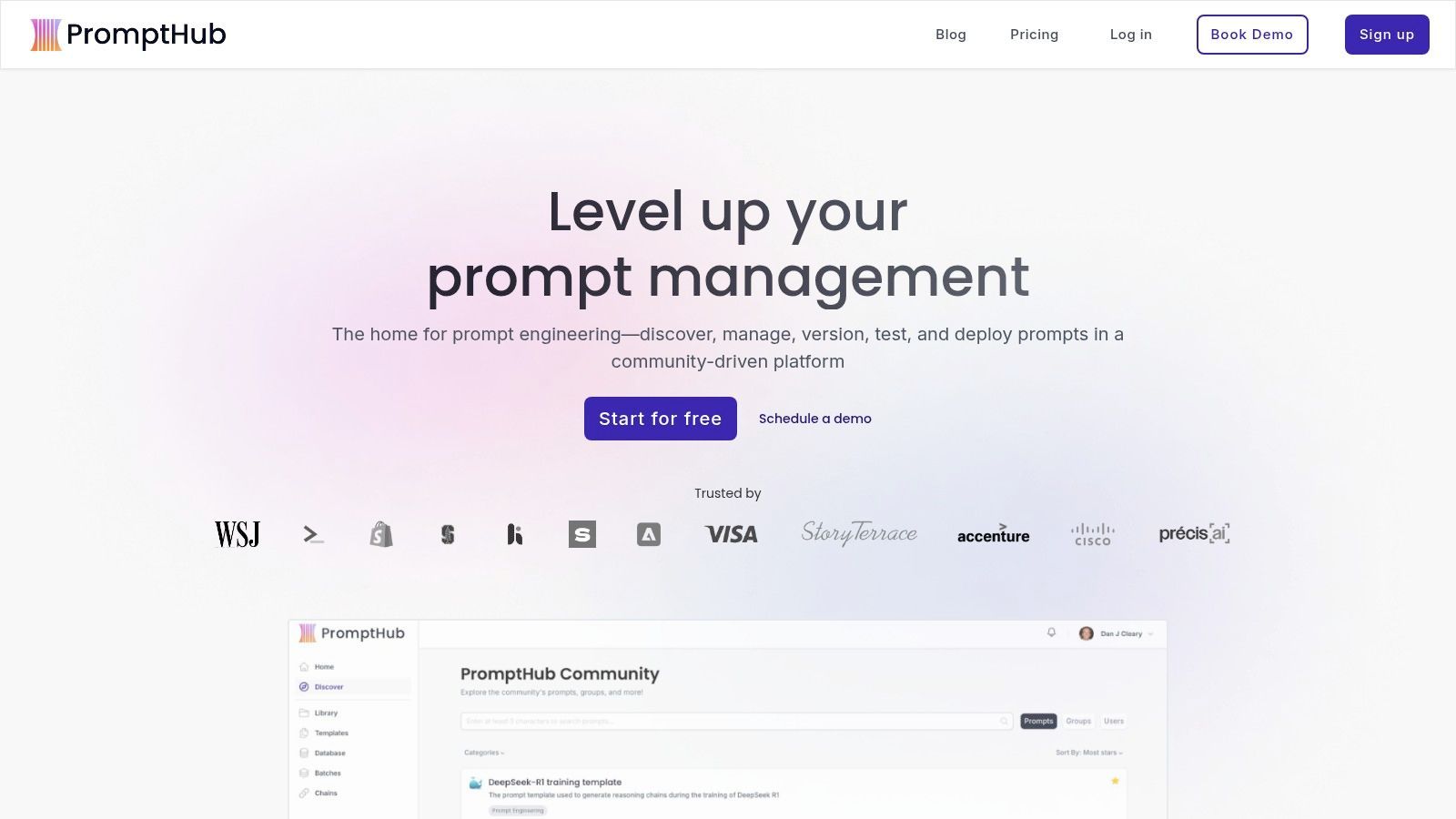
PromptHub feels like it was built by people who've lived through prompt sprawl. If your team keeps passing prompt snippets around Slack, Notion, and code comments, PromptHub gives you a more disciplined home for them.
It combines a community prompt library with private prompt management, version history, evaluations, deployments, and multi-model testing. That mix matters. Discovery is useful early, but shipping needs branches, commits, review paths, and some way to compare output across providers before you push a change into production.
Best for teams that want Git style prompt ops
PromptHub's strongest pitch is workflow. The platform leans into versioned templates, CI-style evaluations, batch testing, and deployment options like API access, shareable forms, and Zapier. That makes it a solid fit for startups with product, ops, and marketing users all touching the same prompt layer.
Structured templates tend to outperform vague requests when teams define variables and output shape clearly. In business settings, templates often use placeholders such as [platform], [topic], and [issue description], and require bounded formats like executive summary plus detailed breakdown or customer support replies with explicit next steps and selected tone (business prompt template patterns). PromptHub maps well to that operational style.
What works well:
- Published plan limits: Clearer pricing and packaging than many enterprise-leaning competitors.
- Practical team workflows: Branches, commits, and testing feel familiar to product and engineering teams.
- Hybrid library model: Community prompts and private organizational prompts can live together.
What doesn't:
- Heavy for solo builders: If you only need a few reusable templates, the platform may feel more process-heavy than helpful.
- Compliance caution: SOC 2 is listed as in progress, which can block teams with strict procurement standards.
PromptHub is a good middle ground. It's more operational than a marketplace, but less backend-centric than a full AI infrastructure layer.
3. PromptLayer
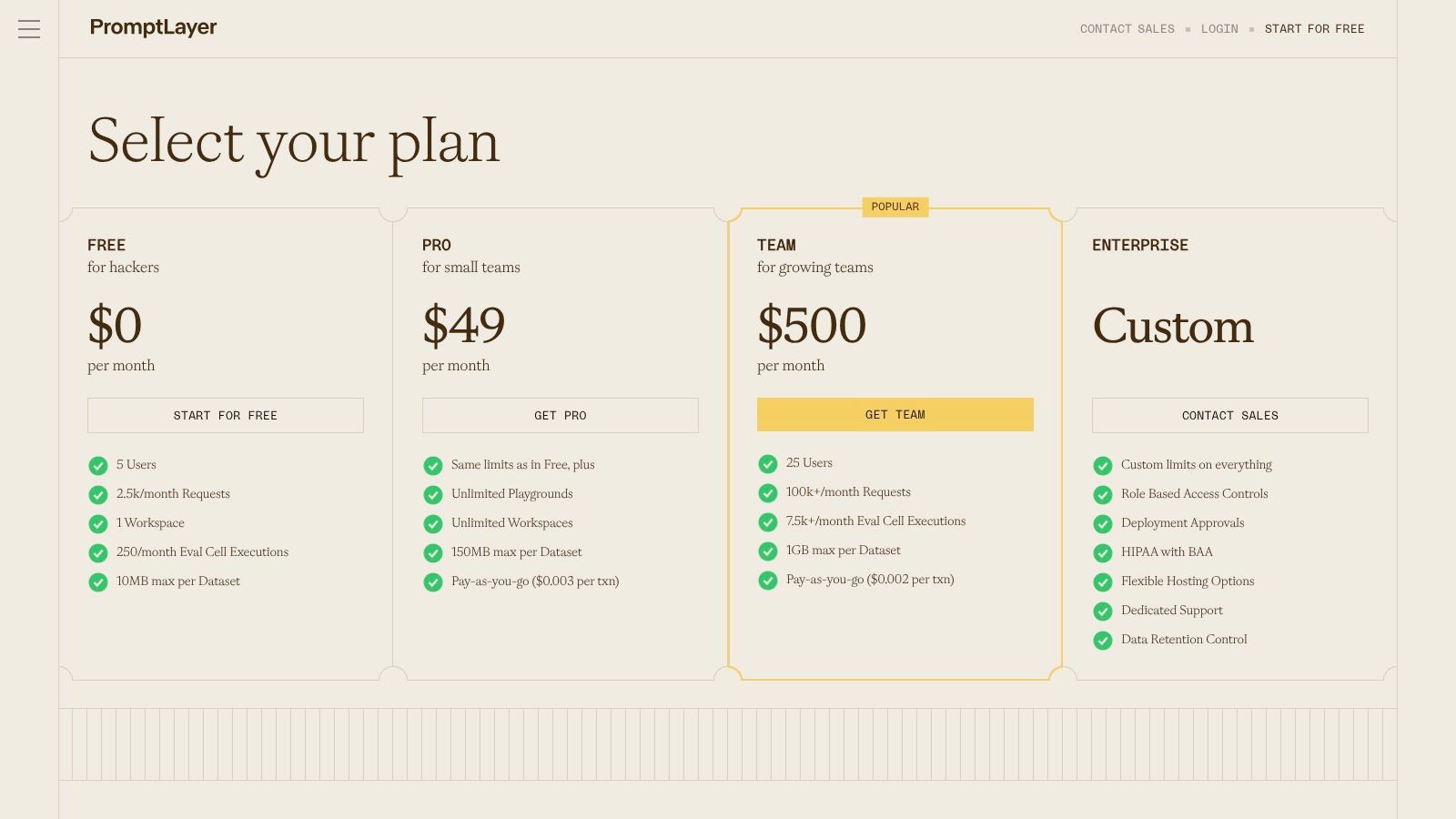
PromptLayer is for teams that already know prompt reliability isn't just about wording. It's about repeatability, rollback, and keeping templates portable across providers without turning them into one-off artifacts.
The product centers on a prompt registry and model-agnostic blueprints. That's useful when you don't want "the Anthropic version" and "the OpenAI version" to drift into separate systems with separate ownership. You want a stable abstraction with variables and controlled edits.
Strong abstraction for model agnostic templates
PromptLayer gives you template variables, versioning, side-by-side comparisons, and testing pipelines. In practice, that's strong when you're building a feature that has to survive model changes over time, especially if procurement, pricing, or quality pushes you to switch providers later.
That portability issue is bigger than many teams expect. One 2025 to 2026 guide highlights output degradation when teams move templates between model architectures without adapting them, and frames template migration as a common failure point in enterprise AI projects (prompt portability discussion). PromptLayer's blueprint approach is well matched to that problem, because it encourages teams to separate prompt intent from provider quirks.
Teams usually underestimate migration work. A prompt that feels "general" is often tuned, implicitly, to one model's habits.
A few trade-offs:
- Pricing isn't very transparent: The site leans toward custom and enterprise conversations.
- You need process maturity: The tool pays off when you already care about governance and regression control.
- Simple use cases won't justify it: For lightweight prompting, this can feel like infrastructure before necessity.
If you run a multi-provider stack or expect to in the near future, PromptLayer is one of the more serious options in this category.
4. Humanloop
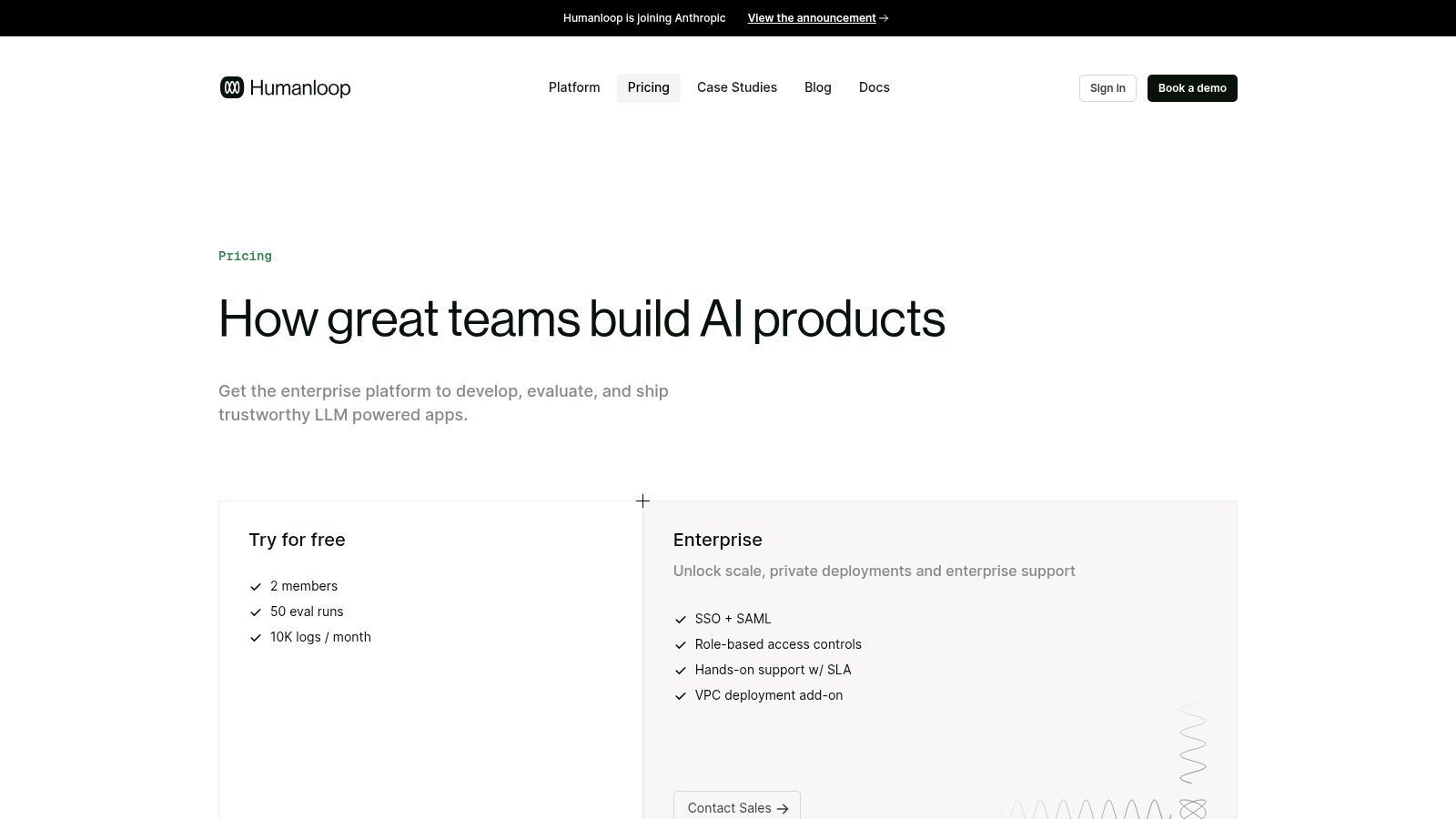
Humanloop is built around a simple idea that many teams postpone too long: prompts should be measured against datasets, not opinions. If your AI feature matters enough to support customers or automate decisions, "this output looks better to me" isn't a sufficient release criterion.
Its Prompt Editor is tightly connected to datasets, logs, test cases, and managed evaluations. That gives prompt iteration a much more rigorous foundation than ad hoc playground testing.
Best when evaluation discipline matters
Humanloop is strongest when quality isn't obvious from one output. Think support classification, extraction, risk review, or agent tool behavior. In those cases, you need offline and online evaluations, evaluator prompts, and the ability to compare prompt changes against known examples.
That discipline mirrors what high-performing marketing and sales teams do with templates. A benchmark published around prompt engineering for marketing argues that structured templates using few-shot examples and chain-of-thought style reasoning instructions can outperform generic requests by 3.2x on conversion metrics, and recommends a monthly audit cycle tying prompt versions to downstream metrics such as click-through rate or email opens (marketing prompt benchmarking). Humanloop supports that kind of loop better than tools that stop at storage and editing.
What stands out:
- Evaluation-first design: Useful for teams that need defensible prompt changes.
- Collaborative debugging: Logs can be tied back to prompts, tools, and flows.
- Broad model support: Helpful if your stack spans multiple providers.
What to watch:
- Enterprise tilt: Pricing and packaging are light publicly, and setup is heavier than a lightweight prompt registry.
- Longer onboarding curve: The value appears after you load data and define tests. It isn't instant.
If your prompt templates are tied to product KPIs or regulated workflows, Humanloop deserves serious consideration.
5. Vellum
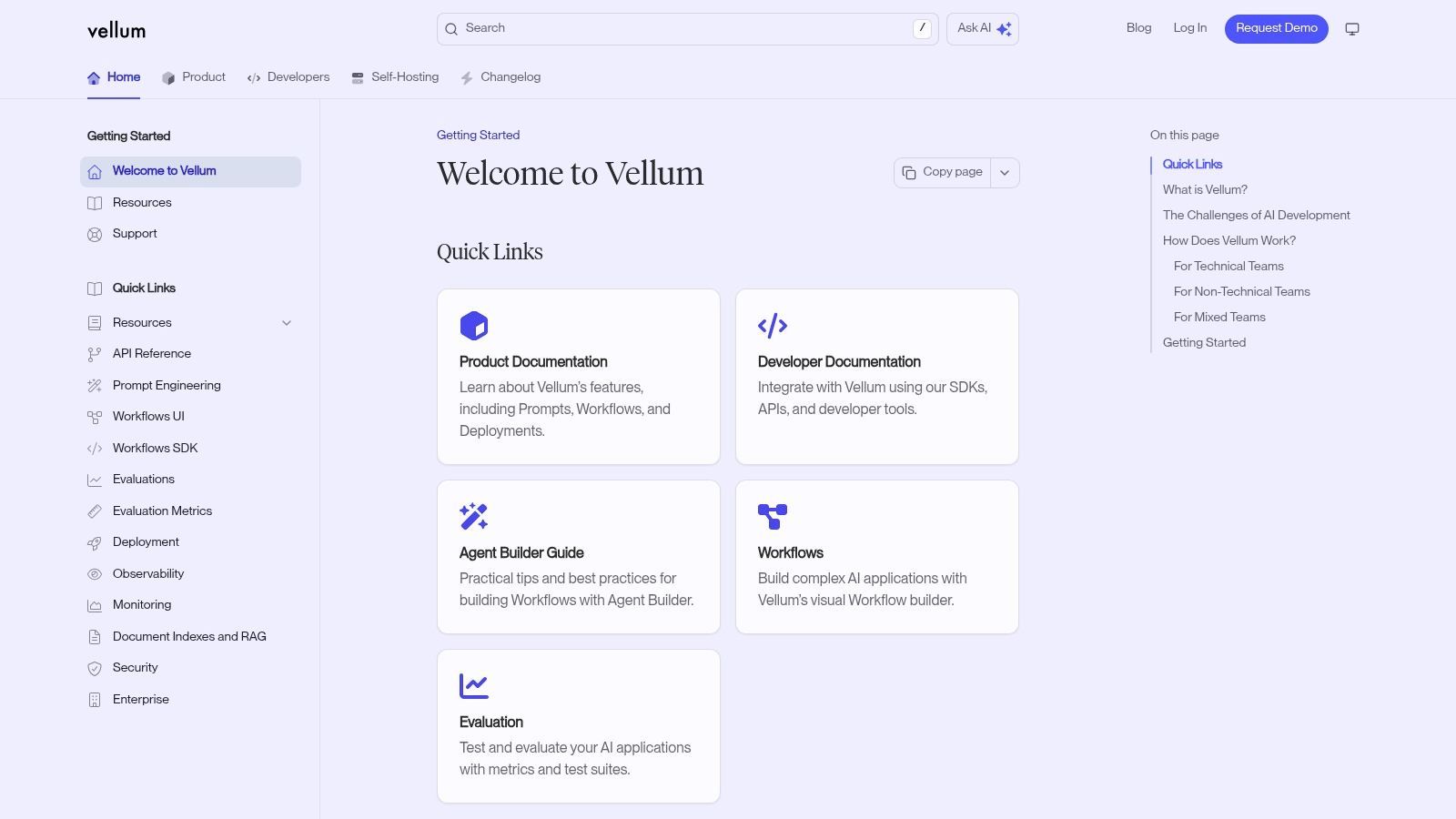
Vellum sits in an interesting spot. It isn't just a prompt repository, and it isn't just an orchestration tool. It tries to cover prompts, workflows, deployments, and evaluations in one system.
That makes sense when your application logic already spans multiple steps. A customer-facing feature rarely stops at "send one prompt, get one answer." More often you classify, retrieve context, transform output, enforce structure, and maybe call tools or route between models.
Useful when prompts are only one part of the workflow
Vellum supports prompt templates with versioning, visual workflows, deployment nodes, multimodal inputs such as images and PDFs, and model routing through model profiles. If you're building document processing, creative review, or multimodal assistant workflows, those are practical features, not marketing checkboxes.
I also like that Vellum acknowledges prompts as deployable components. That's a better framing than treating prompt text as a buried implementation detail.
A few pros and cons stand out:
- Strong multimodal coverage: Useful when your templates must handle more than plain text.
- Visual workflow builder: Good for cross-functional teams and non-trivial prompt chains.
- Model profile routing: Helps when you want one logical workflow with flexible model backends.
- Product positioning can feel mixed: The recent shift toward personal-assistant-style messaging may blur who the core buyer is.
- Pricing takes estimation: Compute or credit-style models usually require some forecasting before procurement feels comfortable.
If your prompt lives inside a larger workflow, buy for workflow control first and template storage second.
Vellum is a strong fit for teams that need orchestration and prompt management together, especially when the input and output formats vary across steps.
6. PromptBase

PromptBase solves a different problem from tools like Supagen, Humanloop, or PromptLayer. It helps you find prompts fast. That's valuable when you need inspiration, niche starting points, or a shortcut into a domain you don't know well.
It's a marketplace for text, image, and video prompts across models including ChatGPT, Claude, Gemini, Llama, Midjourney, Stable Diffusion, and DALL·E, along with bundles and creator-sold assets. If you're trying to bootstrap a use case quickly, that catalog can save a lot of blank-page time.
Good for buying speed, not governance
The main advantage is breadth. For a niche content pattern, creative style, or industry-specific use case, PromptBase often gets you a workable draft faster than writing from scratch.
The downside is predictable. Marketplace quality varies by seller, and a prompt that performs well in one model context often needs real adaptation before it belongs in production. That's especially true if your app requires placeholders, schema discipline, or repeatable outputs.
The broader market for prompt marketplaces is also growing fast. Grand View Research states the global artificial intelligence prompt marketplace reached $1.406 billion in 2024 and projects $10.99 billion by 2033, with a projected CAGR of 25.9% from 2025 onward (AI prompt marketplace market report). That growth explains why PromptBase matters, but marketplace growth isn't the same thing as production readiness.
Use PromptBase when you want:
- Fast specialization: Good for niche prompt ideas you don't want to invent from zero.
- Cross-model browsing: Helpful when comparing styles across text and media tools.
- Paid and free options: Useful for quick exploration.
Don't use it as your final operating model. Marketplace prompts are seeds. They still need versioning, testing, observability, and cost-aware deployment.
7. FlowGPT
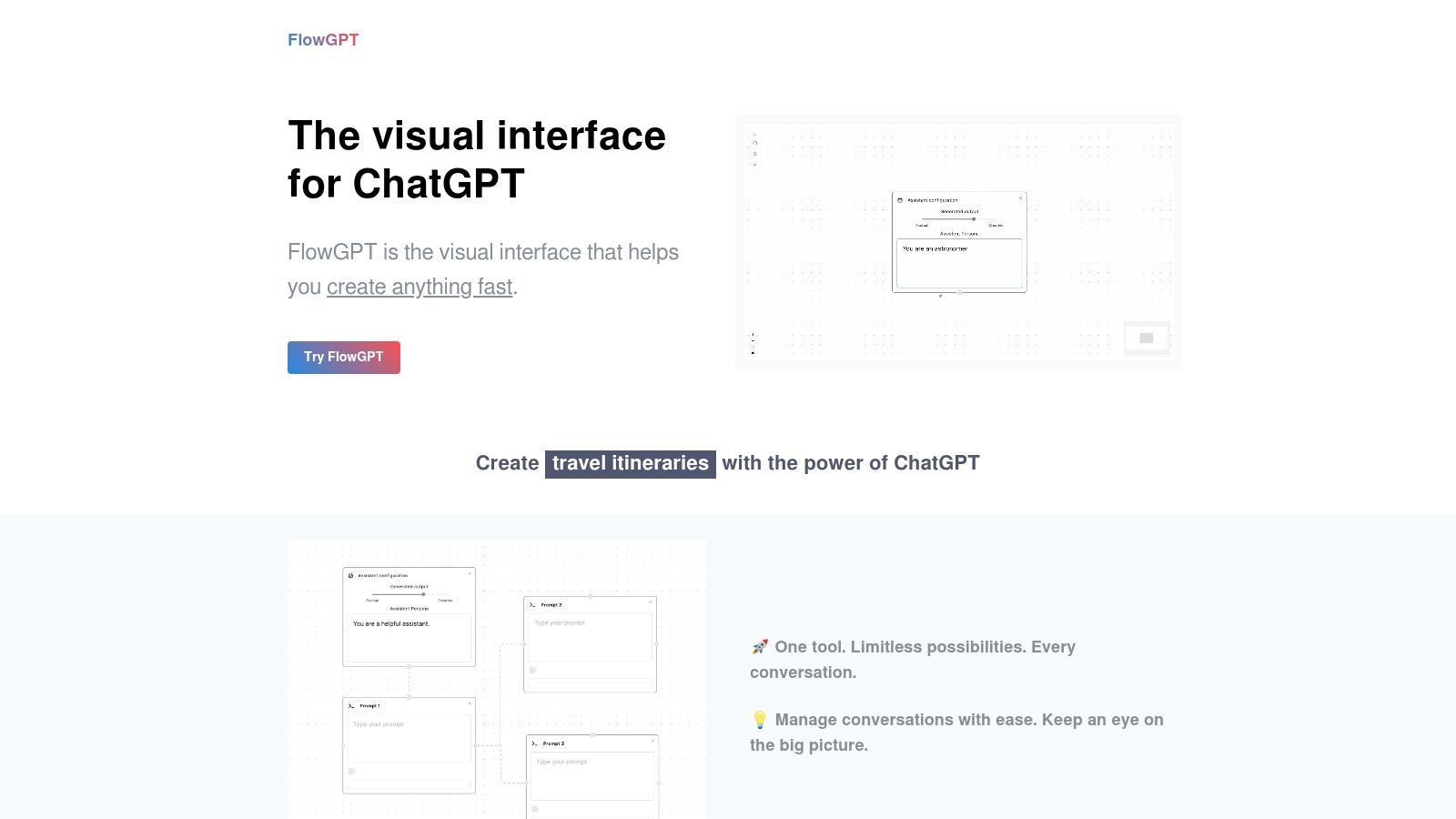
FlowGPT is where I'd send someone who needs examples before infrastructure. It has a large community library, cookbook-style guidance, and a visual interface that lowers the barrier to trying prompt patterns quickly.
That matters because most prompt design problems aren't solved by staring harder at an empty text box. They're solved by seeing ten concrete approaches, noticing the structural differences, and adapting the useful pieces.
Best for rapid discovery and community patterns
FlowGPT is good at showing how other users frame roles, constraints, style guidance, and output formats. For experimentation, that makes it faster than a blank prompt editor and lighter than a full prompt ops platform.
It's especially useful early in product discovery. When a team is still figuring out whether a support agent should summarize, classify, or ask clarifying questions first, community examples can expose patterns that internal brainstorming misses.
What it does well:
- Fast inspiration: Strong for generating first drafts and pattern ideas.
- Community signal: Ratings and examples give some indication of what people are using.
- Low-friction browsing: Good for product managers, founders, and marketers who aren't living in SDK docs.
What it doesn't do well:
- Weak governance: You won't get the change control or evaluation discipline that production teams need.
- Variable quality: Community content always requires review before adoption.
FlowGPT is a discovery layer. Treat it like a place to collect candidate prompt structures, then move the good ones into a managed system.
8. AIPRM
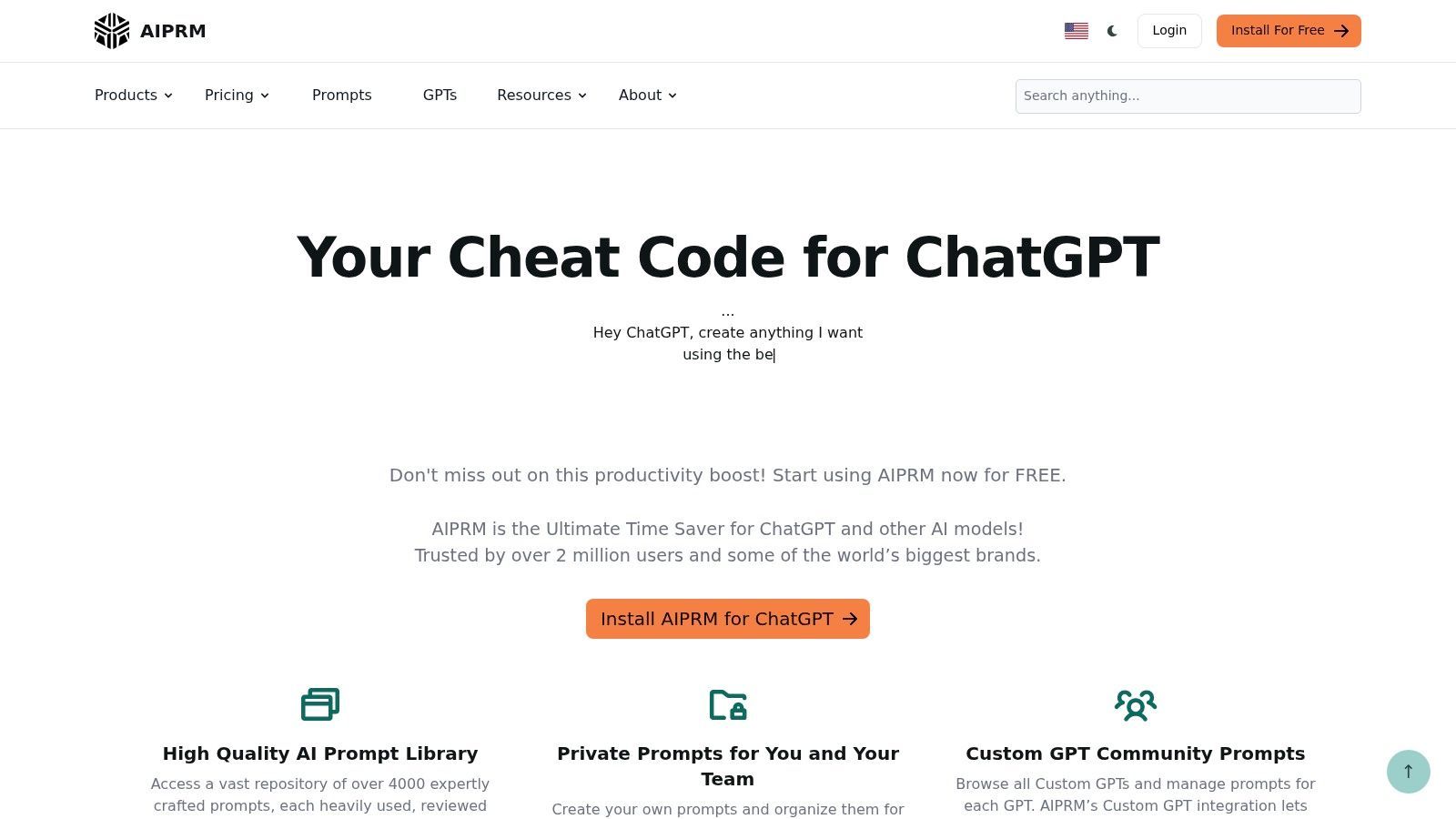
AIPRM became popular for a simple reason. It meets users where they already work. Instead of asking people to adopt a new prompt platform from day one, it brings templates directly into the chat interface they already use.
That convenience is real. For marketers, founders, consultants, and small teams, being able to pull from a large prompt library inside a familiar UI is often enough to standardize common tasks.
Fastest way to standardize prompts inside chat tools
AIPRM offers a large public template library, private and team prompt collections, and helpers related to managing prompt assets around chat-based workflows. For teams that mostly operate in chat tools rather than custom applications, that's a practical setup.
This approach works best when the prompt itself is the product of the workflow. It works less well when the prompt is just one dependency in a larger software feature.
The trade-off is straightforward:
- Quick time-to-value: Easy adoption because the environment is familiar.
- Useful for non-engineering teams: Great for repeatable writing, research, and ideation tasks.
- Free tier availability: Helpful for testing before commitment.
But also:
- Not built for backend operations: Browser extension and chat UI patterns don't map cleanly to production services.
- Lighter governance: Versioning, testing, and review controls aren't in the same class as engineering-focused tools.
AIPRM is best viewed as an enablement tool. It helps teams stop rewriting prompts from scratch, but it won't replace a prompt management layer for an app you ship to customers.
9. PromptHero
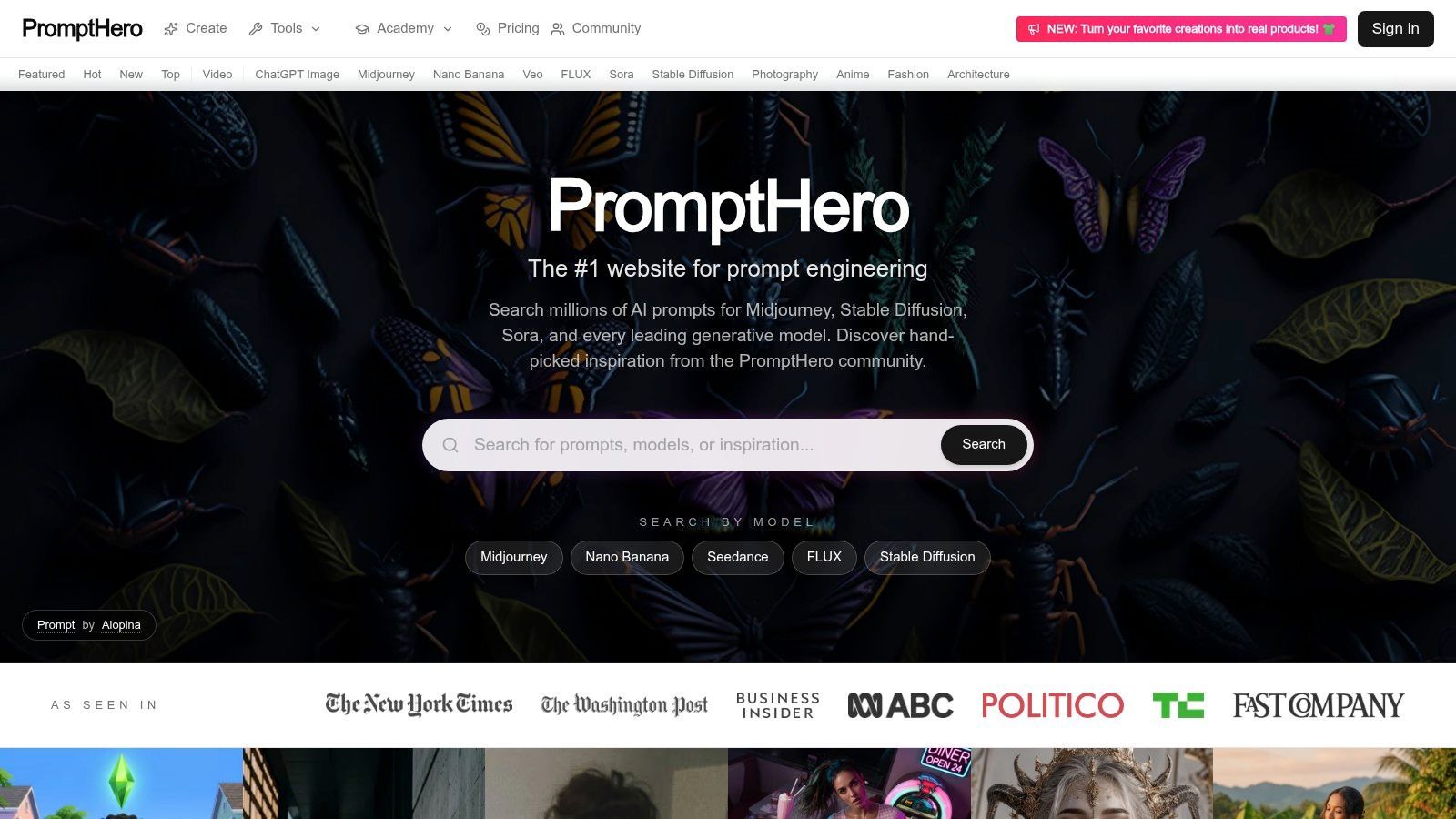
PromptHero is the visual specialist on this list. If your work involves Midjourney, Stable Diffusion, DALL·E, FLUX, or similar creative tooling, PromptHero is one of the best places to study prompt structure through examples rather than theory.
Text prompt systems and image prompt systems reward different habits. In visual generation, style references, composition hints, lighting, medium, and negative prompt patterns often matter more than the instruction-heavy prose that works in chat models.
A visual prompt library with real creative value
PromptHero's searchable gallery and style discovery features are useful because they reveal how experienced users compress intent into prompt fragments that produce distinctive outputs. That makes it valuable for design teams, creative marketers, and product teams prototyping image-heavy features.
It also helps with one skill many teams skip: learning prompt anatomy by reverse engineering good examples. Seeing many strong prompts side by side teaches you what details are carrying the output.
A few realities to keep in mind:
- Great for inspiration: Especially strong when visual style is part of the requirement.
- Useful learning surface: You can study working prompt formats instead of inventing your own from scratch.
- Free to browse: Easy to use as a research tool.
- Not a governance tool: It won't manage your prompt lifecycle as part of application infrastructure.
- Media-first focus: Better for creative generation than structured text operations or enterprise workflows.
If your AI feature includes image generation, PromptHero is a serious reference library. Just don't confuse inspiration with deployment strategy.
10. PromptPortal
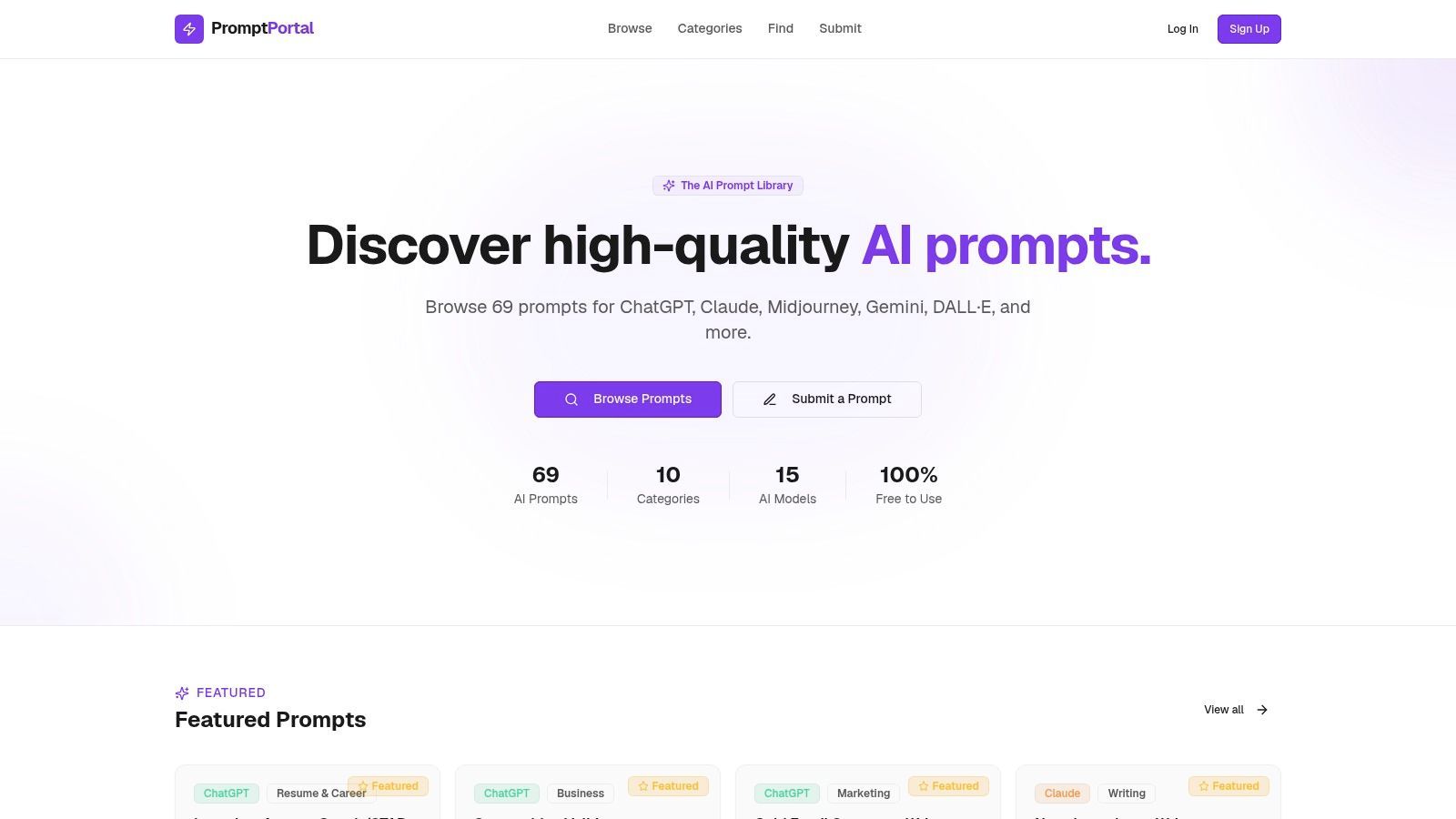
PromptPortal is the lightweight option for people who know they need a prompt library but aren't ready for a full prompt ops stack. It focuses on discovering, saving, and sharing prompts across models like ChatGPT, Claude, Gemini, Midjourney, and DALL·E, with smart variables for quick personalization.
That makes it a sensible stepping stone. Small teams often need consistency before they need governance.
A lightweight starting point for small teams
The smart variable concept is the useful bit here. Placeholders make prompts reusable, and reusable prompts are where standardization starts. A prompt with variables for customer type, product name, tone, or issue description is far more maintainable than dozens of copied variants with tiny differences.
PromptPortal works well when your needs are simple:
- Personal libraries: Save prompts by project, client, or use case.
- Basic team reuse: Share common patterns without extra process.
- Fast personalization: Variables help users adapt templates quickly.
Its limits are just as clear:
- Minimal enterprise controls: If you need SSO, role-based review, or CI-style checks, you'll outgrow it.
- Smaller ecosystem: The library depth won't match the largest marketplaces.
PromptPortal is a good first system for small teams that want to stop losing good prompts in docs and chats. Once prompt behavior starts affecting users directly, you'll probably need a more operational layer.
Top 10 AI Prompt Template Platforms Comparison
A team usually hits this comparison table after the same failure mode repeats a few times: a prompt works in testing, someone copies it into production, then nobody knows which version is live, why costs jumped, or why output quality drifted after a model change. At that point, "prompt templates" stop being a content problem and become an operations problem.
That is the lens for this comparison. These platforms solve different parts of the stack: discovery, reuse, governance, testing, deployment, and observability. The right choice depends less on prompt quality in isolation and more on how you plan to run prompts as code.
A useful way to read the table is by category, not rank.
Supagen, PromptHub, PromptLayer, Humanloop, and Vellum are operational tools. They help teams control prompt changes, compare versions, test outputs, and manage real product behavior. If prompts influence user experience, support resolution, lead qualification, or content generation at scale, this group deserves the closest look.
PromptBase, FlowGPT, AIPRM, PromptHero, and PromptPortal are better for discovery, reuse, and speed. They help teams find patterns, collect working examples, and standardize common tasks. They do not replace versioning, observability, or release discipline.
That distinction matters in practice. A prompt marketplace can save an afternoon. A prompt ops platform can save a quarter of cleanup after an untracked change degrades output quality across production traffic.
Build Resilient AI, Not Brittle Prompts
A support copilot goes live after a strong playground demo. Two weeks later, replies drift off-brand, structured output starts failing on edge-case tickets, and the team cannot tell whether the break came from a prompt edit, a model update, or a change in input length. That is the point where prompt templates stop being copy and start behaving like application logic.
Teams get into trouble when prompts live in too many places at once. One version sits in code, another in a shared doc, a third in a vendor dashboard, and a fourth in someone's chat history. The cost is not abstract. Debugging slows down, releases get riskier, and nobody has a clean answer to a basic production question: what changed?
Prompt text matters, but the operating layer matters more. Version history, evals, logs, model routing, fallback rules, and spend controls determine whether an AI feature stays stable under real traffic. Without that layer, even a good prompt becomes fragile.
Discovery tools still serve a purpose. FlowGPT, PromptBase, PromptHero, and PromptPortal help teams find useful patterns, gather examples, and shorten early experimentation. That is valuable work at the start.
The production job is different.
Once prompts affect support quality, lead qualification, content generation, or any workflow tied to user trust, teams need a system for controlled change. The practical questions are straightforward. Which version is live? What parameters changed? Which inputs now fail? How did output quality shift after the last release? What does each request cost?
The pattern that holds up in production is simple. Define templates with explicit variables. Specify output requirements in plain terms. Validate outputs in the application instead of trusting the model to stay consistent. If the response must be JSON, enforce a schema check. If ordering matters, spell out the order. If tone matters, describe it with rules the model can follow repeatedly.
Then treat prompt changes like code changes. Test against real inputs, including ugly ones. Compare outputs before rollout. Keep a changelog. Watch latency, failure rate, and cost after release. If the feature affects conversion, resolution quality, or review load, evaluate prompt changes against those outcomes instead of picking the version that sounds best in a demo.
The prompt that wins in a playground often loses in production because the team never built the release and measurement layer around it.
That is why prompt management platforms matter. Supagen is useful here because it gives teams one place to manage versions, inspect request logs, compare behavior across models, and keep an eye on spend without pushing every prompt edit through a full application deploy.
The key shift is organizational. Prompt templates stop being scattered snippets and become managed assets with owners, tests, release history, and cost visibility. That is how a promising prompt turns into an AI feature a team can maintain.